- 23 - MODEL 3587
3.8.5 Connection check setting
ON/OF connection check function method is explained here.
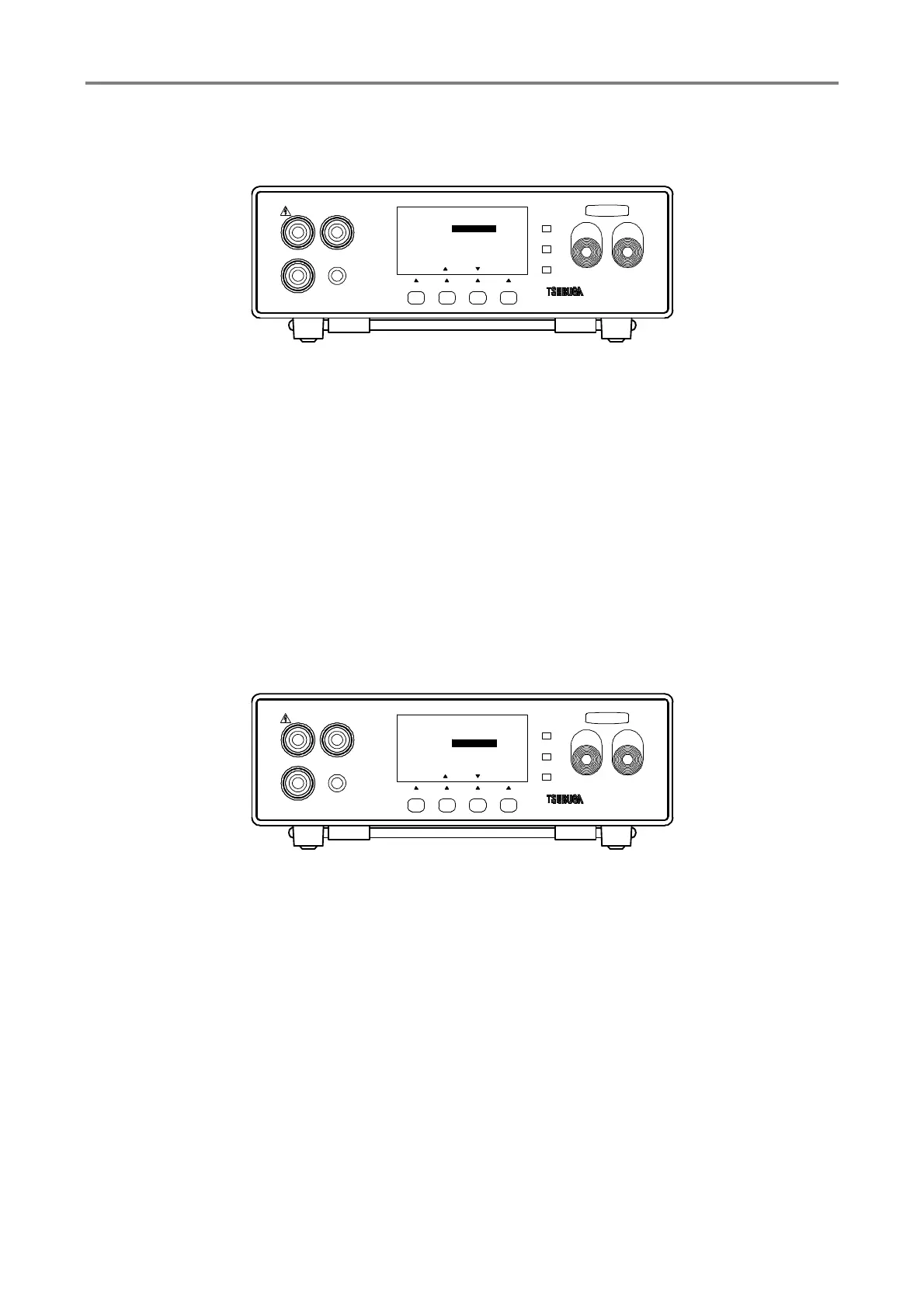
① Press F1 [SEL] KEY to select GENERAL SET and press F4 [ENT] key to enter into
GENERAL SET
Select CNTCT CHK by F1 [SEL] key.
② Press F2 [▲], F3 [▼] key.to select ON/OFF
ON : Perform the connection check during start and end of measurement.
OFF : No connection check
③ Press F4 [ENT] to memorize setting and the display returns to measurement mode.
To continue the other setting, select the items that you want to change by pressing F1
[SEL].
3.8.6 Buzzer setting
Buzzer operation and volume of sound setting are explained here.
① Press F1 [SEL] key to select GENERAL SET press F4 [ENT] key to and enter into
GENERAL SET
Select BUZZ MODE or BUZZ VOL by F1 [SEL] key.
② Press F2 [▲], F3 [▼] key to select BUZZ MODE and BUZZ VOL as follow.
BUZZ MODE
GOOD : Ring the buzzer during GOOD JUDGMENT
NG : Ring the buzzer during HIGH or LOW judgment
OFF : No judgment buzzer
BUZZ VOL
Setting range : 1 to 9
③ Press F4 [ENT] to memorize the setting
To continue the other setting, select the items that you want to change by pressing F1
[SEL].
HIGH
GOOD
LOW
START STOP
3587MODEL
LOW
REMOT E
GUARD
HIGH
F3F2F1
TEST
[ENT][][]
CNTCT CHK
BUZZ MODE
BUZZ VOL 5
GENETAL SET
[SEL]
2/3
NG
OFF
F4
HIGH
GOOD
LOW
START STOP
3587MODEL
LOW
REMOT E
GUARD
HIGH
F3F2F1
[ENT][][]
2/3
CNTCT CHK
BUZZ MODE
BUZZ VOL 5
OFF
NG
GENETAL SET
TEST
[SEL]
F4



 To Next Page