Getting to know the Desk Phone CP110 16
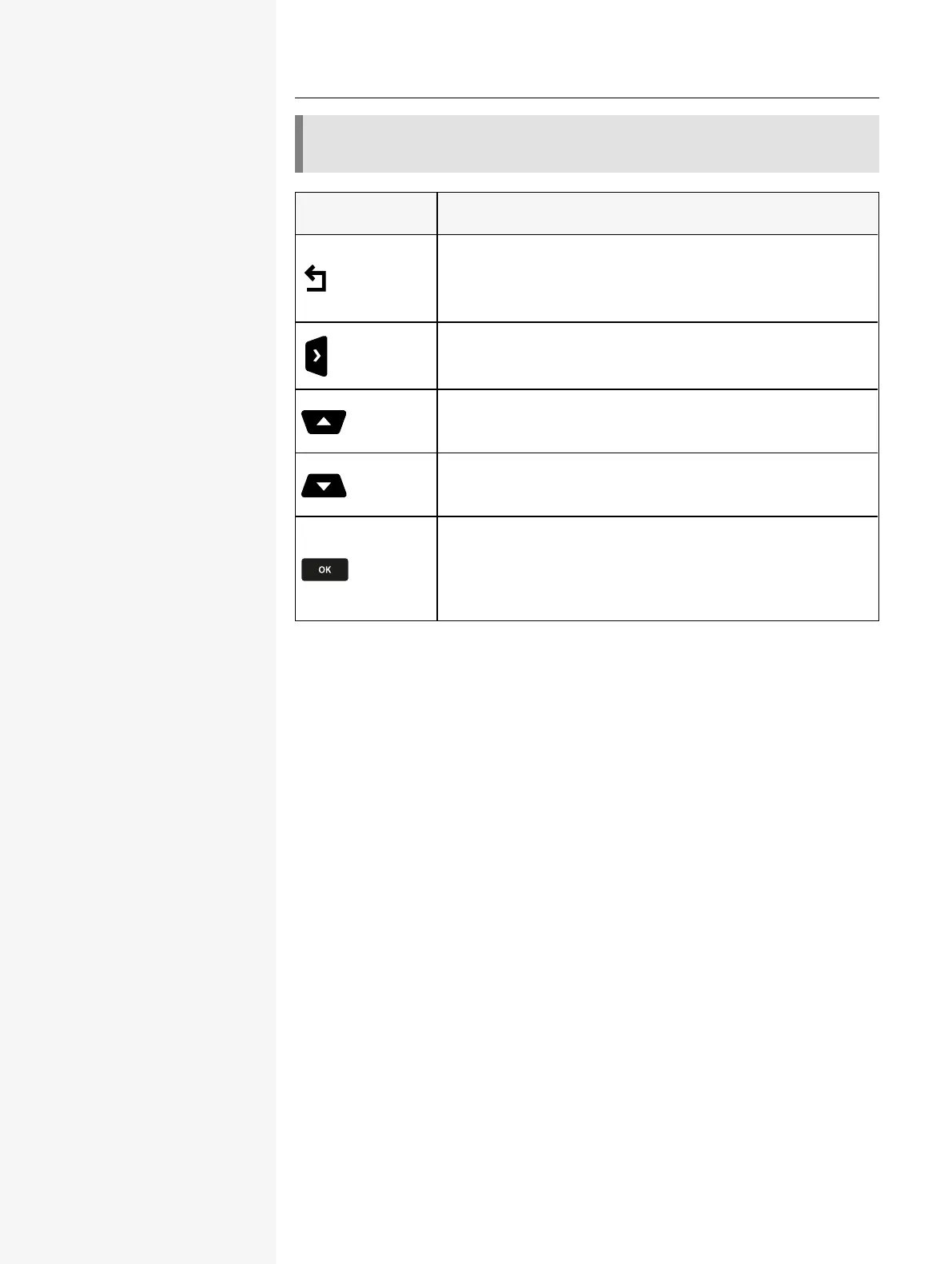
The pictograms for the navigation keys in this manual do not look identical to
the navigation keys on the hardware.
Key/ pictogram Functions when key is pressed
l
In lists and menus: One level up
l
Entry selected: Cancel action
l
In input fields: Delete character to the left of the cursor
l
In lists and menus: One level down
l
In lists and menus: Scroll up
l
Press and hold: Skip to the start of the list or menu
l
In lists and menus: Scroll down
l
Press and hold: Skip to the end of the list or menu
With entry selected:
l
Perform action
l
Confirm your selection
PROGRAMMABLE FUNCTION KEYS ON THE PHONE
Your Desk Phone has three fixed function keys below the display, which you can
program with different functions or phone numbers.
l
Function keys, see "Programming the function keys" à page 32
NOTIFICATION LED
When the phone is idle (on-hook), the notification LED state and colour depends
on the state of the mailbox. The call log key must be configured on the phone to
have the following functionality:
When the phone is not in idle mode, the notification LED shows the following sig-
nal lights:
l
Solid green light: the phone is off-hook, dialling, calling, ringing (outgoing)
or connected.
l
Flashing green light: incoming call.
l
Solid amber light: call on hold.
l
Flashing amber light: recall.














 To Next Page