Group call/ hunt group
If configured, your telephone is part of a team. The team consists of internal
phones that are able to use certain functions.
For configuration of the hunt group, consult the administrator.
Activating or deactivating a group call
For more information on leaving a hunt group if your telephone operates with
system networking via LAN, see "Ringing group" à page 85
If configured, you belong to one or more groups of stations, which can be
reached via hunt group or group call phone numbers. Incoming calls are signalled
one after the other (hunt group) or simultaneously (group call) on all phones in the
group, until a group member answers the call.
Each station in the group can still be reached via its own phone number.
You can activate and deactivate the audible signal for a hunt group, group call or
individual trunks in a group.
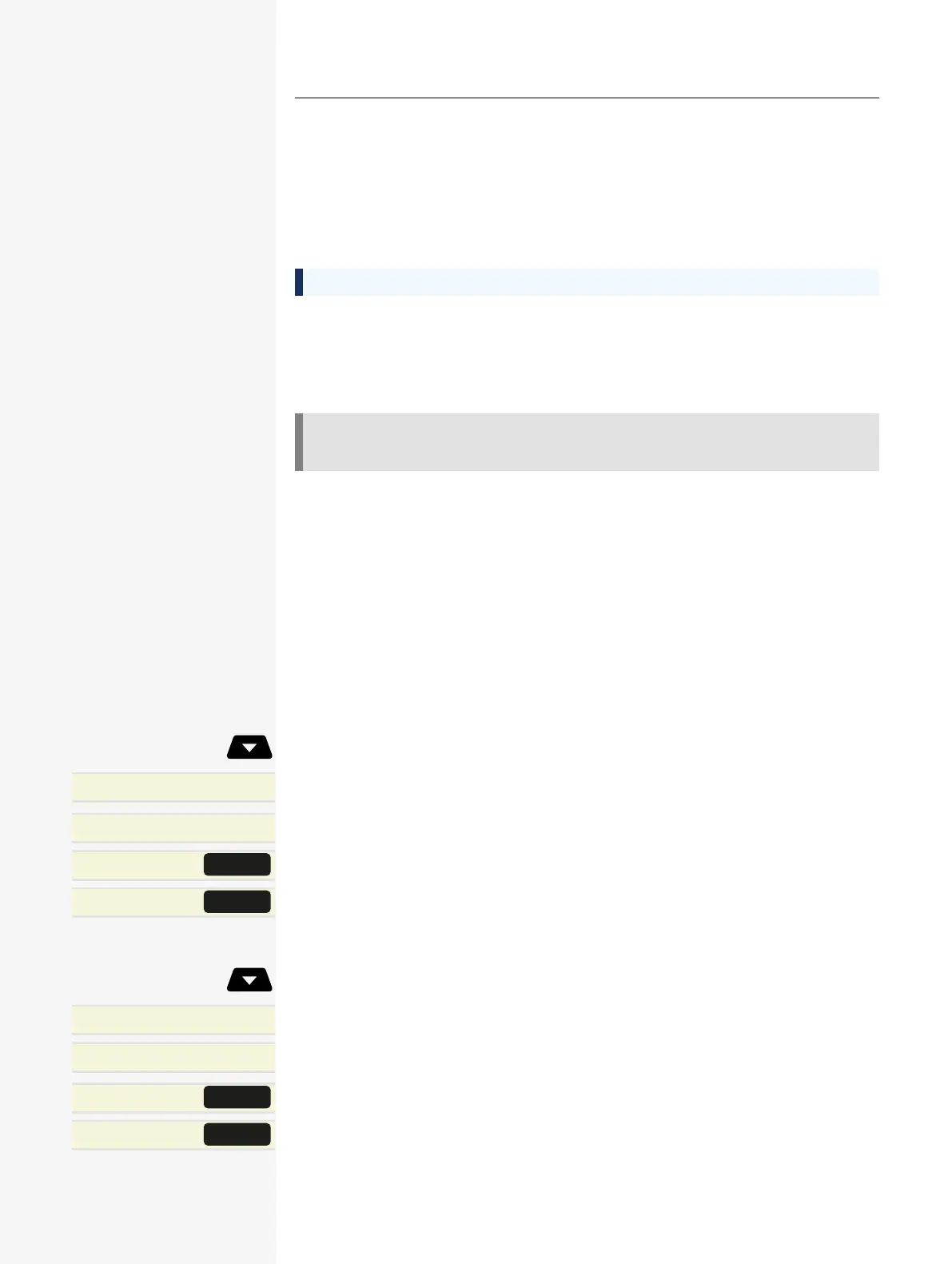
You are part of a hunt group or call group
Open the idle menu.
Leave hunt group?
l
Select and confirm the option shown.
Join hunt group?
l
Optionally, select and confirm the option shown.
Hunt group IN/OUT
l
Press the key shown.
Hunt group IN/OUT
l
Optionally, press the key shown.
You belong to multiple groups
Open the idle menu.
Leave hunt group?
Select and confirm the option shown.
Join hunt group?
l
Optionally, select and confirm the option shown.
Hunt group IN/OUT
Press the key shown.
Hunt group IN/OUT
l
Optionally, press the key shown.
Group call/ hunt group 65














 To Next Page