Getting to know the Desk Phone CP110 24
1 Network LAN port 2 PC LAN port
3 Optional power supply 4 Headset port
5 Handset port
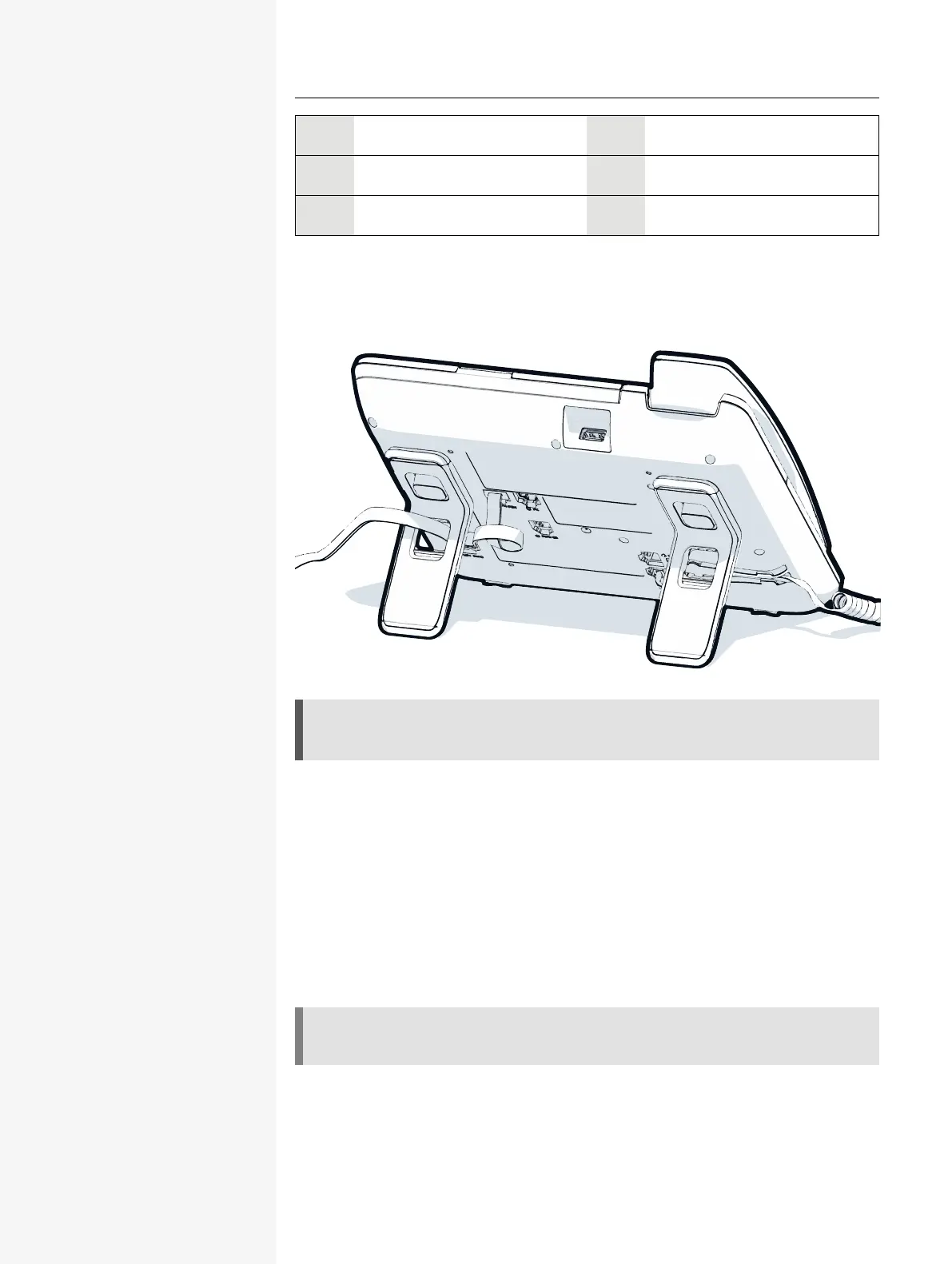
THREADING THE CONNECTION CABLES
The picture shows an example of the Desk Phone series. Your actual phone may
look different.
Thread the connection cables on the back of the phone through the holes in the
stand. Arranged in this way, the device always has a secure stand.
HOW TO USE NETWORK CONNECTIONS
The OpenScape Desk Phone provides a 1Gb/s Ethernet switch. An internal Eth-
ernet switch connects the PC LAN port of the phone with the network LAN port to
the PC.
This option for connecting the telephone and PC must be activated on the tele-
phone by the administrator.
Using this connection option saves one network port for each switch used and
allows shorter network cables to be used when arranged correctly.














 To Next Page