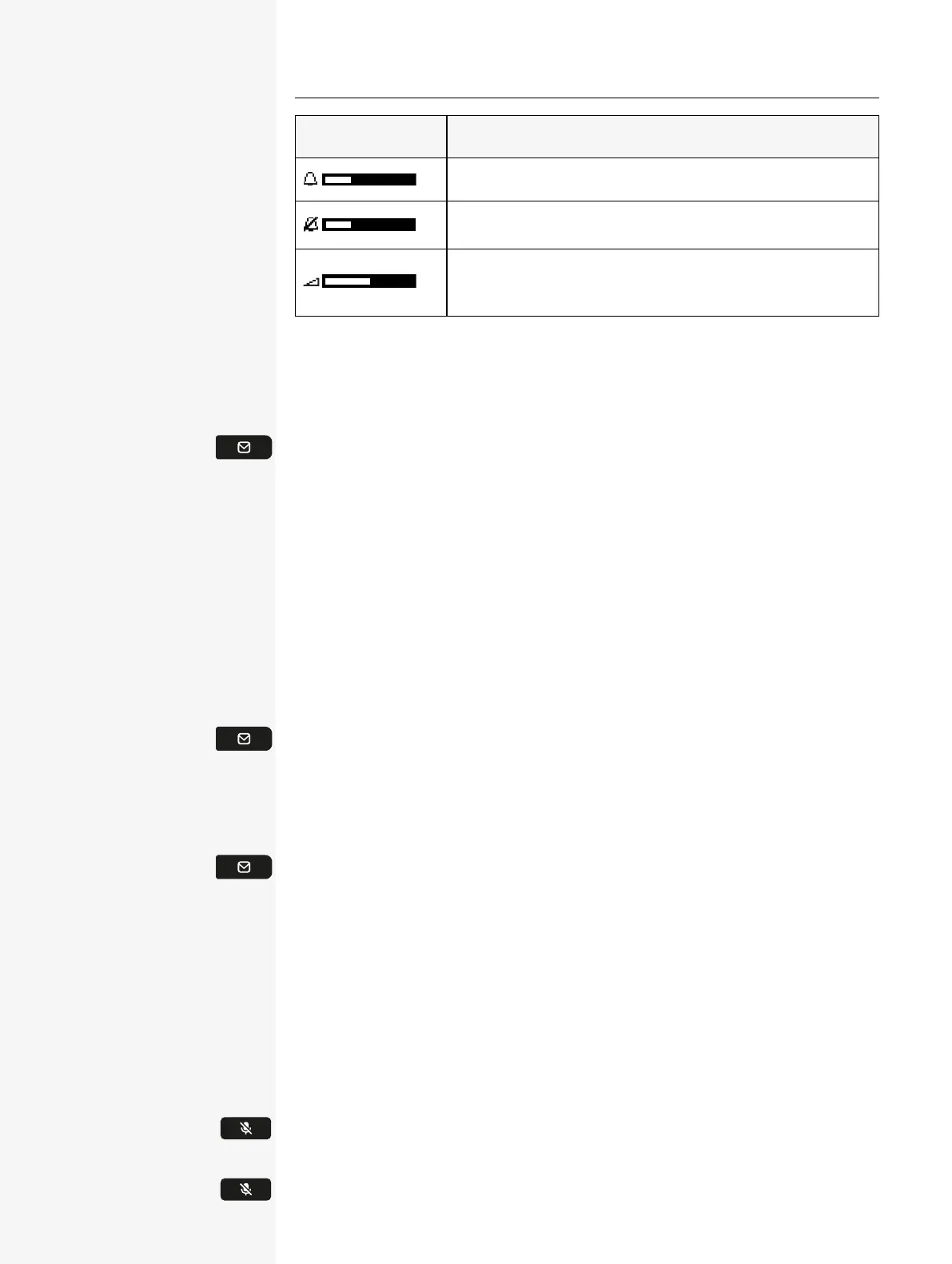
Display Meaning
Ringer volume in 10 levels
Ringer volume in 10 levels when the ringer is switched off
Handset or speaker volume in 10 levels after picking up the
handset or switching to speakerphone mode.
Mailbox
Use the key to access messages from services. The following messages are saved:
l
Callback requests
l
Voicemail
MESSAGES
You can send short text messages to individual internal stations or groups. In idle
mode, the following signals alert you to the presence of new messages:
l
The notification LED lights up.
Press the key shown. The most recent entry is displayed.
VOICEMAIL
Press the key shown.
If your telephone is connected to a voicemail system (such as Smart Voicemail),
the notification LED lights up on incoming messages.
An corresponding message is displayed.
MUTE KEY
The mute key switches the microphone on or off during an active call.
Press thekey to enable muting. A notification "Mute on" is displayed for a few
seconds and muting is enabled.
To disable muting, press thekey again.
Getting to know the Desk Phone CP110 21














 To Next Page