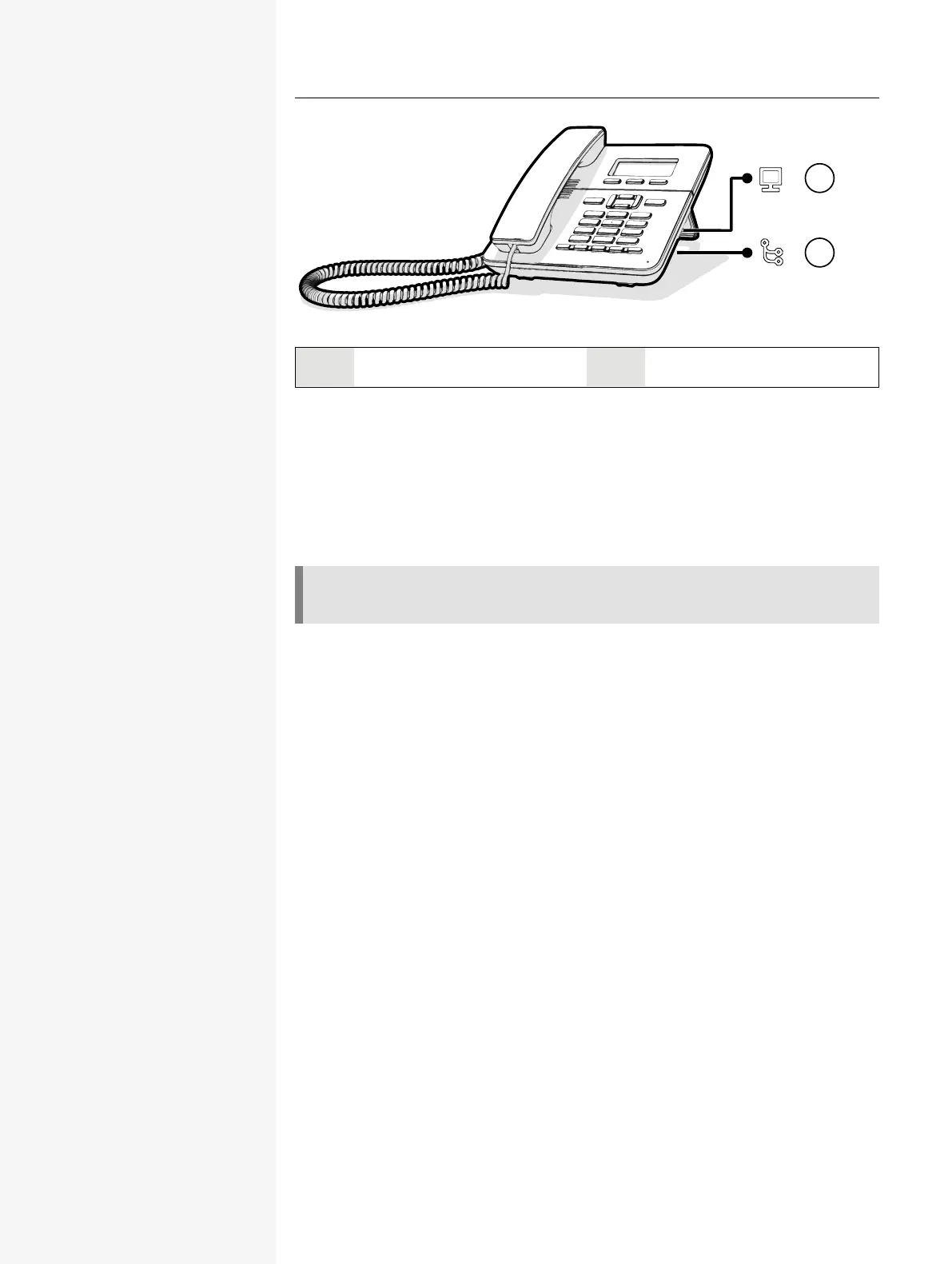
1 PC LAN port 2 Network LANport
Updating the phone
The phone application (“software” or “firmware”) is regularly updated by the admin-
istrator to keep the safety and function of the software at the current level.
During a software update, the phone must not be disconnected from the power
supply unit, the LAN line or the phone line.
An update process is indicated by messages on the display and by flashing LEDs.
Getting to know the Desk Phone CP110 25














 To Next Page