EasyManua.ls Logo

Uninet IColor 250 - Page 12

Uninet IColor 250
118 pages
Print Icon
To Next Page IconTo Next Page
To Previous Page IconTo Previous Page
Loading...
11
The Feed Button is pressed to load label stock if the printer does not automatically detect the stock.
When a stock is loaded each press of the button will cause one label or a few inches to be fed through the
printer.
The Unload Button is pressed to unload label stock after you receive an End of Roll message in
UNINET IColor PrintHub. The printer will reverse the label stock through the feed area.
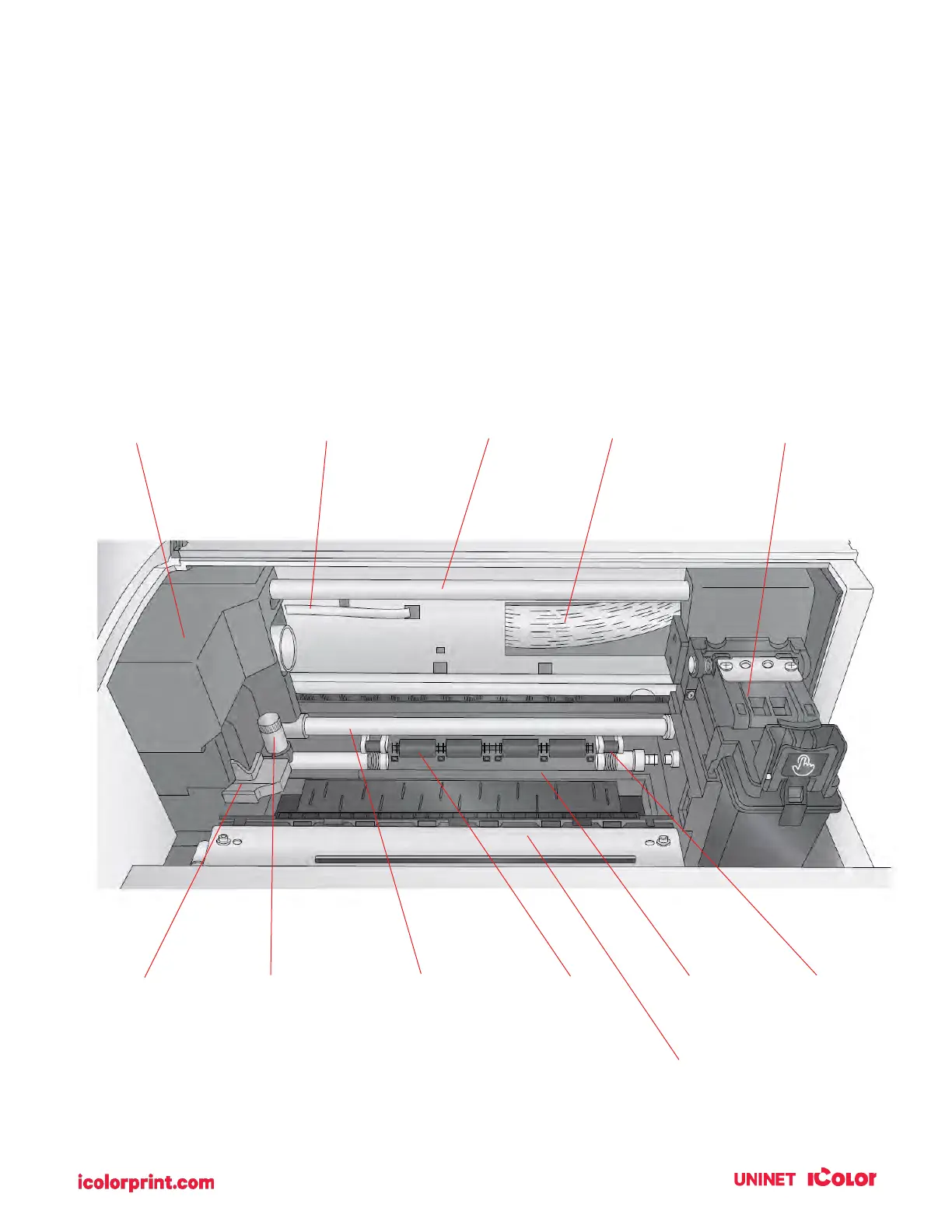
Interior
Die Cutting
Carriage
Die Cutter
Ribbon Cable
Upper Guide
Shaft
Print Carrier
Ribbon Cable
Print Carrier
Knife Collar
Handle
Die Cutting
Knife
Lower Guide
Shaft
Pre-Die-Cut
Rollers
Die Cutting
Pinch Rollers
Cutter Wheel
Mechanism
Wear Strip

Table of Contents

Related product manuals