64
4E. Setup Multiple Identical Cuts (Duplicate and Array)
If you intend to print and cut a smaller label such as a 2” circle, you may want to duplicate that image and
cut a line across the page so that you don’t waste material. No matter what your label size is, your page
size for die-cutting is always 4.25”. It makes sense to fill up that page with as many labels across as you
can. Follow these steps to Duplicate images and cut across the page.
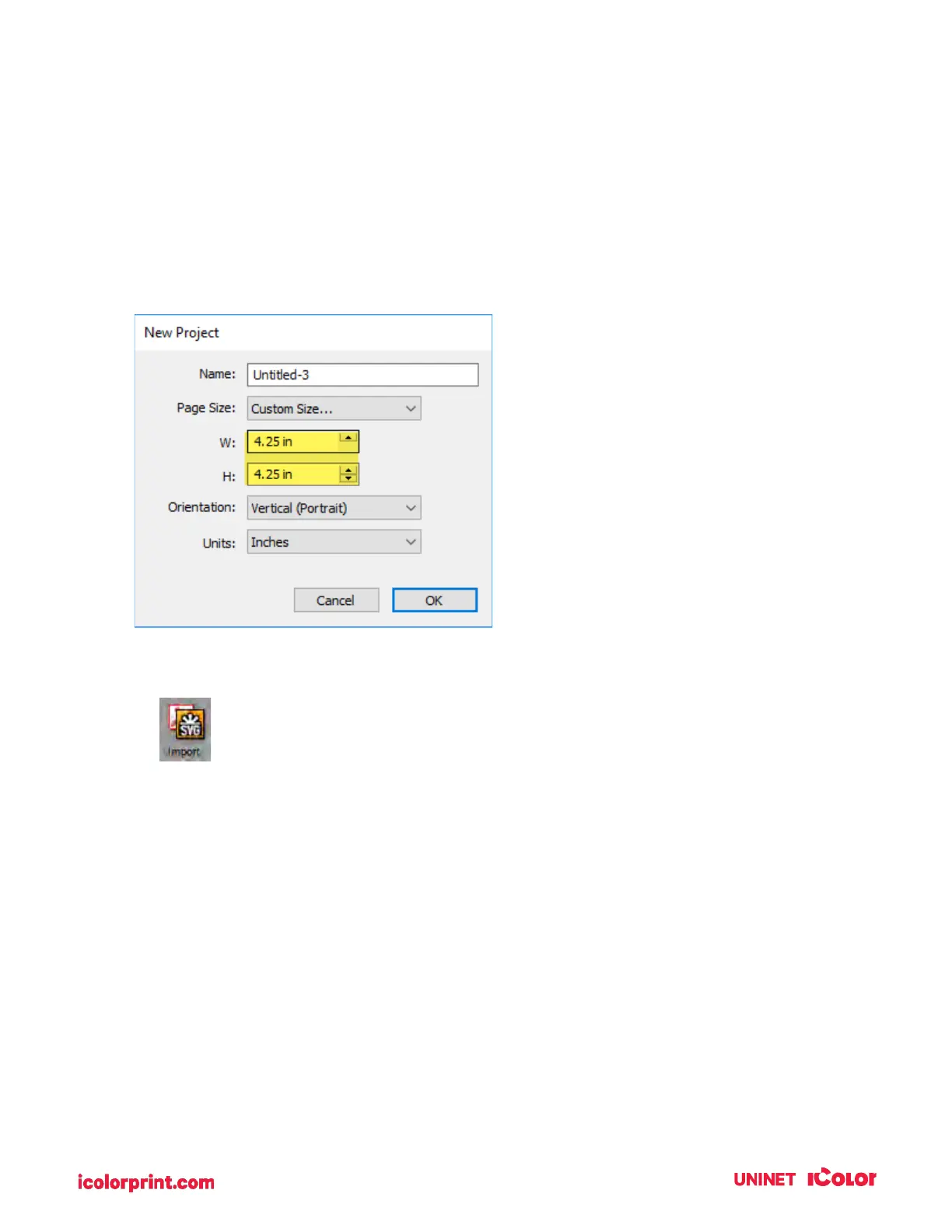
1. Create your page size. In this example, we chose 4.25” x 4.25”. You can choose a custom size
to fit your labels. In this case, we wanted to choose a height that was able to accommodate 2
rows and two columns of 2.125” x 2.125” cut to 2” x 2”.
2. Import your image using the import Icon.



 To Next Page