112
7E. Cleaning the Cartridge – Poor Print Quality
It may be necessary to clean the ink cartridge nozzles if you notice reduced print quality, or if you
suspect a cartridge nozzle has become slightly dried out or clogged. If the cartridge has been left out of
the printer for more than 30 minutes, the ink in the print head nozzles may have dried.
If you are having print quality problems, follow the steps below:
1. Before moving on to the next step, ensure that the ink level of the color cartridge is more than
10%. If the ink level is lower than 10%, replace the cartridge.
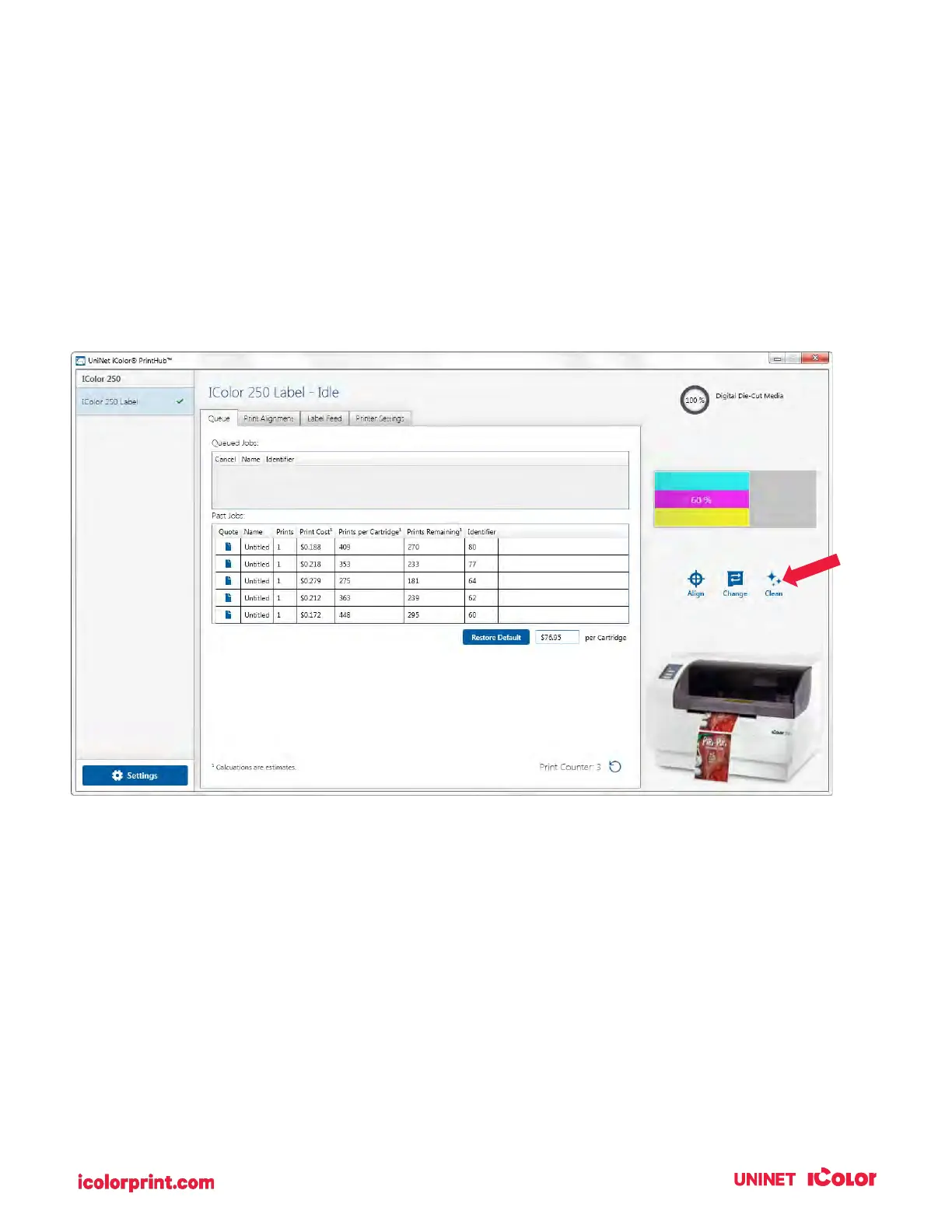
2. Try cleaning the cartridge using the clean function in UNINET IColor PrintHub.
3. Determine if printing is now acceptable by printing your image. If the sample has missing colors or
voids within a color strip, remove the cartridge from the printer and proceed to step 4.



 To Next Page