99
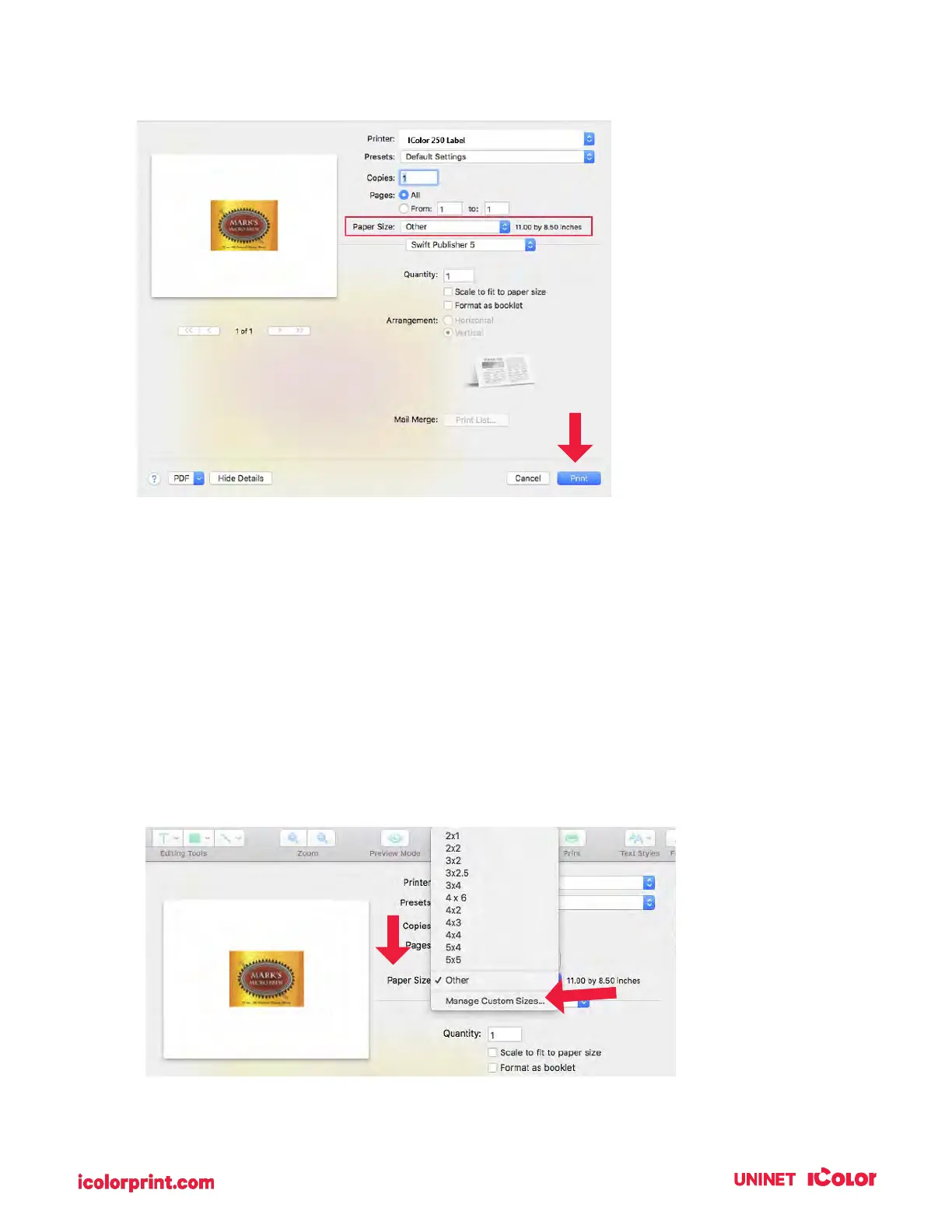
11. You can now see the preview is correct, the paper size is set so you are ready to print.
6G. Creating a Custom Size – Mac
In many programs such as Adobe Illustrator, Photoshop, or Acrobat Reader you will need to choose your
label/page size before you print. If the label size you need to use is not already on the list of available
page sizes you will need to create a new custom size on the print screen of the program you are using to
print.
1. Click the Paper Size drop-down menu. Choose Managed Custom Sizes.



 To Next Page