53
4C3. Working with Layers in an Imported Vector File
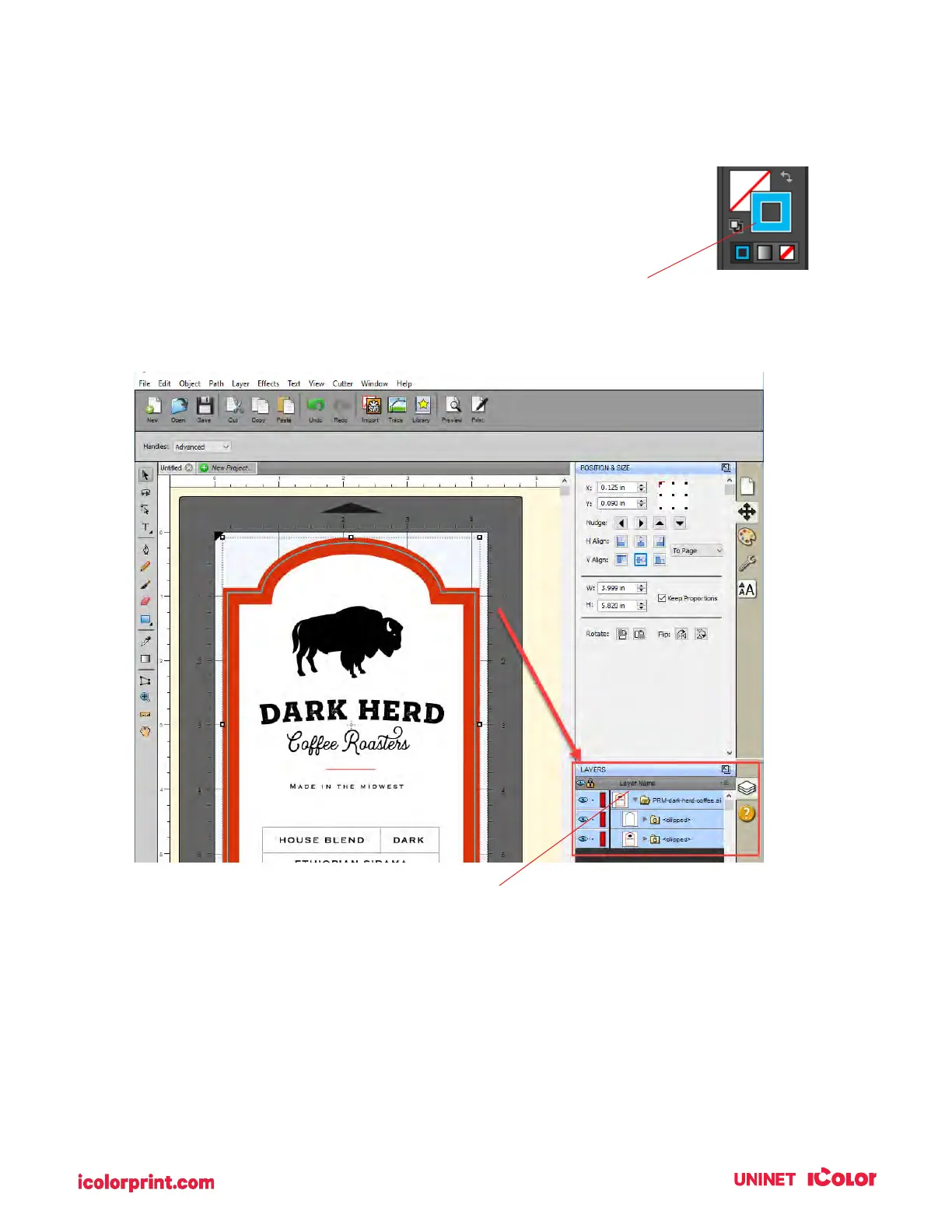
Once you have imported the vector file you view the layers in the layers window. The
cut file must be separated from the design at the top level. It cannot be buried under
other layers that will be printed. In this example, the cut line layer is setup in
Illustrator as an Outline instead of a Fill.
Either will work but Outline is preferable.
4. To view the sublayers and find the cut line, click on the arrow to open up the group.
Click Arrow to open layer groups
Note: Before printing we recommend clicking the print Preview
Button described in section 4H.



 To Next Page