40
3E. Adjusting Print Alignment
If your previous experience with printing is limited to printing letters and cards to 8.5” x 11” paper you
probably are not familiar with an essential part of label printing - Print Alignment. Standard printers feed
a sheet and start printing based on the start of the sheet. They also prohibit printing to the edge of the
sheet. This is to avoid any need for alignment.
The IColor 250 senses the beginning of the label with an optical sensor and is capable of printing to top,
bottom, left, and right edge. Because of this, it is necessary to align the printer to work with specific types
of label stock.
The IColor 250 comes factory calibrated to print exactly to the edge of UNINET label stock. However, due
to variations in the left margins and other variables, it may be necessary to fine-tune these settings at the
beginning of each roll. This is especially true for other non-UNINET brand label stock.
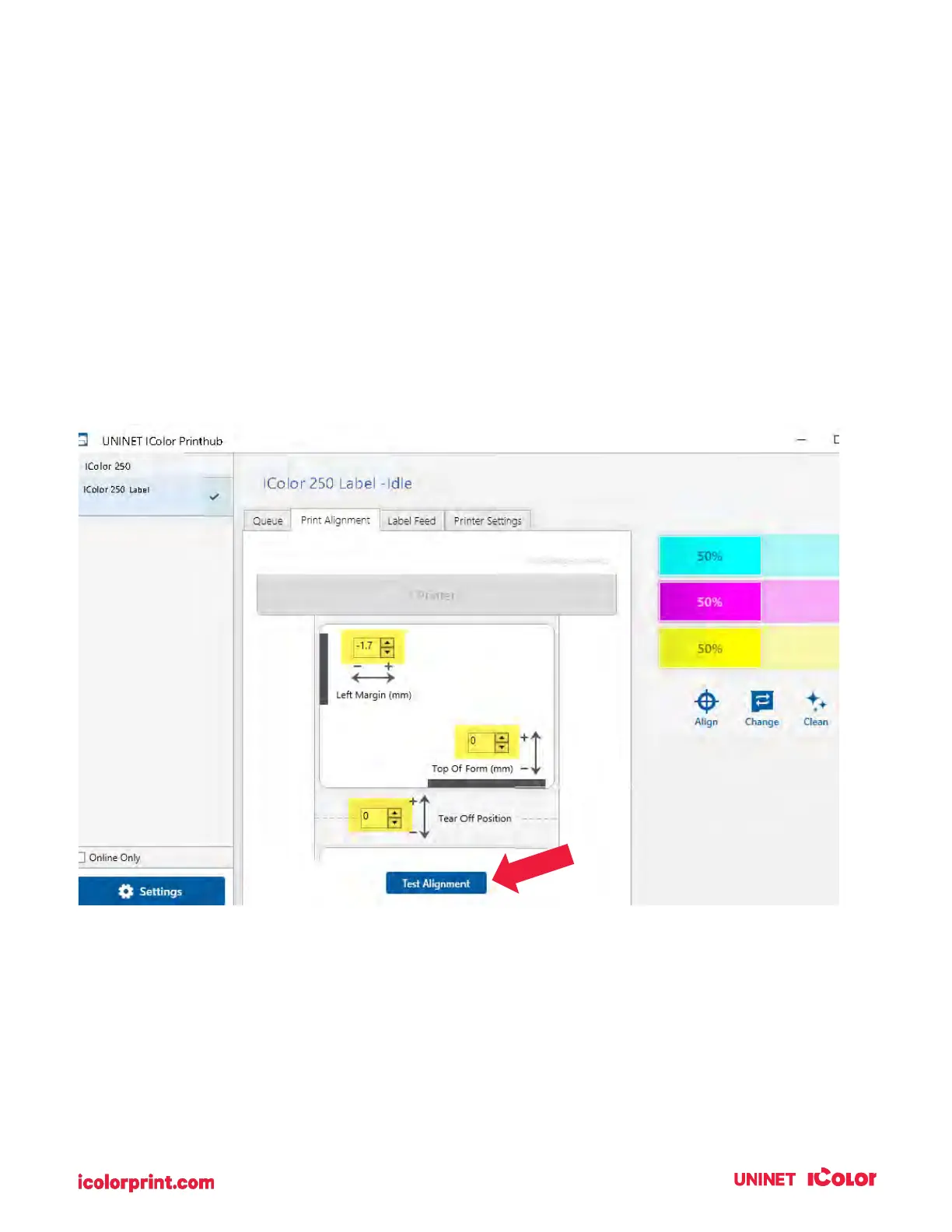
Adjust print alignment using the UNINET IColor PrintHub. Go to the Print Alignment Tab (second tab).



 To Next Page