115
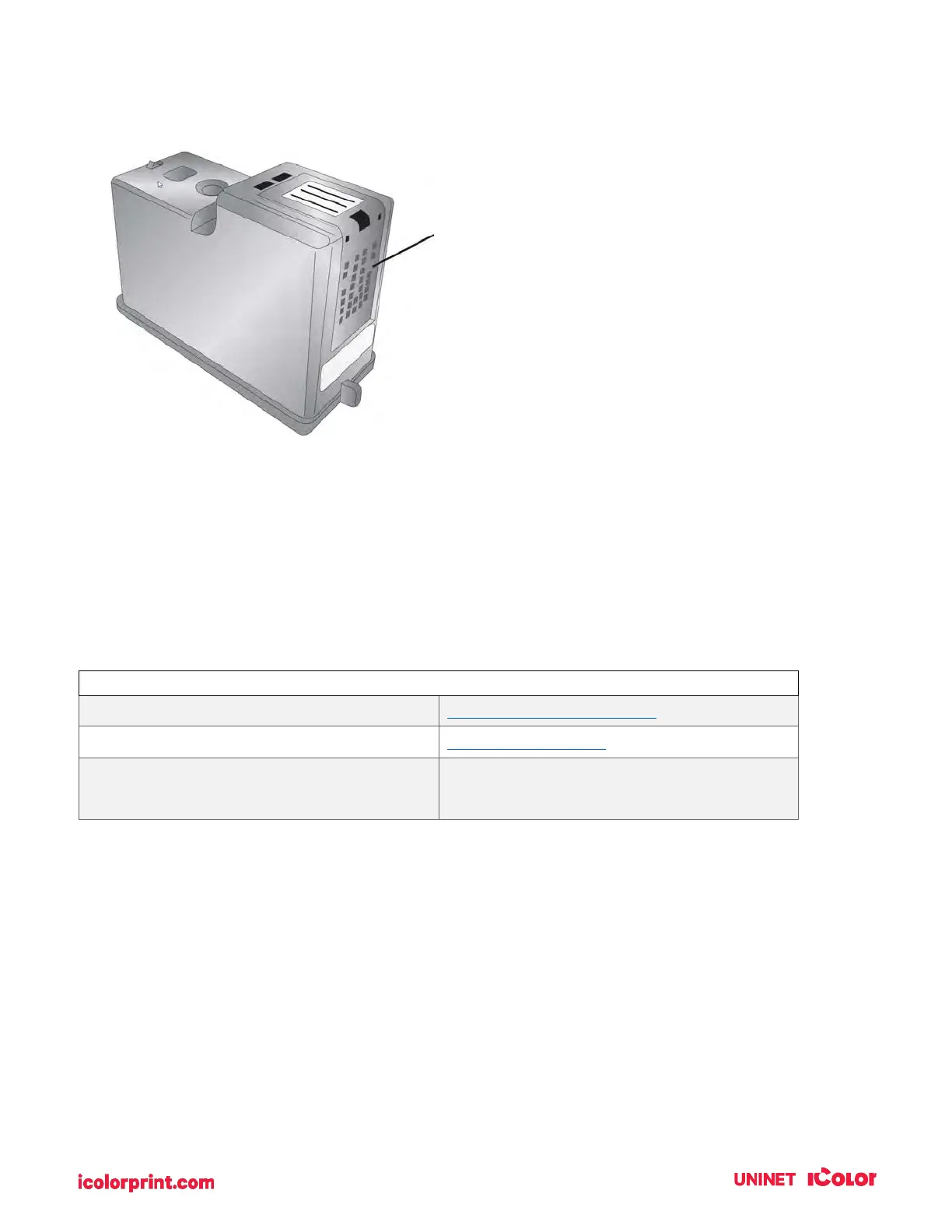
8. Dry the cartridge.
9. Verify cartridge is now functioning properly by printing your label.
7F. Technical Support
If you have difficulties operating your Printer, contact technical support using one of the methods listed
below.
UNINET IColor Knowledge Base
www.icolorprint.com/support
sales@icolorprint.com
(Mon - Fri 9 a.m. – 5:30 p.m. EST)
Dry excess water from cartridge.
Ensure cartridge contacts are
completely dry. Printer damage may
result if cartridge contacts are not
completely dry.



 To Next Page