17
2B. Installing Digital Die-Cutting Label Stock
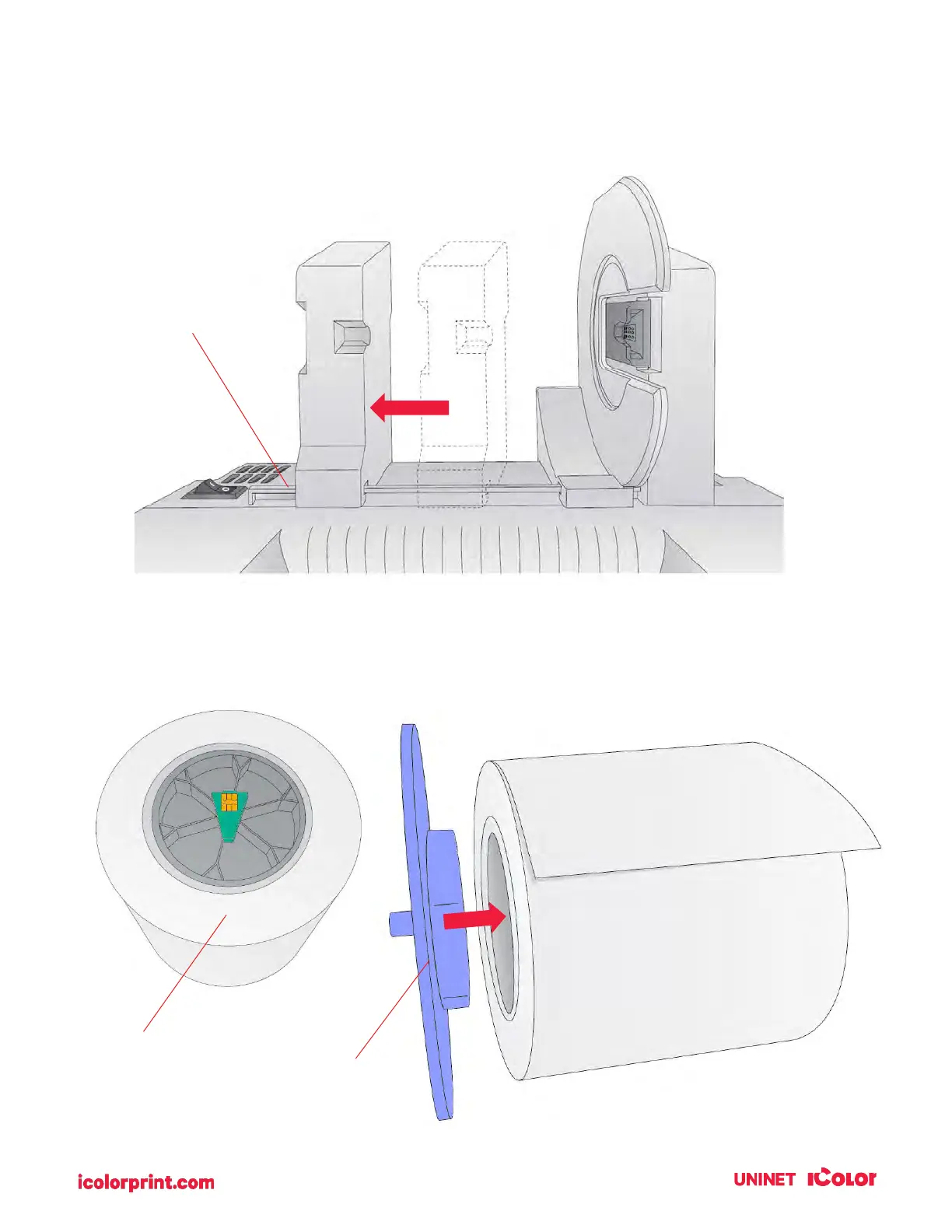
1. Move the roll holder to the preset position for on-demand digital die-cutting
(3
rd
mark from the left – 1.25”)
2. Install the Blue Hub on the open side of the digital die-cutting media.
mark from Left
Media comes with
black hub with green
chip.
Note: The green hub is not needed for
digital die-cutting and can be stored in the
notch on the movable holder.



 To Next Page