85
Section 6: Printing from a Mac
6A. Print Utility Setting (IColor 250 Config Utility)
The IColor 250 Config Utility is used to interact with the printer for gathering ink levels, maintenance,
alignment, and several other functions.
Finding IColor 250 Config Utility
The IColor 250 Config Utility automatically installs with your printer driver and can be accessed through
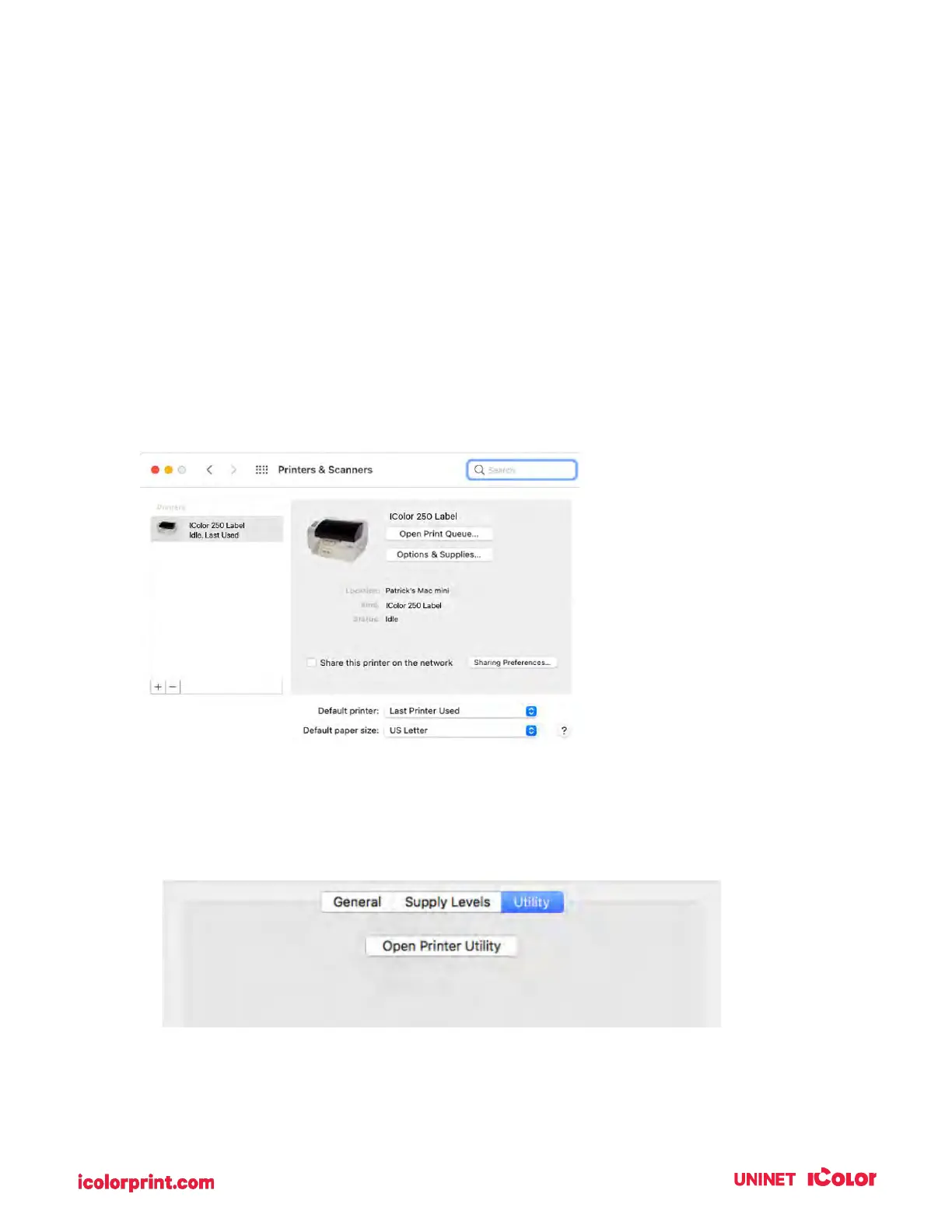
the Printer & Scanners in Mac under Apple Icon – System Preferences.
1. Connect the printer via USB and turn on the power. The IColor 250 Config Utility accesses
most of the information it uses from the printer itself so the printer must be turned on and
communicating for the program to open.
2. Go to the Apple Icon – System Preferences - Printers and Scanners, select the IColor 250 label
click on, Options & Supplies, and Open Printer Utility.
Or you may simply print to the printer and the Utility will open.



 To Next Page