35
3B. Using the Cost Estimator
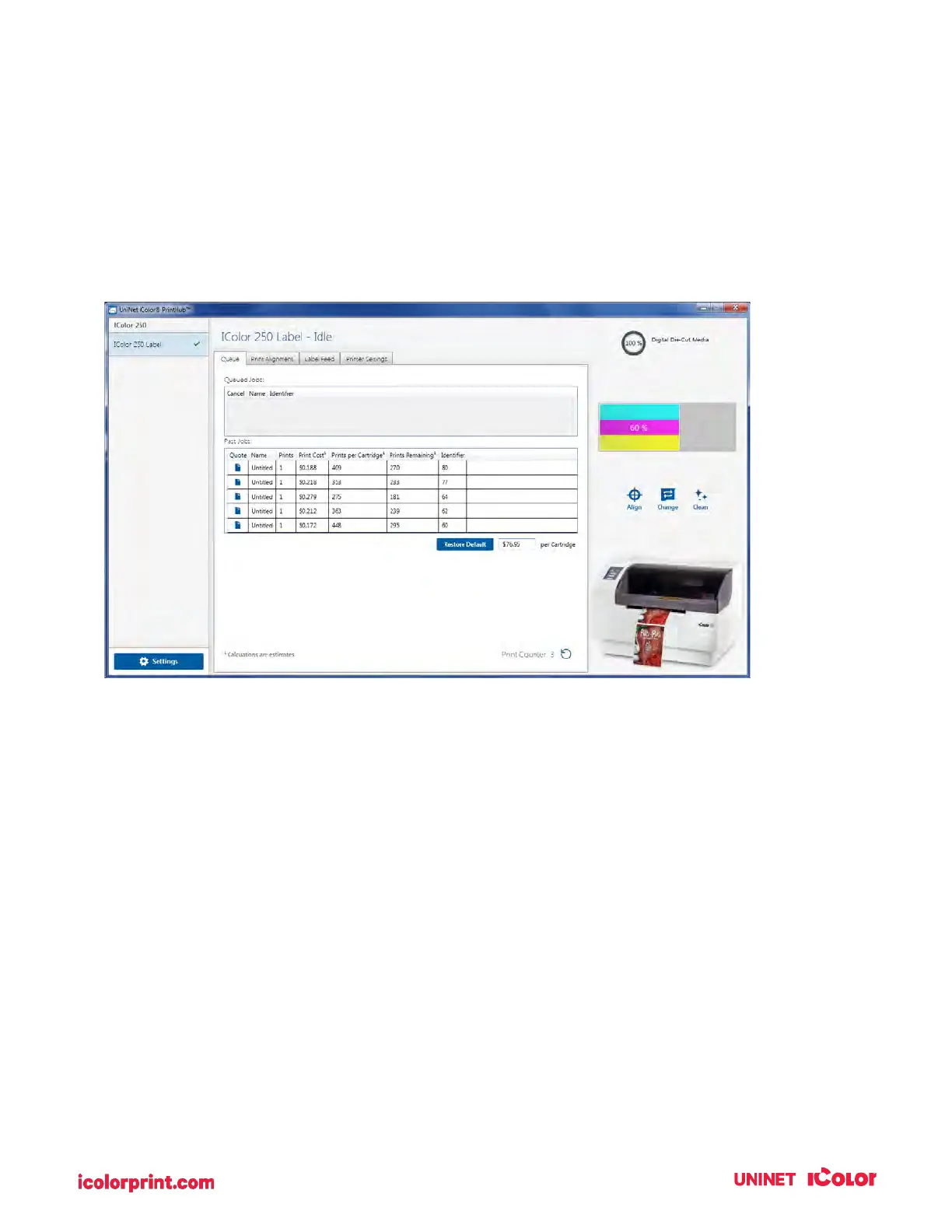
The cost estimator is found under the queue section on the first tab of the UNINET IColor PrintHub. The
last five job costs are stored in the list. Each job will show the cost per label based on the cost per
cartridge entered below the list. Enter the actual cost of the cartridge you paid.
Prints remaining on the currently installed cartridge and total prints on the new cartridge are both
displayed.
To see a printable/savable report click on the document icon next to the job you want to see. A report will
display the information. You can print or save the report from this screen. You can also change the
currency using the drop-down, change the job name, or adjust the cost from this screen.



 To Next Page