80
5D. Creating a Full Bleed Print
To create a label that fills the space with no white margins, adjust these settings in the status monitor
and printing application (BarTender). This is only necessary if you are printing to Pre-Die-Cut Label
stock. If you are printing and cutting using die-cutting media, you can adjust the position of the cut line
to accomplish this.
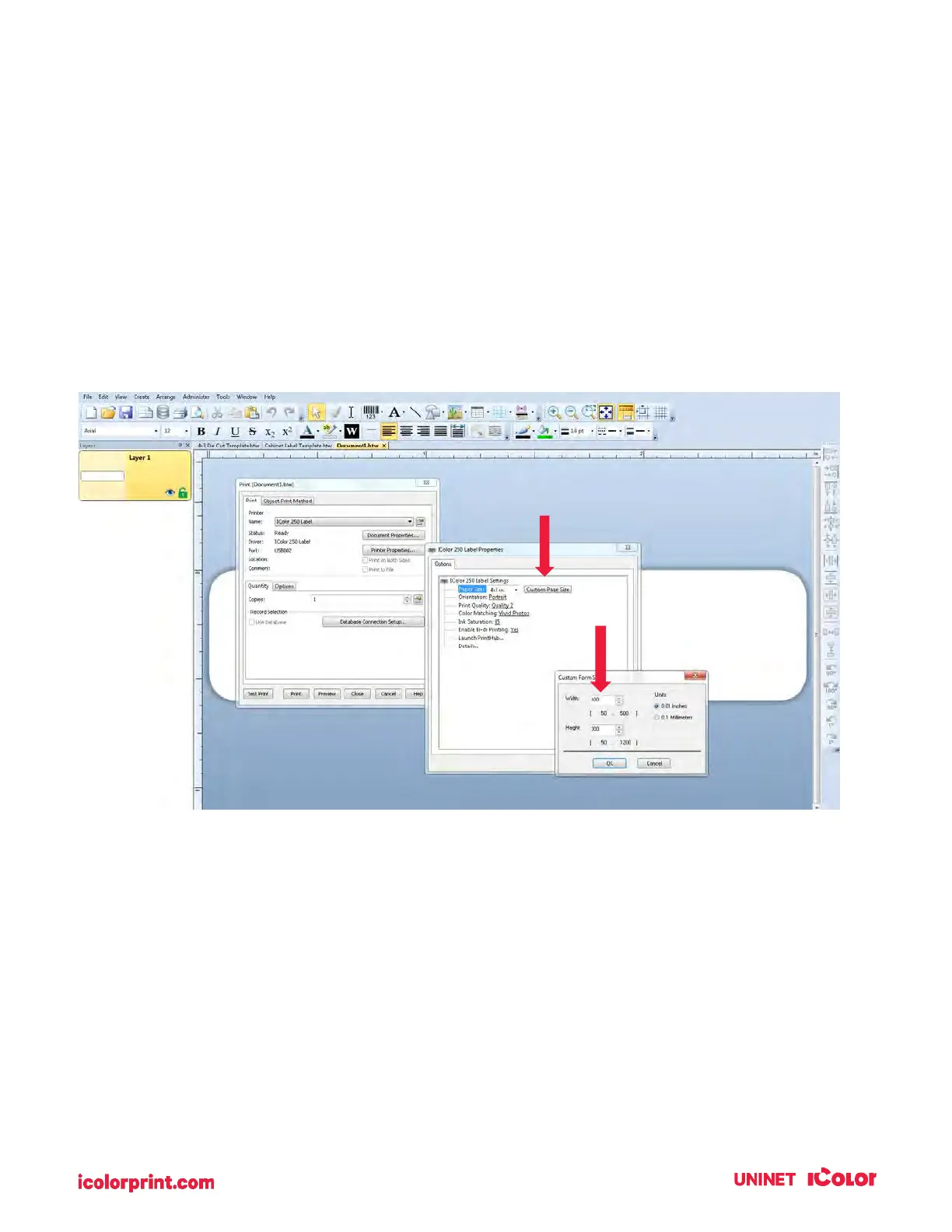
Page Size. Increase the page size width by .03 inches (1mm). Increase the height by .03 inches (1mm). If
you are using BarTender, simply change the size under the File Menu - Page Setup. If you are using other
graphics programs you will need to change the page size in the application and the printer driver
preferences.



 To Next Page