81
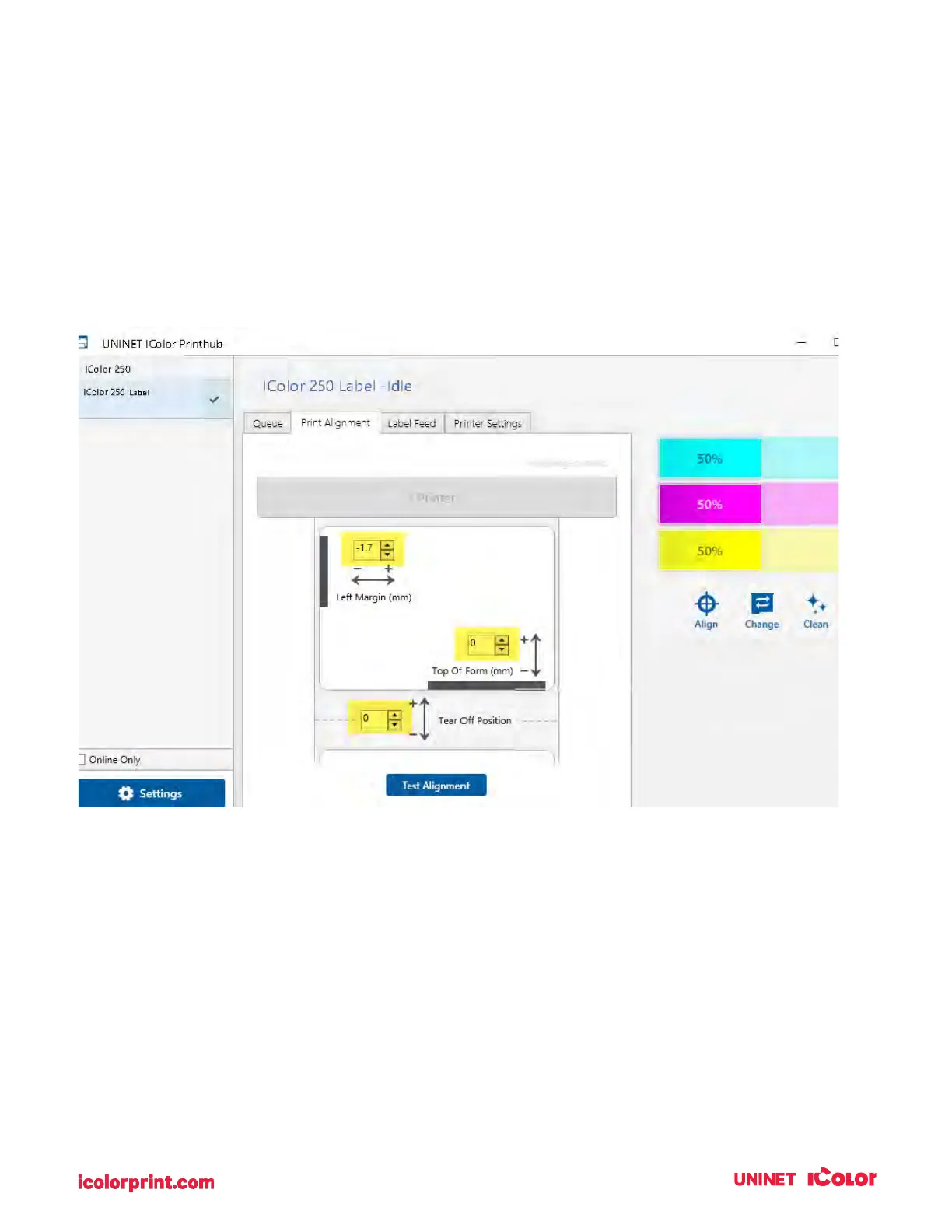
Left Margin Offset. You must decrease the left margin offset to center the over bleed on the label. If you
over bleed by .03" you will need to decrease the Left Margin Offset by 0.4mm. This will center the page
size increase so there is a .03 inch over bleed on both left and right sides. Some additional adjustments
may be necessary if the label was not perfectly aligned, to begin with. See Section 4D.
TOF. Increase the Top of the Form by 0.4mm. This will cause the printer to start printing before the label
and ensure a fully printed label. Some additional adjustments may be necessary if the label was not
perfectly aligned, to begin with. See Section 4D.
Note: It is best to over bleed as little as possible to avoid excess ink on the label backing. Also, over
bleeding too much will cause the printer to skip labels. This is because the printer stops printing too late
to sense the next label.



 To Next Page