10
1D. Identifying the Parts
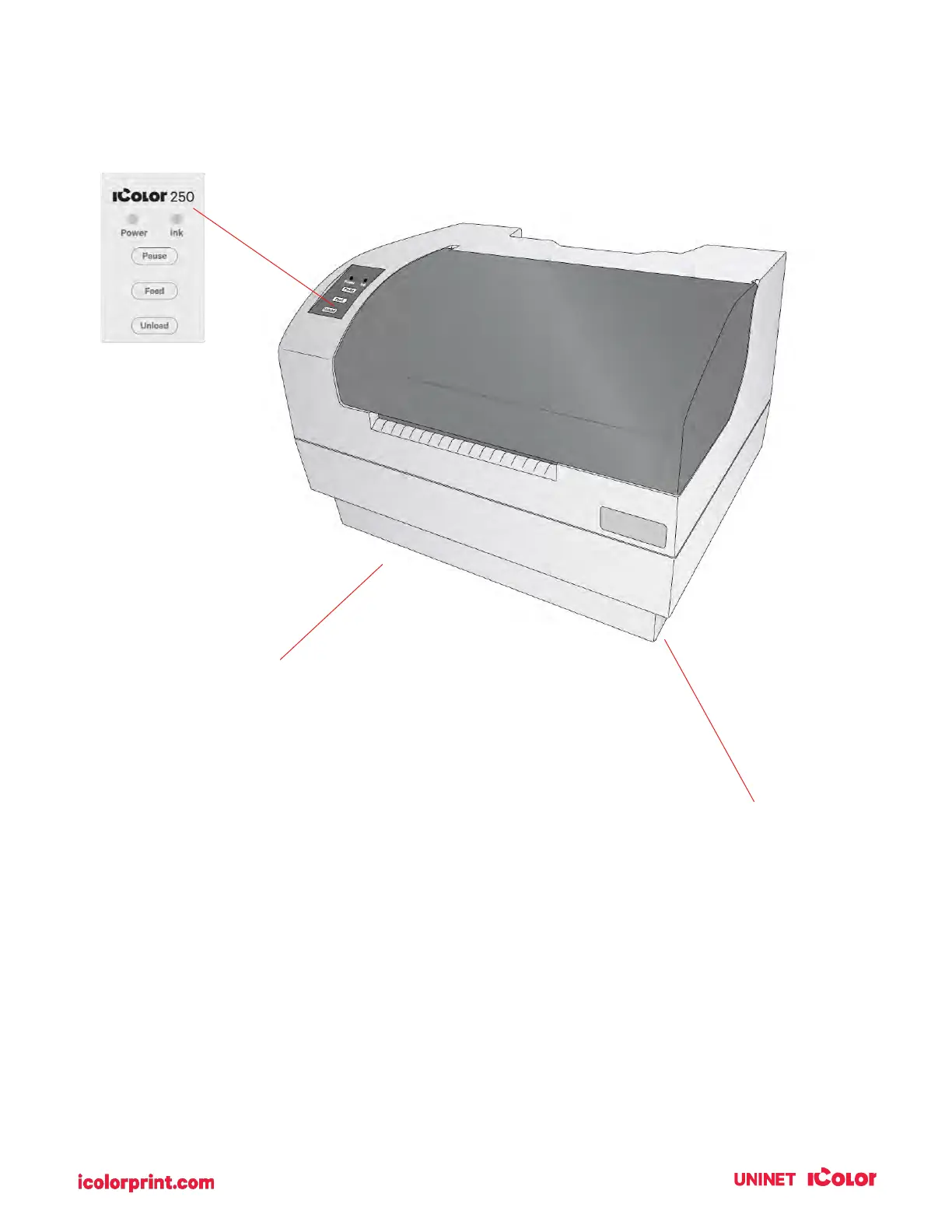
This illustration shows the printer from various angles so all-important parts can be identified.
The Power LED indicates that the printer is on and ready to receive print jobs.
The Ink LED will illuminate when a cartridge has 10% or less of its ink remaining.
The Pause Button is pressed to pause a job to allow for the loading of label stock and ink cartridges.
The printer pauses after the printing of the current label has finished.



 To Next Page