39
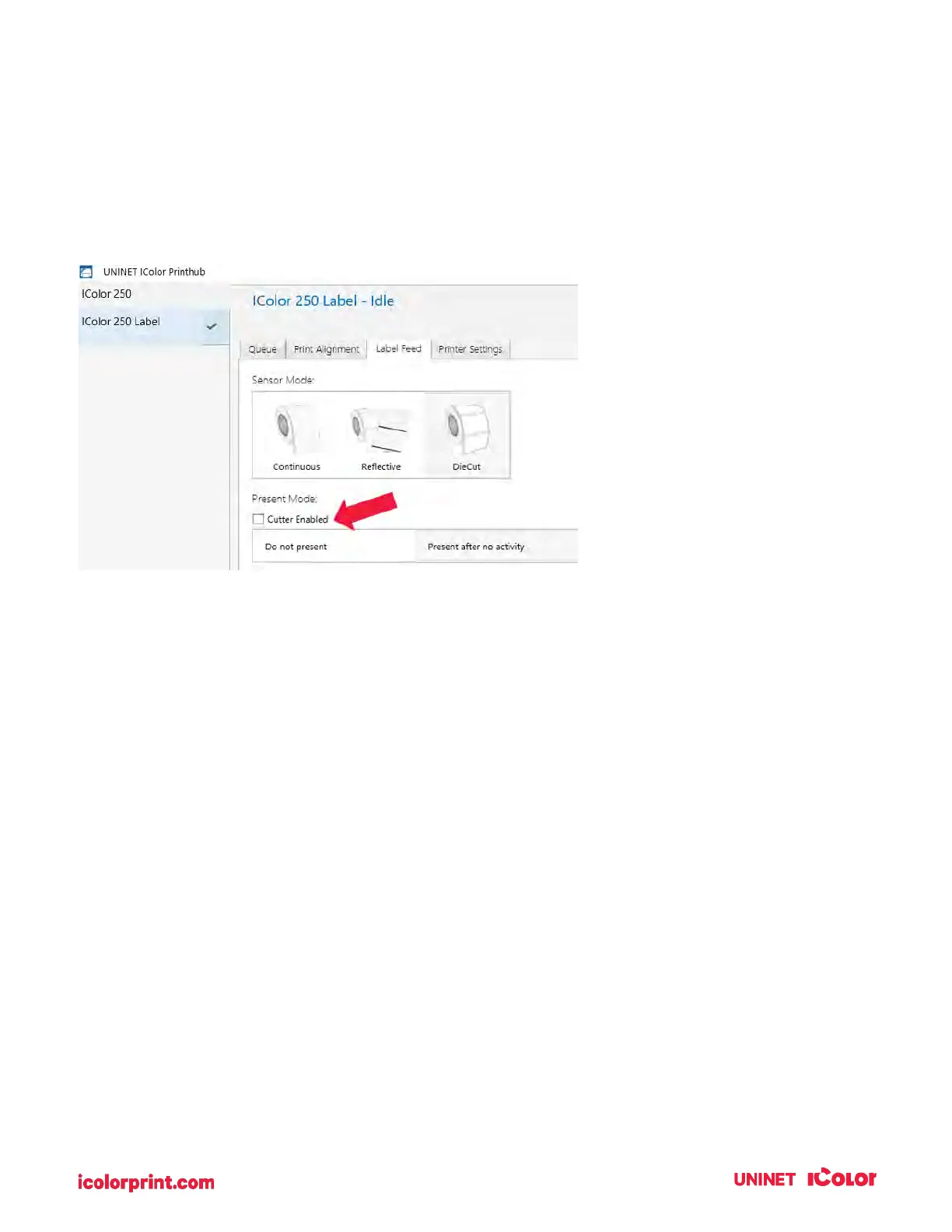
Cut after no activity. This setting will cut at the end of a print job if the printer does not receive another
print job within one second of the last print job in the queue. You can use this feature to cut at the end of
a multi-copy job, multi-page job, or multiple individual jobs in the queue.
Cut every label. This setting will cut after every label.
Present Options
Do not present. In this mode, the label stock does not move after the last label is printed. This means
that part of the last label printed is still in the printer. This should be used only if you have a label
rewinder attached.
Present after no activity. This setting will present (feed all printed labels past the front opening) at the
end of a print job if the printer does not receive another print job within one second of the last print job in
the queue. You can use this feature to present at the end of a multi-copy job, a multi-page job, or multiple
individual jobs in the queue.



 To Next Page