23
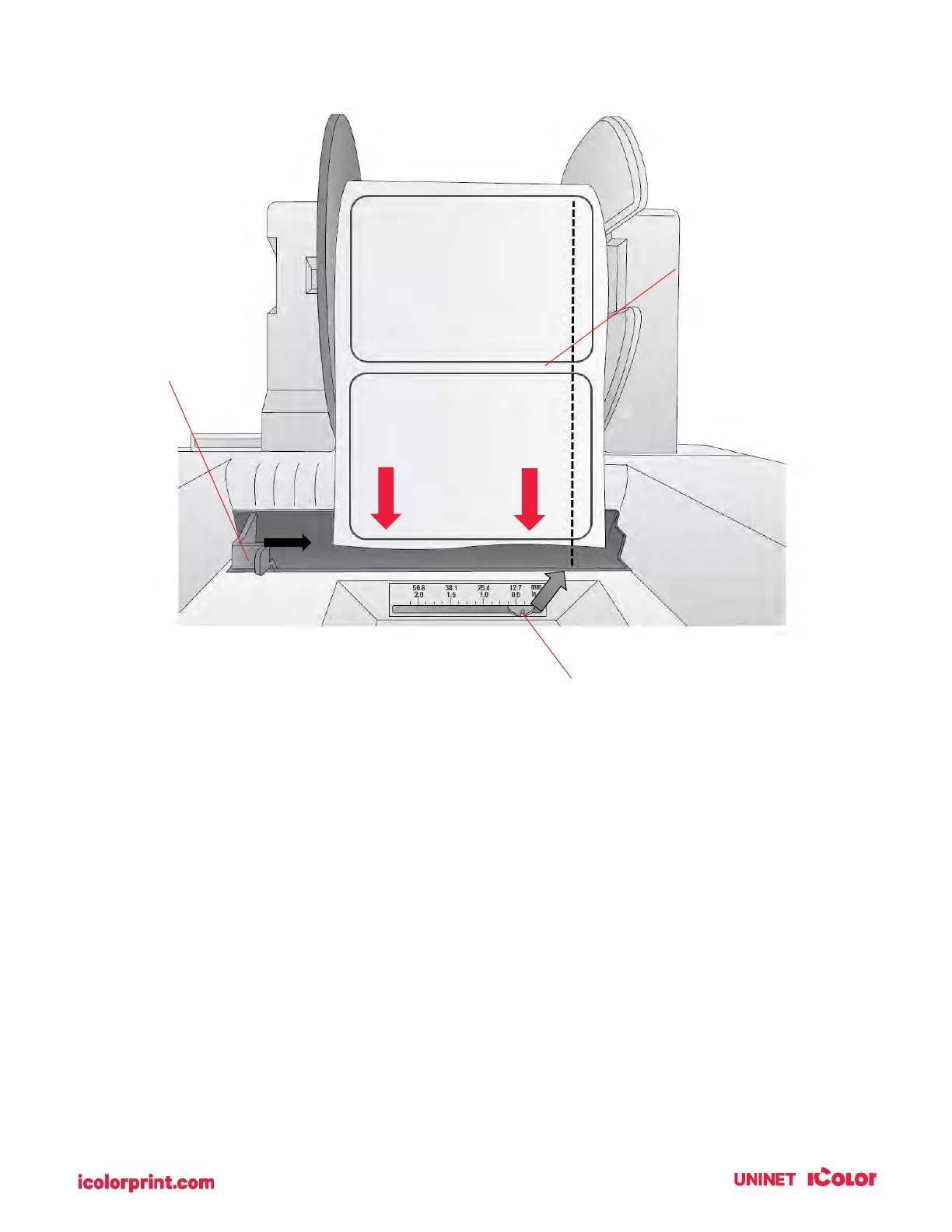
7. Guide the leading edge of the roll into the feed area. Move the blue guide so that it touches the
label stock.
8. Push until the printer detects the stock, grabs it, and pulls it through the printer.
Gap Sensor Position Indicator
from right edge of media.
The position indicator
corresponds to the ruler NOT
the installed label stock.
intersect the gap
between labels
Note the position of the label sensor. Slide the
sensor position indicator so that it intersects
with the gaps between your labels. For most
label stock you will not need to move this.



 To Next Page