94
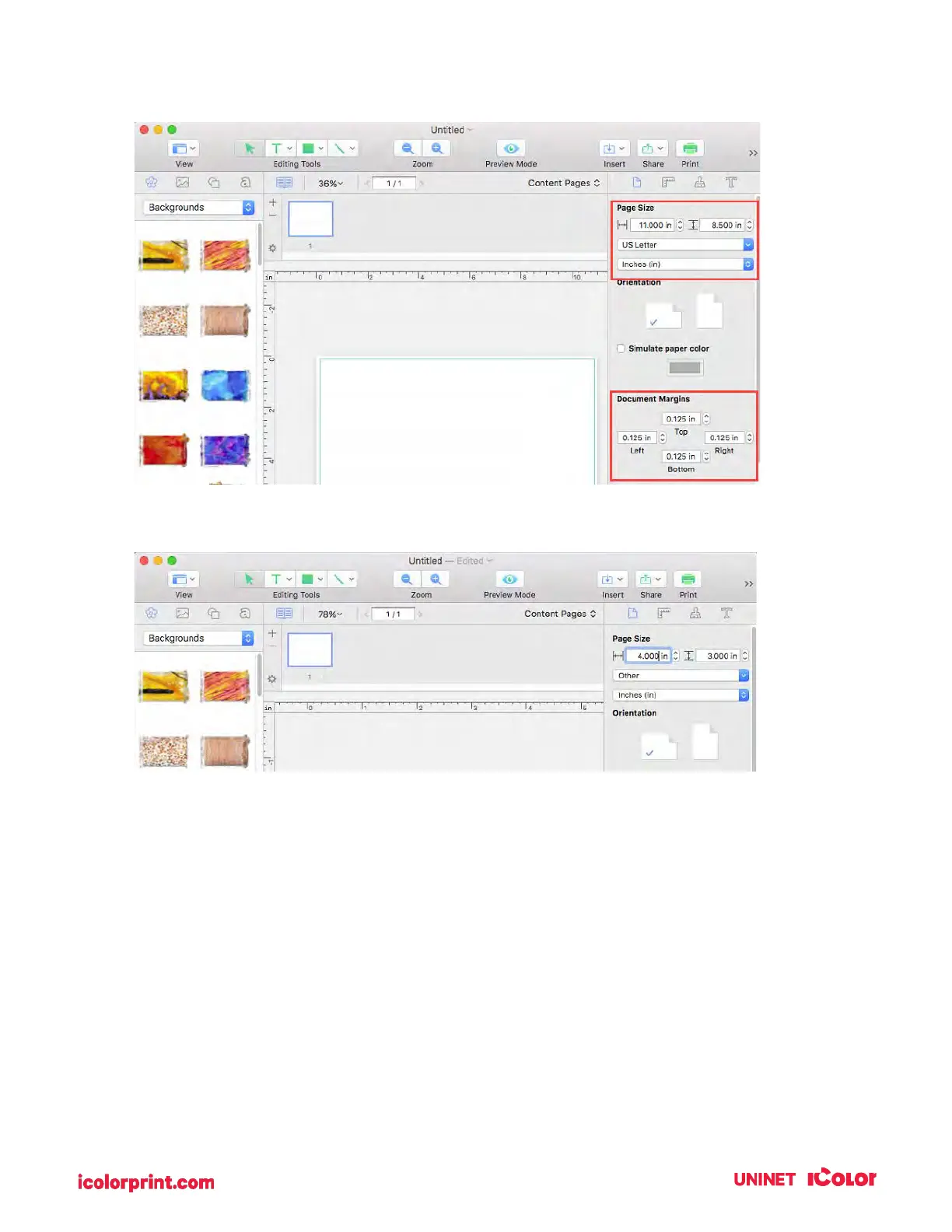
1. It automatically defaults to 8.5 x 11. We will need to adjust the page size and the margins.
2. Type in the size at the top.
IMPORTANT NOTE: The page size is not the same setting as the label size. In many cases, you
will choose the same size for both. However, if you change the orientation of the label so you can
see text/graphics upright on screen but the actual print will be rotated, you may need to choose
the opposite setting for the label size.
For example: Page Size = 3 x 4. Label Size = 4 x 3. Do not change the orientation as it will change
the page size. Orientation is set automatically depending on the page size.



 To Next Page