14 D292469I
ii. Connect the keyboard and mouse to USB (5 & 6)
b. The system possesses multiple cameras:
i. Connect the cameras to USB 4 – 6.
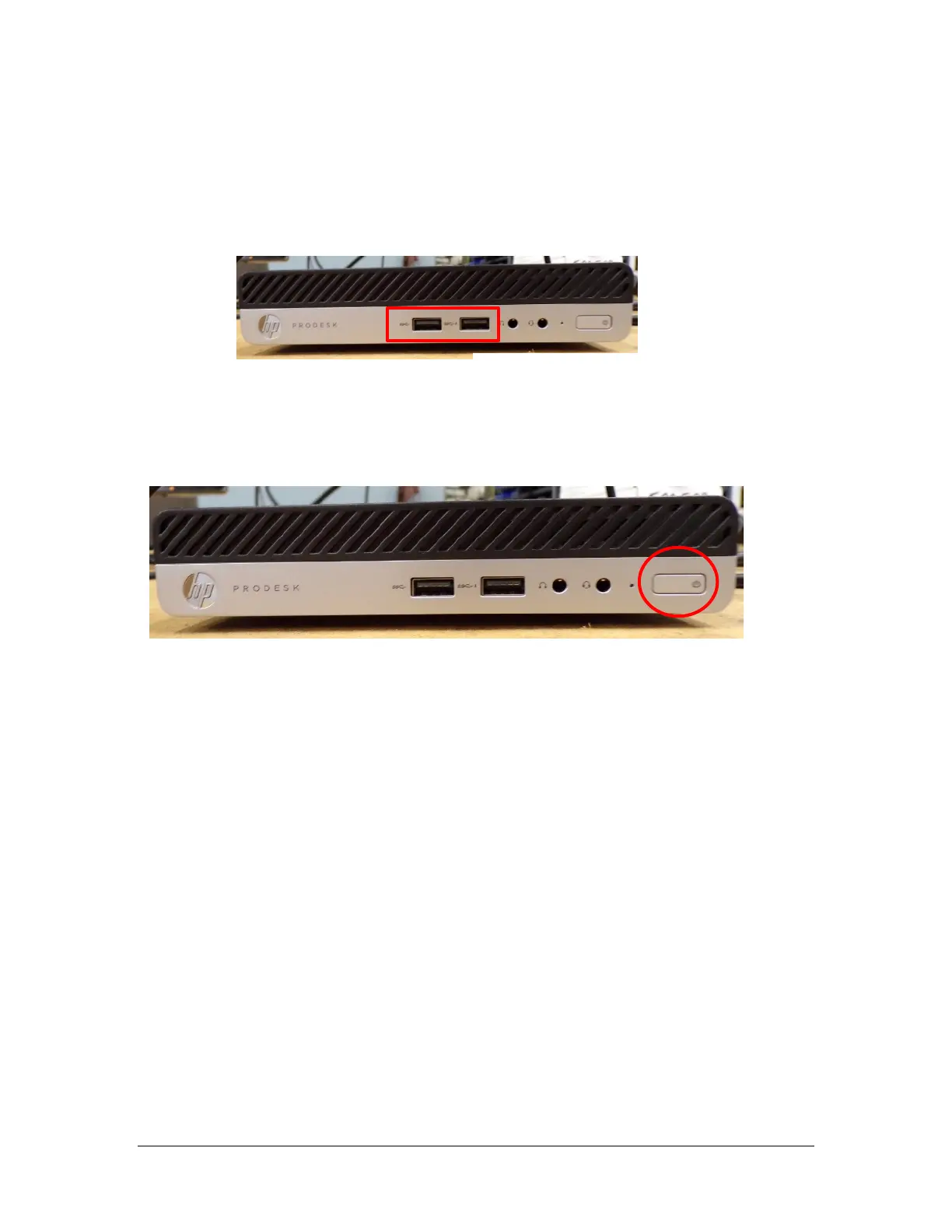
ii. Connect the keyboard and mouse to the PC’s front USB ports.
Power Up
1. Verify that Illumination (part of the DE35 optics package) is turned ON.
2. Press the Power button on the front of the monitor.
3. Press the Power button on the front of the PC. The camera will turn on
automatically when the PC is turned on.
4. A light should now be seen on the front of the PC, showing that the PC is on (see
Figure 2).
5. Once the PC is booted login with the Royce account (default password is ROYCE).
6. Royce Technical Video will auto launch with each boot.
Note: There are two user accounts on the system. The administrator account is
“ROYCE”, password “ROYCE”. The user account is “User”, password “User”.
Figure 2 – Front of the PC
Figure 2 – Front of the PC



 To Next Page