DE35-ST Operating Instructions
D292469I 45
Detailed Operation
Menus
Overview
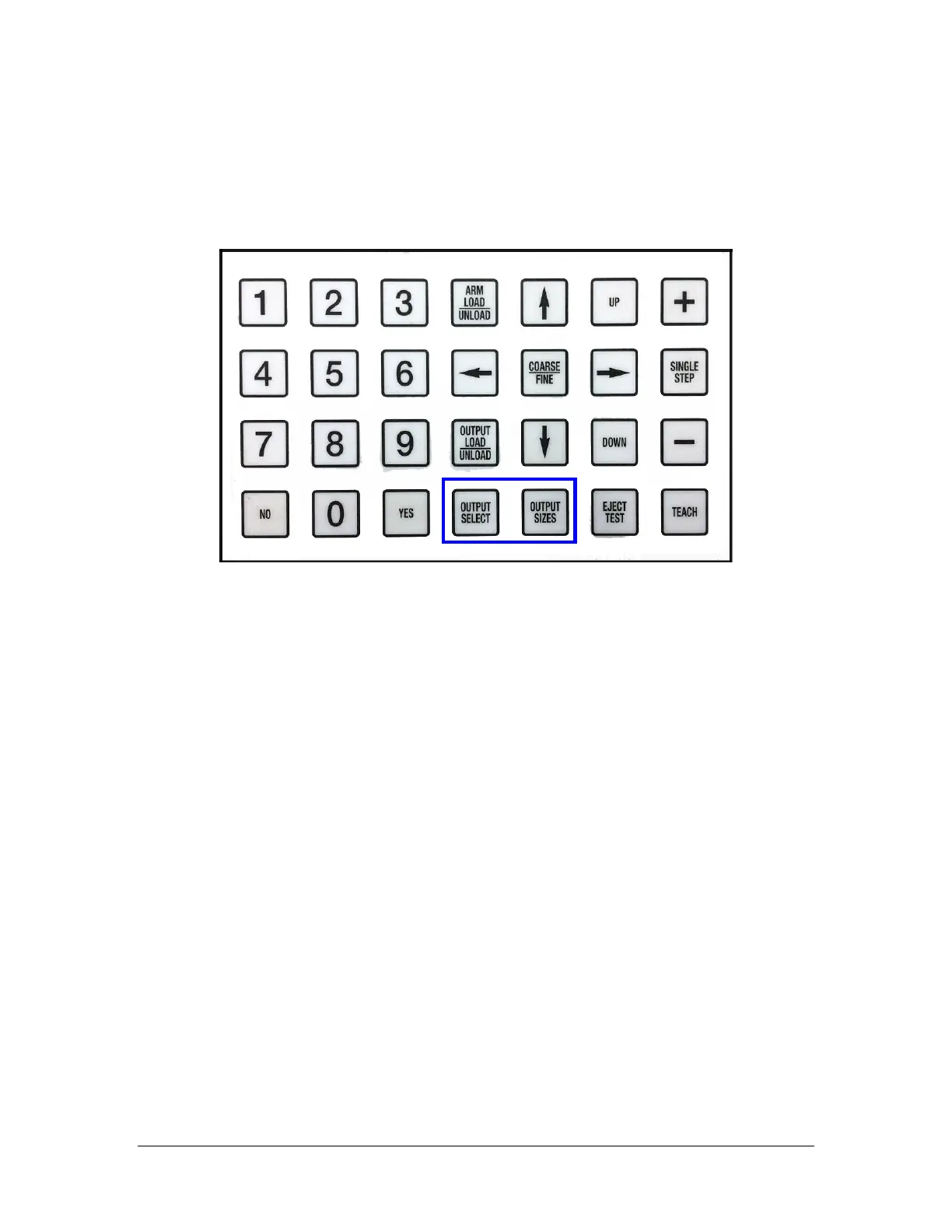
The DE35 ST has two menus: OUTPUT SELECT and OUTPUT SIZES.
The OUTPUT SELECT menu is used to process Recipes, select Pick and Place mode, and
select the type of Output Plate, Output Grades, Output Pattern and Inspection Options.
It includes the following features.
• Process up to nine recipes.
• Select between two 2”, four 2”, one 4”, or two 4” waffle or gel packs.
• Choose Vial output, Substrate output, or Type 7, 8, 27 or 29 wafer output.
• Choose 1 grade, 2 grades or 4 grades, when using 2” packs and 1 grade or 2
grades when using 4” packs.
• Select synchronized on non-synchronized Die Lift with motorized Die Eject
Actuator option.
• Select any optional features such as Underside Inspection, Facet Inspection or
Die Inverter.
• Choose output pattern: place a die in every pocket (Full) or every other pocket
(Checkerboard)



 To Next Page