DE35-ST Operating Instructions
D292469I 53
Output Sizes Menu
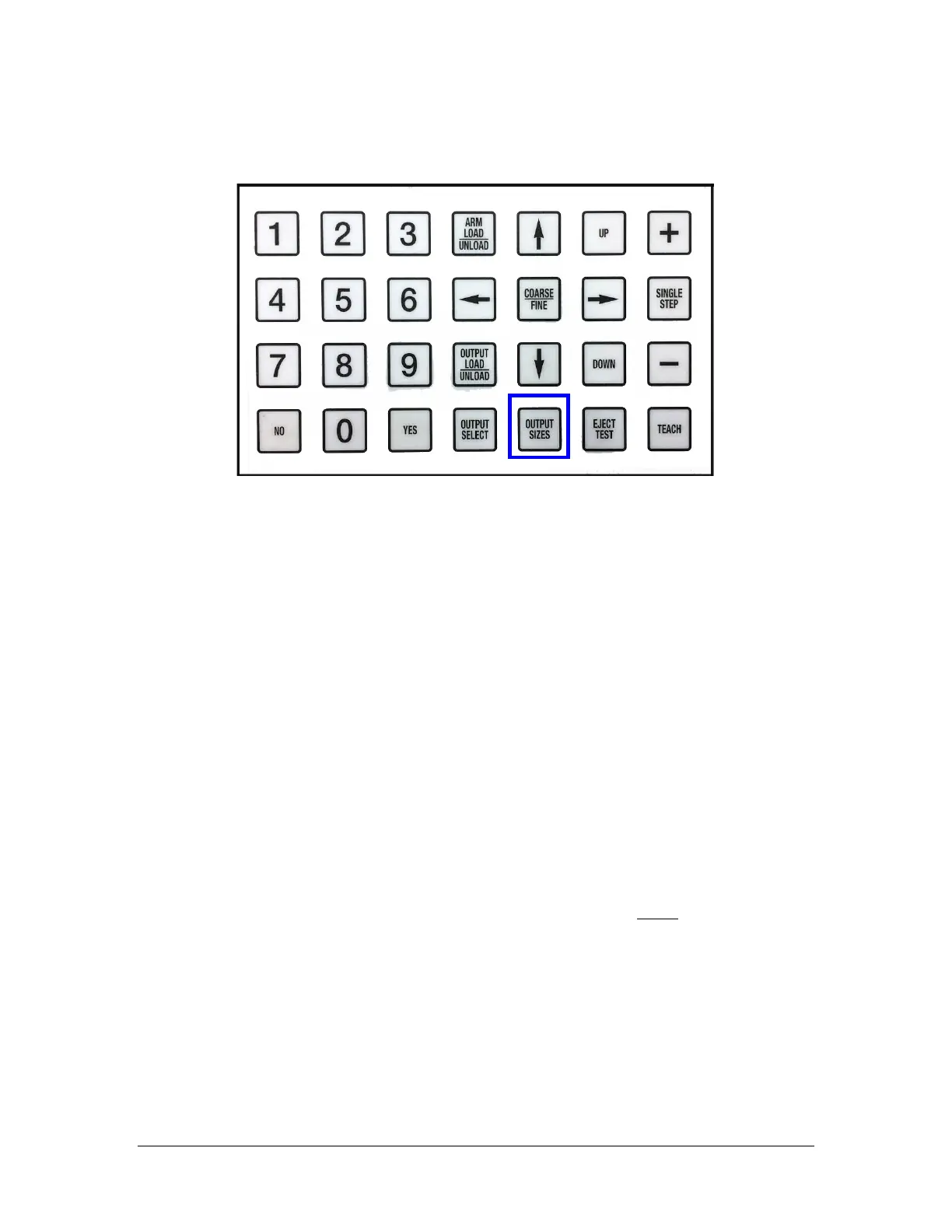
To enter the menu, press the key labeled OUTPUT SIZES.
The Output Sizes menu has many options, however, only two lines will be displayed at a
time. Pressing the YES key with the curser > in front of any menu item will place a
blinking curser in the option, allowing you to change the numeric value. Below are the
menu items and function in the order they will appear on the LCD.
Quit Menu
With the curser > in front of Quit Menu, press the YES key to exit the menu.
Pressing the NO key with the curser > at any position in the menu will place the
curser in front of Quit Menu.
Calibrate Trays
Although Calibrate Trays is at the top of the menu, it should be selected after
the waffle pack is entered and saved. Because the waffle packs are not perfect,
you must calibrate them, even if the part number entered is a standard number
and pitches have been loaded from memory. These pitches are approximate and
will have to be calibrated as closely as possible.
Press the YES key to place the machine into teach mode in which you must teach
the exact coordinates of both the first and last position of EACH waffle pack. The
output tray will reset and the arm will lower to the first position of the first
waffle pack.
Press the DOWN key to lower the head further so you can better align the tip in
the pocket. Press the ARROW keys to move the head to the center of the
pocket. Press the COARSE/FINE key will allow you to make large steps, or small
steps.



 To Next Page