70 D292469I
Programming Waffle Pack Dimensions
There are many non-catalog waffle packs in use that are not pre-programmed into the
machine. This is not a problem since the machine can be user programmed for up to 75
user specified waffle pack part numbers and dimensions. Similarly, the user can also
assign Gel Pack part number and dimensions to the Output Array Pattern of choice.
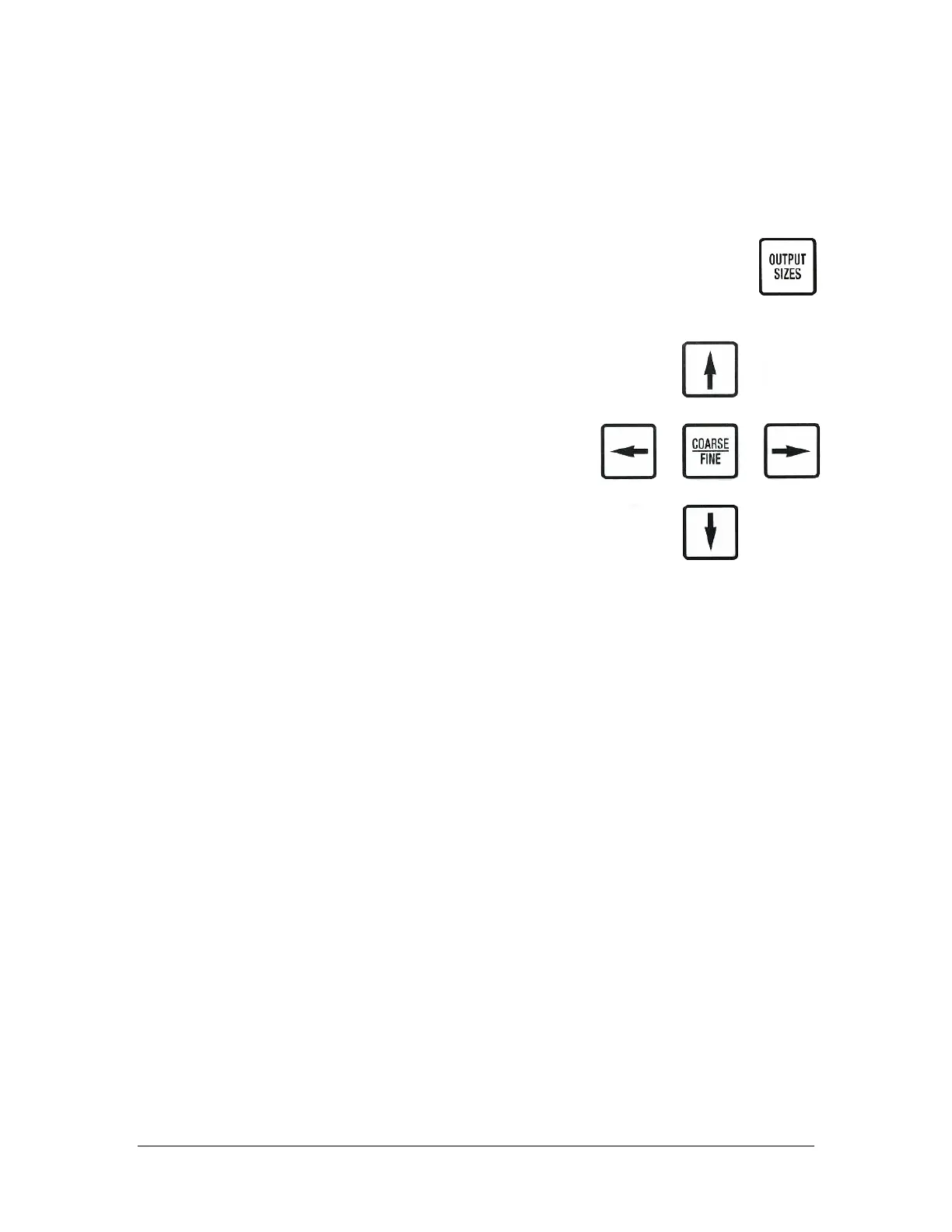
1. To enter your own information into the memory, press the OUTPUT
SIZES key to enter the output sizes menu.
2. Using the Up/Down Arrow keys, position the
cursor > in front of PATTERN NUMBER and press
the YES key. A dark, blinking square will appear on
the display where the next number will be entered
from the keypad.
NOTE: Press the NO key to back up the cursor by 1
position, erasing that text. Press the YES key again
to save the number entered.
Part Number
This must be an 8-digit number with zeros entered to bring the number to 8
digits. For example if the actual part number is H20-55-24 then enter the part
number as "000055-24".
X Pitch
The pitch is the distance from the center of one cavity to the center of the next
cavity. X indicates movement along the left/right axis. If programming a new
waffle pack, the easiest way to derive the X pitch is by using the waffle pack
calibration feature. If you intend to do this then just enter an educated guess of
the waffle pack X pitch at this point, you can calibrate the exact waffle pack sizes
later.
Y Pitch
The pitch is the distance from the center of one cavity to the center of the next
cavity. Y indicates movement from front to back. If programming a new waffle
pack, the easiest way to derive the Y pitch is by using the waffle pack calibration
feature. If you intend to do this then just enter an educated guess of the waffle
pack Y pitch at this point, you can calibrate the exact waffle pack sizes later.



 To Next Page