DE35-ST Operating Instructions
D292469I 69
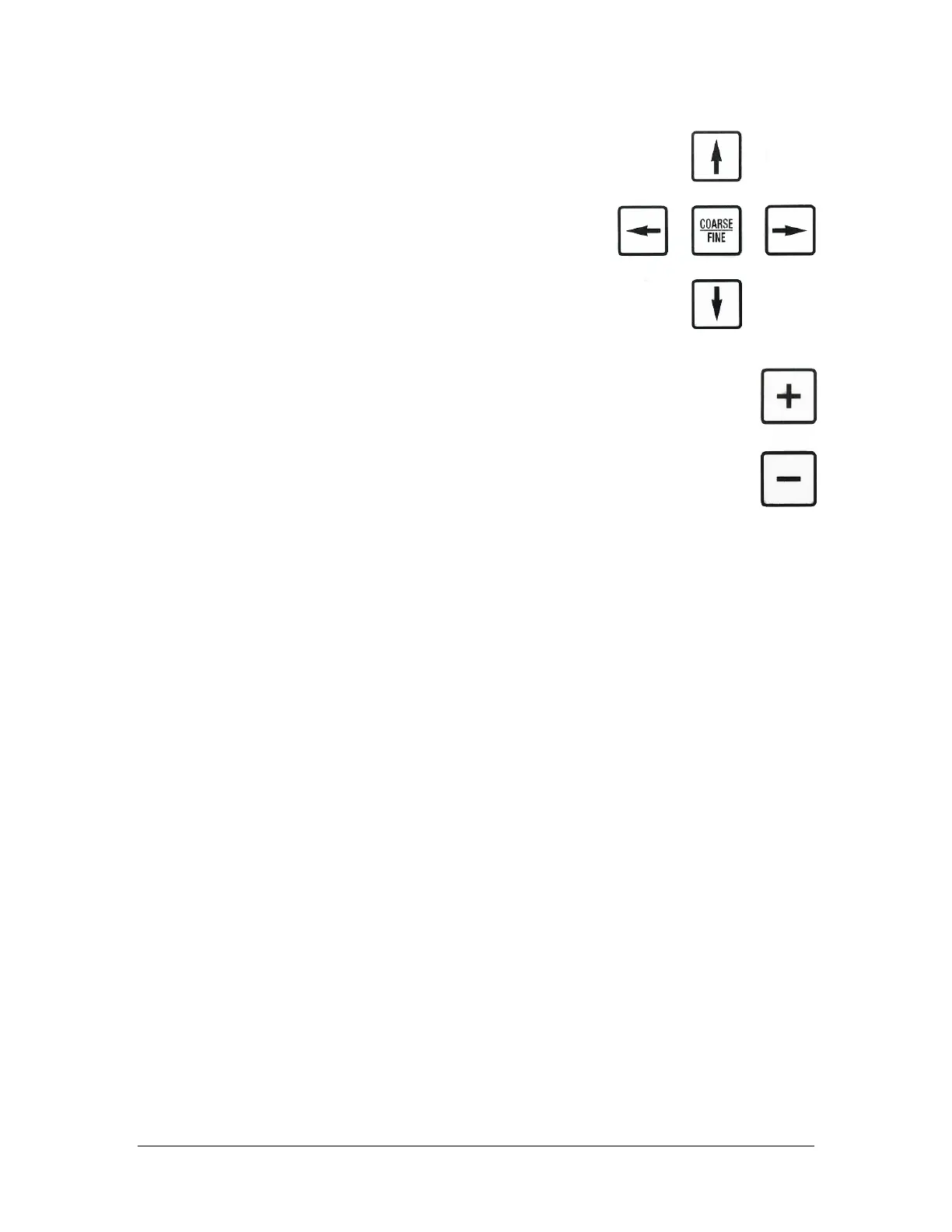
5. Use the Up/Down and Left/Right Arrow keys
to position the Pickup Tip in the center of the
cavity.
6. When tip is positioned correctly, press the + key again.
7. The arm will step to the next calibration pocket and repeat the
adjustment.
The calibration pockets are two diagonally opposite
pockets in each waffle pack. Select the next/previous
calibration pocket using the + / - keys. To backtrack and
verify the calibration of any waffle pack, hit the - key.
If the calibration is started after some die have been placed in the
waffle pack, the next placement pocket position will be
remembered when operation resumes.
At any time calibration can be terminated by pressing the YES key. When calibration is
terminated, the system calculates the true values for X pitch and Y pitch and the
adjusted datum corner positions for each of the four waffle packs.
The X and Y pitch values are averaged and are then displayed in the OUTPUT SIZES
menu. These new values are saved and the next time this part number is loaded, these
values will be loaded.



 To Next Page