DE35-ST Operating Instructions
D292469I 67
Output Setup
Changing Output Sizes
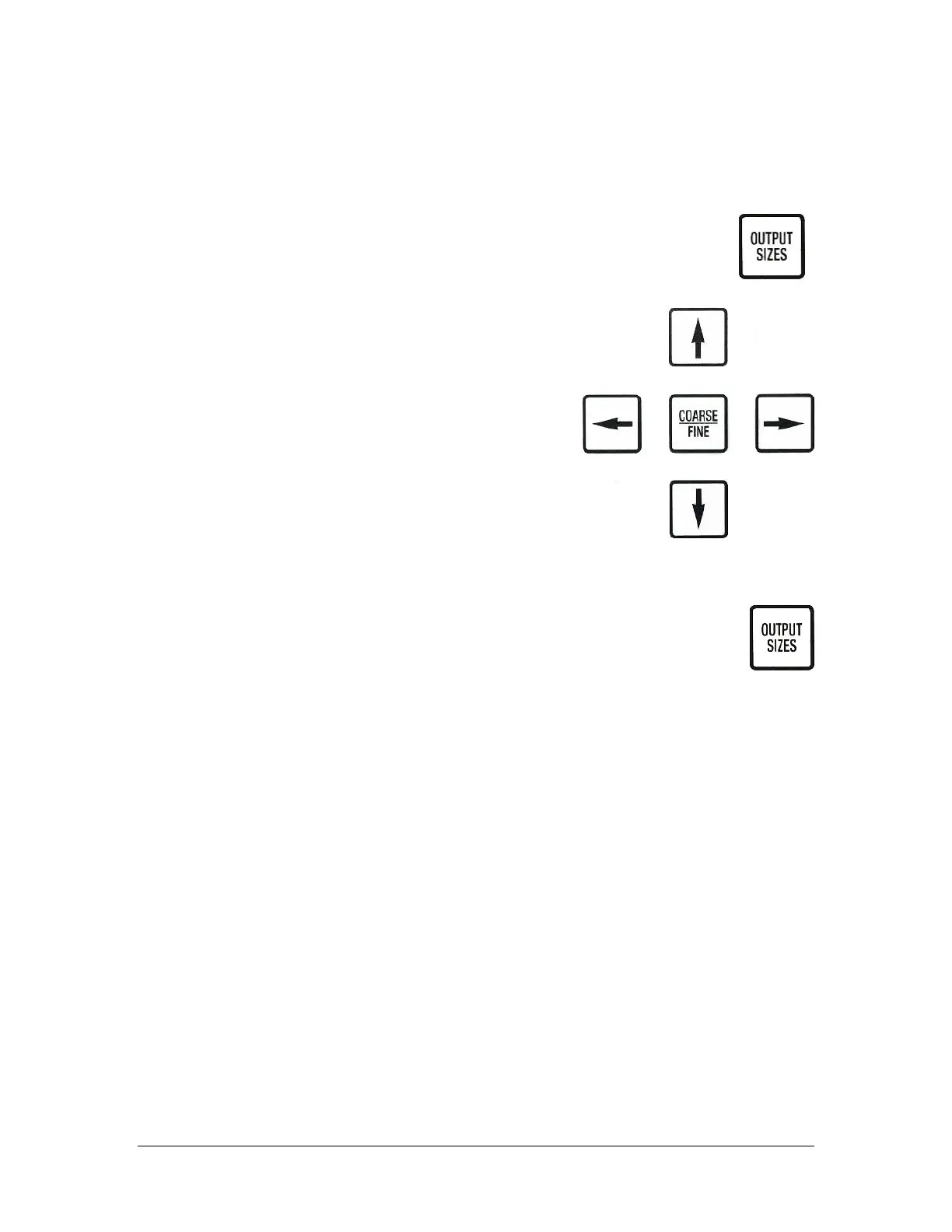
To change the output waffle pack dimensions, press the OUTPUT SIZES key.
This will display the Output Sizes Menu on the LCD display with a cursor >
pointing to the relevant line.
Use the Up/Down Arrow keys to move the cursor >
through the menu lines, displaying the dimensions
already in use.
To browse through the Waffle Pack part numbers and
corresponding dimensions, press the Left/Right Arrow
keys. The Left Arrow key will present the previous part
number in the list, the Right Arrow key will present the
next part number in the list. It does not matter which
line in the menu the cursor > is pointing at, you will still
be able to browse through the values associated with
the next waffle pack part number.
Selecting a New Die Count
1. To change the die count, press the OUTPUT SIZES key.
2. Press the Down Arrow to scroll to the 00000 DIE PER WAFFLE
PACK display on the screen.
3. Enter the desired number of die per waffle pack, remembering to fill all
spaces provided. For example: For a die count of 400, enter 00400. Press
the YES key to save this setting.
4. Use the Up Arrow key to scroll up until QUIT MENU is displayed on the
screen. Press the YES key to quit menu.
Selecting a New Waffle Pack Type
1. To change the waffle pack part number, press the YES key when the
cursor > is pointing at the PART NUMBER line.
2. A dark, blinking square will appear in the display where the Waffle Pack
number will be entered. Use the keypad to enter the correct part
number. If an incorrect number is entered, use the NO key to backspace
the cursor one position.



 To Next Page