DE35-ST Operating Instructions
D292469I 57
Modes of Operation
Run Mode
When the machine is in Normal Operations mode, the currently selected Waffle Pack
pattern number will be shown on the top line of the display and the total number of
devices placed will show on the bottom line of the display.
When the Foot Pedal is pressed, the arm will leave its current position (usually the Wait
Position) and will go directly to the Die Pickup Position. The Pickup Arm then waits for a
short time at the pickup position for the die to be lifted. After the die is picked, the arm
moves to the next empty waffle pack location. The arm will then return to the Wait
Position, where it will stop unless the Foot Pedal is still held down. If the Foot Pedal is
held down, a new cycle will begin without stopping. This cycle will be different if the
machine has underside inspection, facet inspection or bar stacking capabilities. (See
Underside Inspection or Facet Inspection sections for details.)
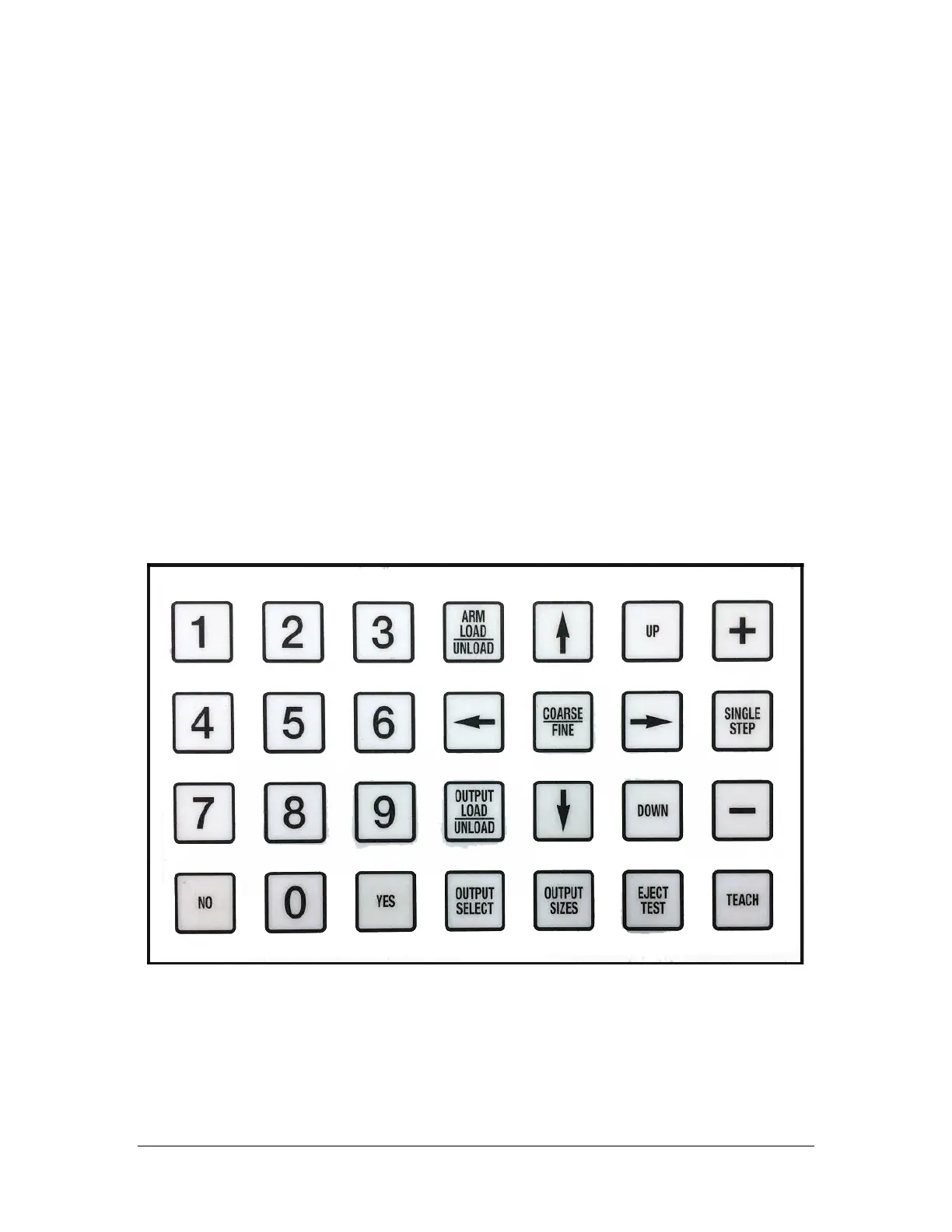
Keyboard Function in Run Mode



 To Next Page