58 D292469I
The following will describe keyboard functions when the machine is in the Run Mode.
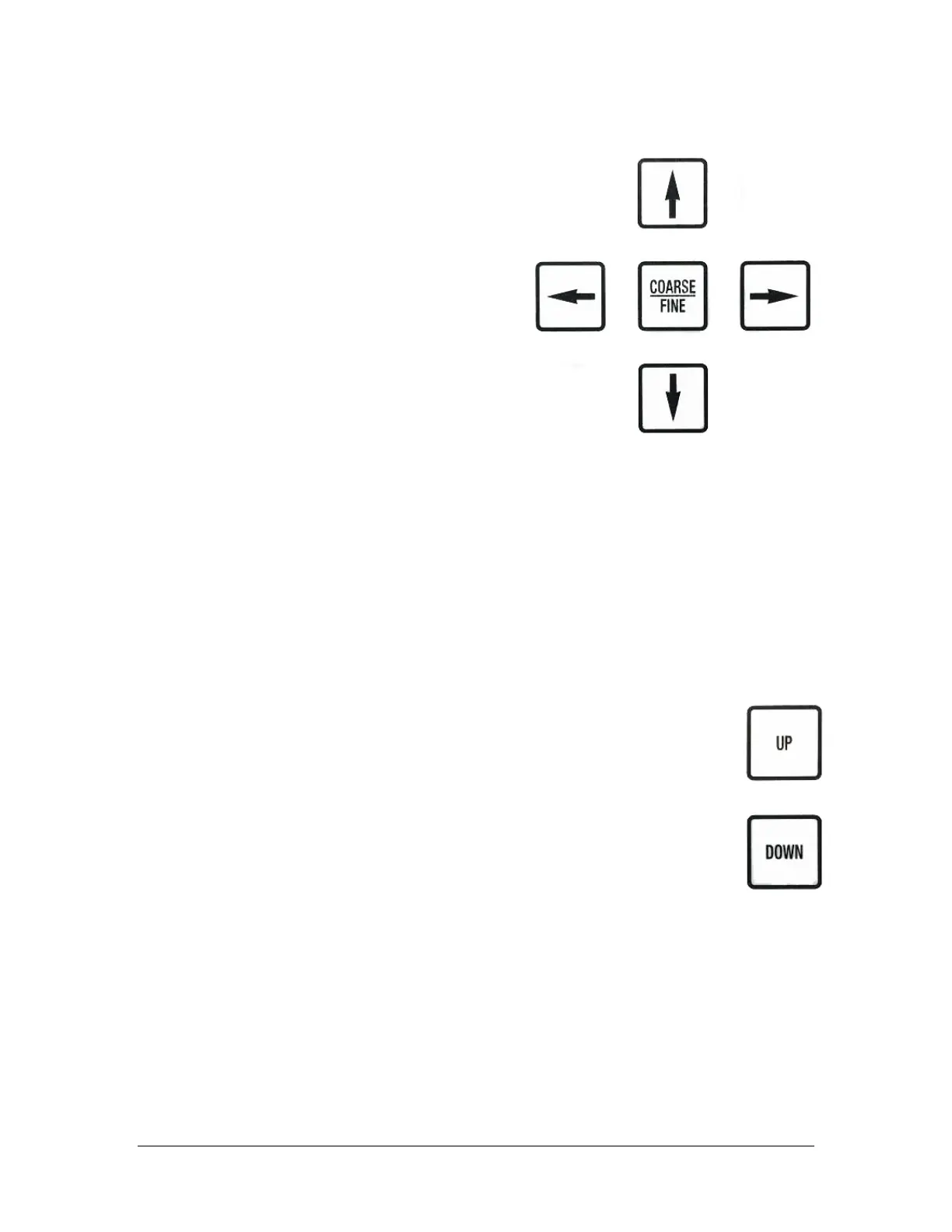
Coarse/Fine
This key has no function in RUN mode.
Left/Right Arrow
Pressing the Right/Left Arrow key with
the pick arm in the wait position will
move the arm to the last placement
position on the waffle pack. Once the
arm has moved to this position, the Right
Arrow will move the arm through the
current row of both waffle packs in that
axis.
Up/Down Arrow
If the pickup tip is has been moved to the waffle pack by pressing either the Left
Arrow or Right Arrow, the Up/Down Arrow key will move the Pickup Tip
position through each pocket of the current column of both waffle packs in that
axis.
NOTE: The pocket that the tip is left in will be the next pocket the die will be
placed to when the Foot Pedal is pressed. The die will then be placed in order
from that new position, however, if the die count is not adjusted it will continue
from its current count.
UP Key
Pressing the UP key when the Pickup Tip is in the wait position will
cause the Pickup Tip to find its Home Position and return to traverse
height.
DOWN Key
Pressing the DOWN key when the Pickup Tip is in the wait position
will lower the head to the current pick height setting. If the head is
left in this position and the foot pedal is pressed, it will first raise to
traverse height before picking and placing.



 To Next Page