62 D292469I
The following describes the key functions when the system is in Single Step/Teach
Mode.
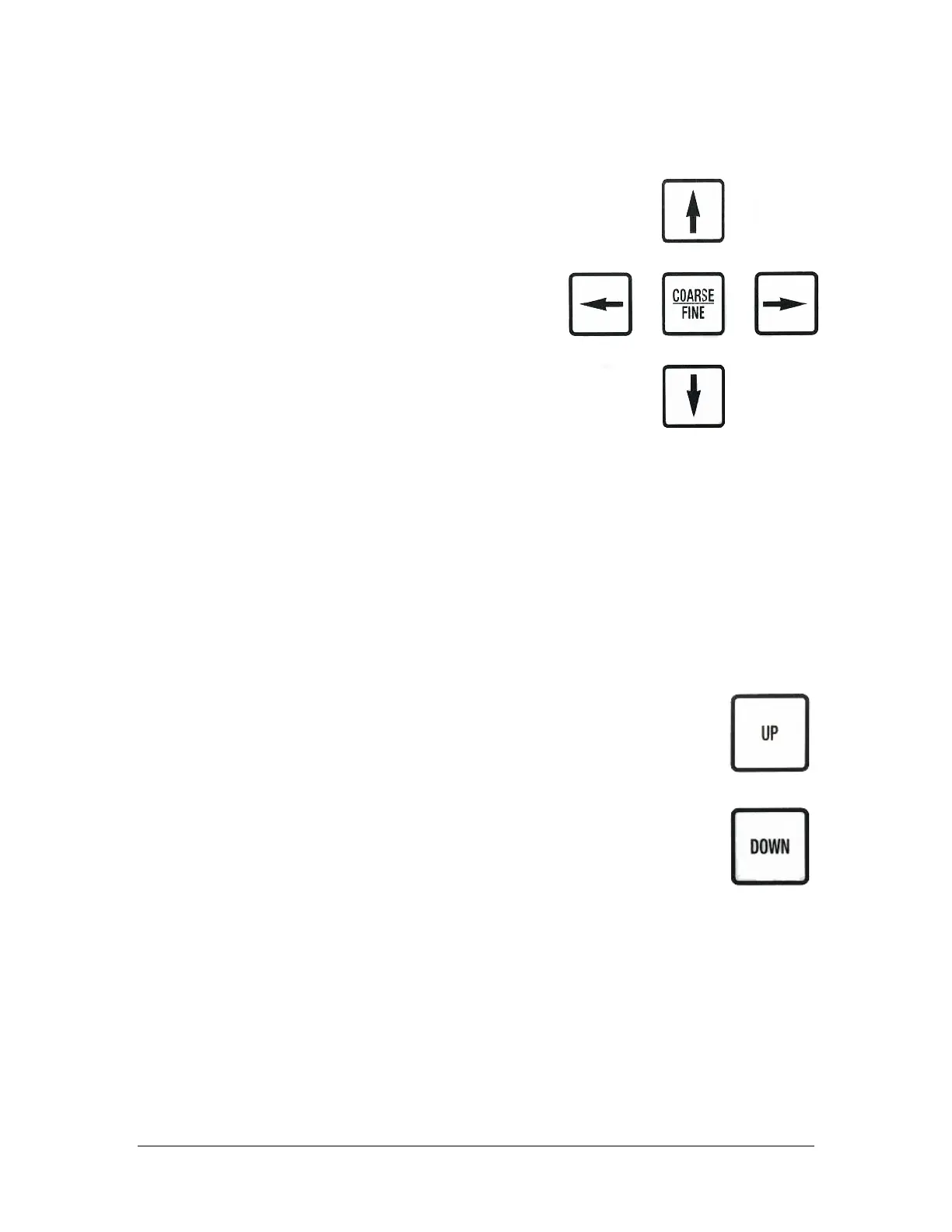
Coarse/Fine
Switches between Fine (1 Step) and Coarse
(10 steps) for each action of the X, Y and Z
drives. The X-drive moves 2 mils per step. The
Y and Z drives move 1 mil per step.
COARSE or FINE is displayed on the LCD on the
right side of the top line. When adjusting pick
up delay, Coarse/Fine switches delay
increment from 0.010 sec. to 0.100 sec.
Down/Up Arrows
If the Pickup Tip is currently over the waffle
pack area, then the Down/Up Arrow keys adjust the waffle pack table towards
the back/front of the machine by either a Coarse or Fine movement. This has
the effect of moving the Pickup Tip towards the back/front of the machine. If
the pickup is not located over the waffle pack area, the machine will beep but
nothing will happen.
Left/Right Arrows
Adjust the pickup arm towards the Left/Right of the machine, by either a Coarse
or Fine movement.
Up/Down Keys
Raises/Lowers the Pickup Tip by either a Coarse or Fine movement.
If the pickup tip is in the down position over the Waffle
Pack/Output area, pressing the UP key will raise the placement
height while pressing DOWN will lower it.
If the pickup tip is in the down position over the Wafer, pressing the
UP key will raise the die picking height while pressing DOWN will
lower it.
If the pickup tip cannot be adjusted any further in the up/down direction, the
message REACHED LIMIT will appear briefly in the display, accompanied by 3
beeps.
If the pickup tip comes into contact with anything with a force greater than 7-10
grams, the display will change from PICK UP CLEAR to PICKUP IN CONTACT.



 To Next Page