98 D292469I
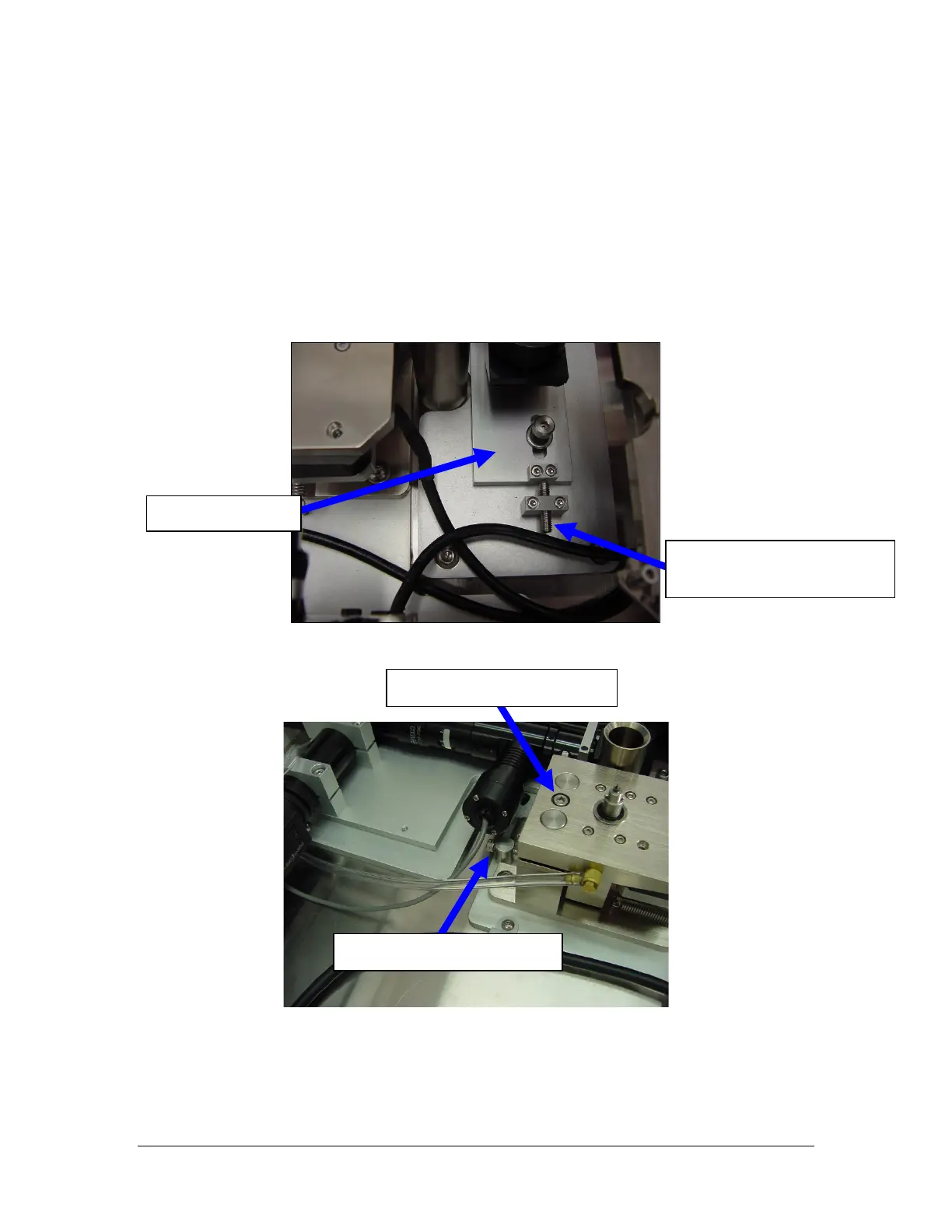
To adjust the Die (Pickup Tip) on the Y Axis (front to back) direction, there are
mechanical adjustments made with positioning screws:
1. Place the system in Single Step Mode by pressing the SINGLE STEP key.
2. Cycle the system until the pickup is holding a die at the Down position over the
Rotating Spindle of the Facet Inspection Camera.
3. Make adjustments using the Positioning Screws. The images below demonstrate
the Positioning Screws that may need to be adjusted.
Y-Axis Adjustment Screw
Fasten top and bottom.



 To Next Page