Advanced Digital Video Platform Hybrid-DVR User’s Guide
CHANNEL: Display Event channel
EVENT TYPE: Display Event type.
Event list display 20 each /page, total 25page(max 500 event)
Event list exceed 500, then retry search after adjusting searching time.
4: You can select Event Type will be displayed in Event list.
ALL: Display all events.
SENSOR: Display Sensor Event.
VIDEO LOSS: Display Video loss Event.
MOTION DETECTION: Display motion Event.
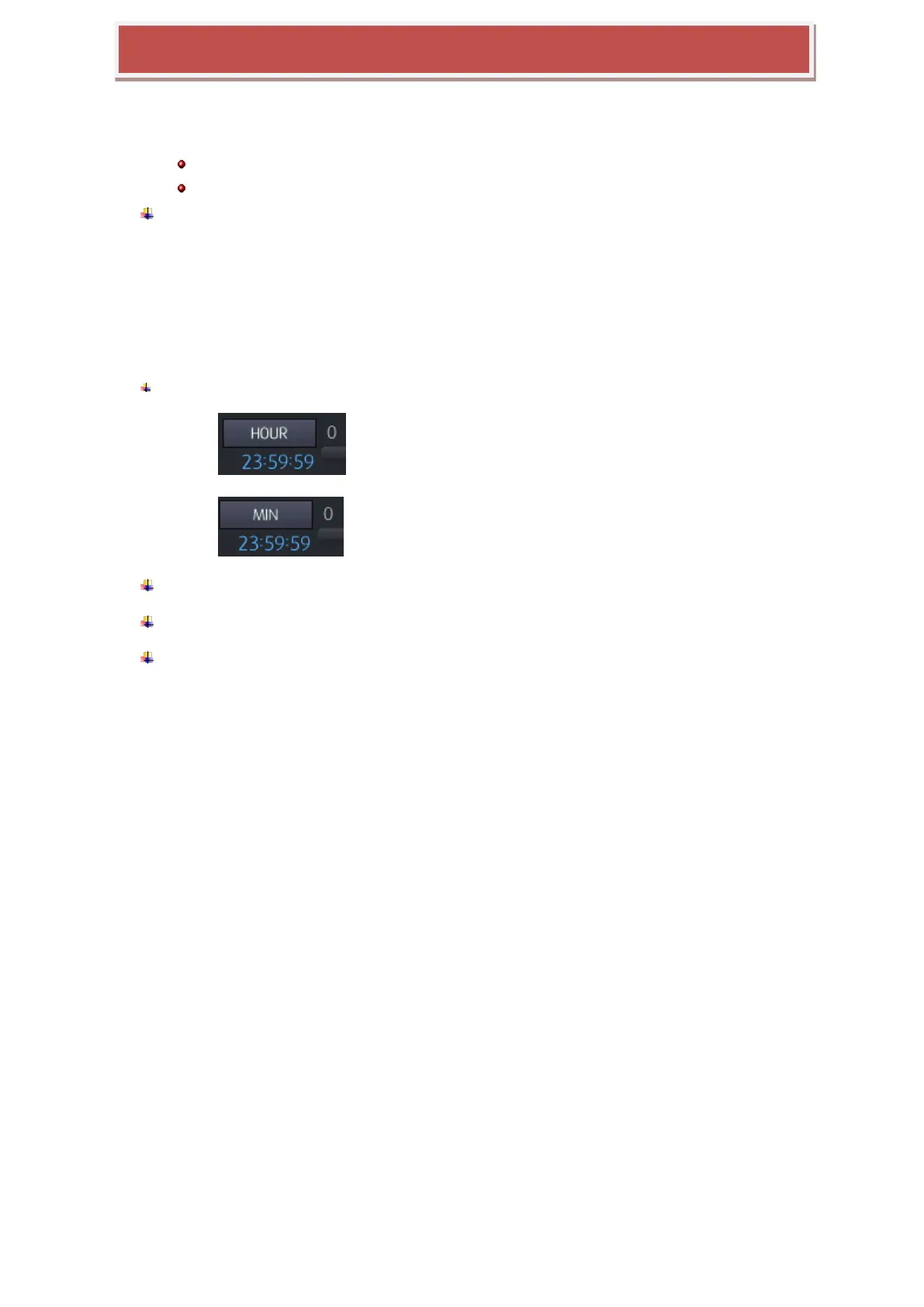
5: Search for events by hours / minutes can be selected.
: Event search by hour
: Event search by minute
6: You can select channel which will be displayed in Event list.
7: Switch Events List page. A total 500 events are shown on page 25.
8 : You can configure a search condition again by stepping above 4 ~ 7.



 To Next Page