Advanced Digital Video Platform Hybrid-DVR User’s Guide
6.6 CONFIGURING USER
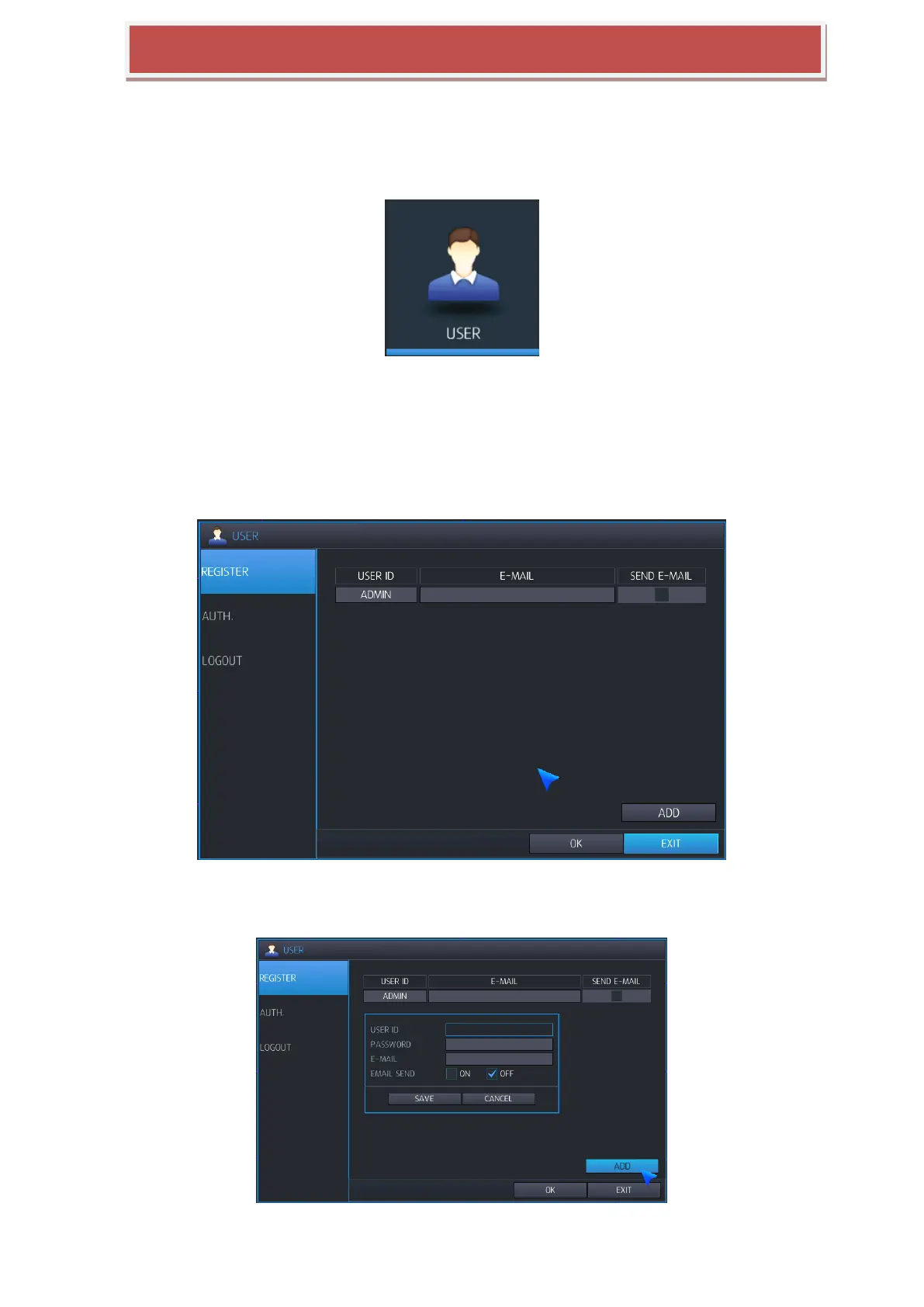
To set-up the User Authority options, highlight USER and press ENTER
6.6.1 USER REGISTER
By default, the HYBRID-DVR is configured with a USER ID of ADMIN belonging to the ADMIN group and with
a password of 1234.
Using this, max 10 user account can be registered and configure authority separately.
As well as the ability to add new users, existing user‟s defaults can be modified.
The maximum number of users that can be created is 8.
To modify user details, highlight the user with the blue cursor or press ENTER. The EDIT screen appears.



 To Next Page