Advanced Digital Video Platform Hybrid-DVR User’s Guide
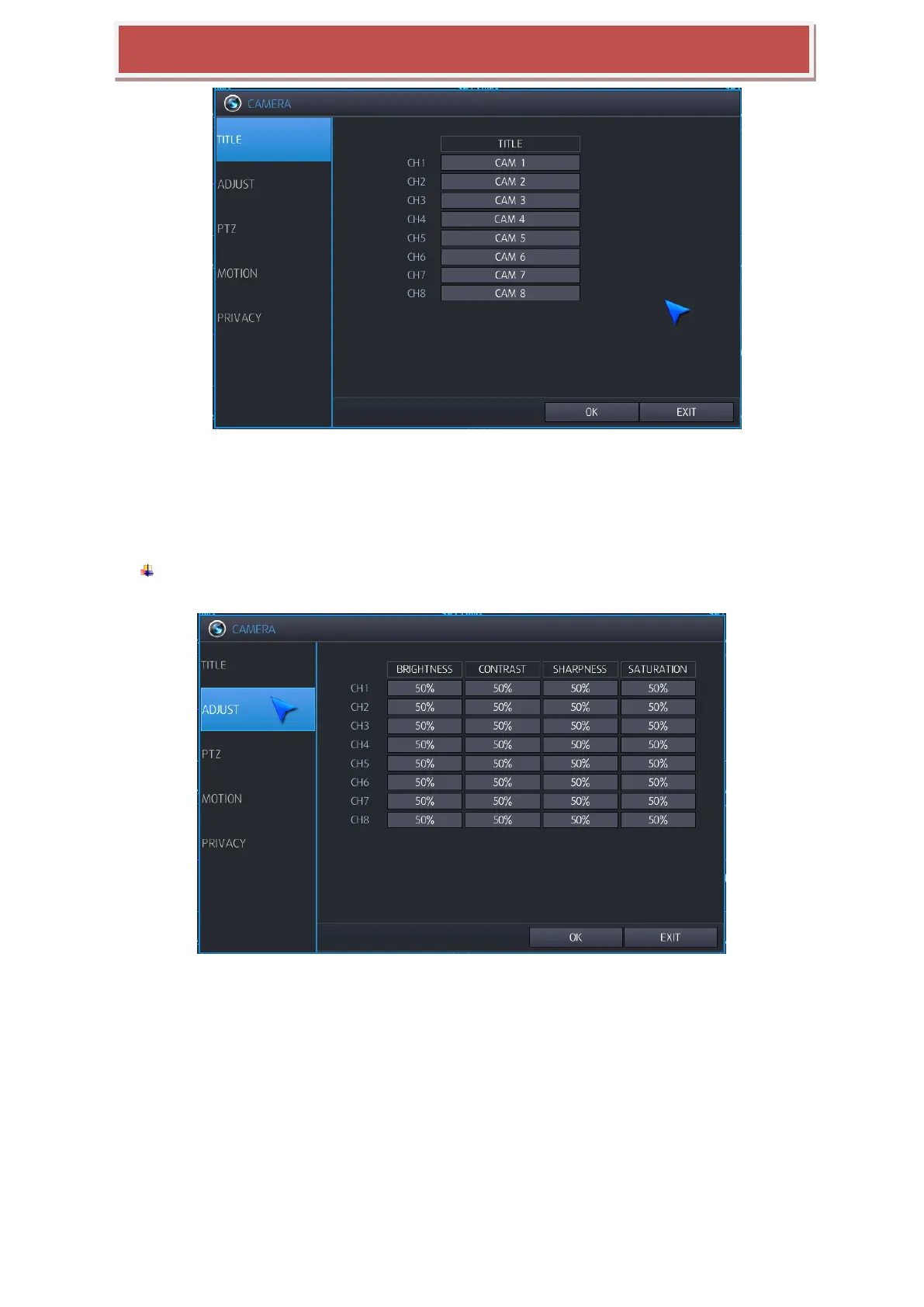
6.1.2 ADJUST
You can choose the „ADJUST‟ menu for setting of video features of camera. You can adjust the video features
such as „BRIGHTNESS‟, „CONTRAST‟, „SHARPNESS‟ and „SATURATION‟ by clicking one of the value for the
required channel. Refer to the following pictures.
The range of the value for each setting is from 0 ~ 100. Refer to the following pictures.



 To Next Page