Advanced Digital Video Platform Hybrid-DVR User’s Guide
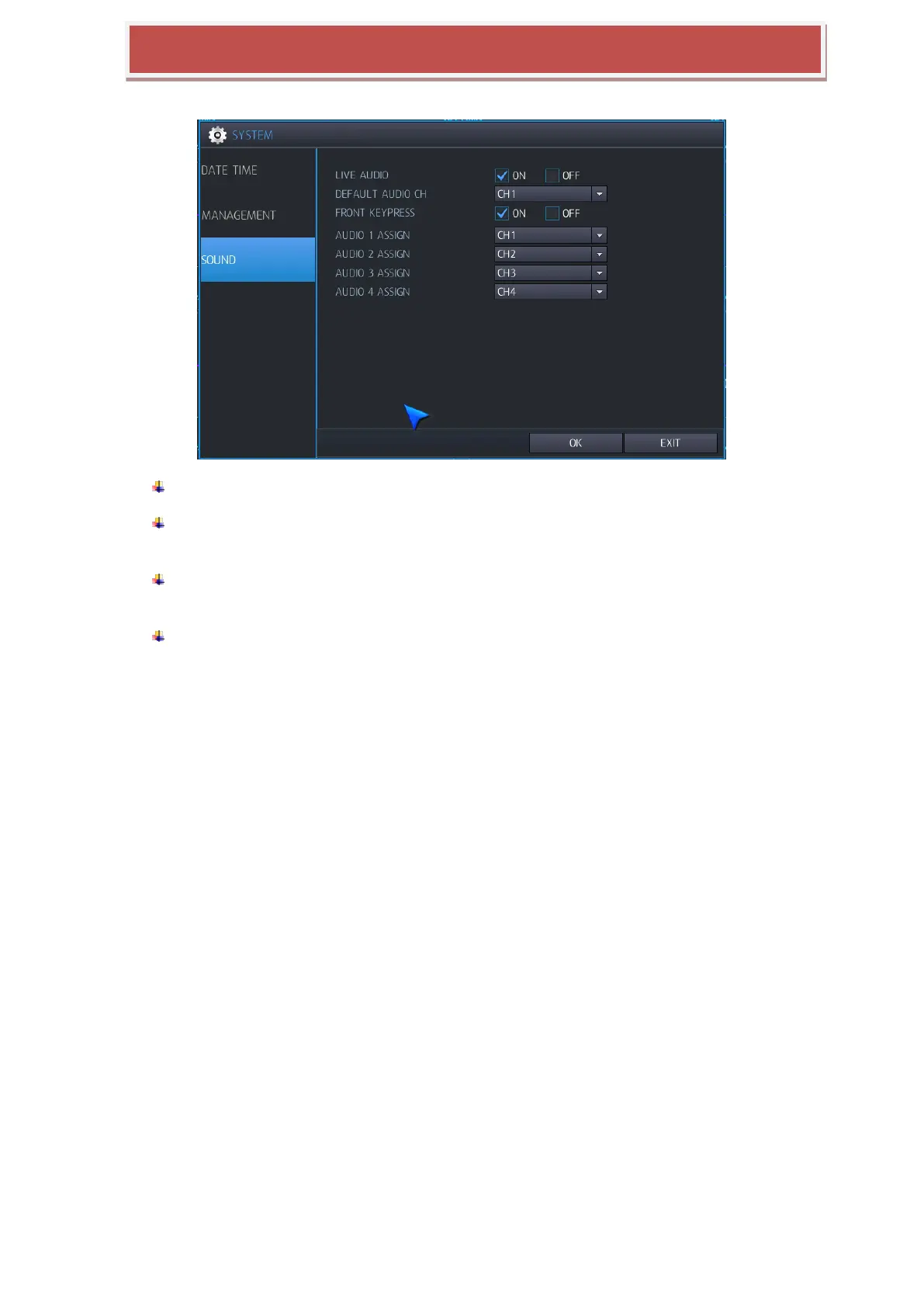
6.4.3 AUDIO
LIVE AUDIO: If you select “on”, Audio output is available at Live mode.
DEFAULT AUDIO CHANNEL: Specify which one of the 4 AUDIO INPUTS is routed to the
AUDIO OUTPUT when the MV8004S is in quad screen mode.
FRONT PANEL KEYPRESS: When set to ON, each front panel button press is confirmed
by a beep. This setting will also turn the IR Remote confirmation beep on or off .
AUDIO 1 ~ 4 ASSIGN: Is synchronized with the audio channel and video channels.



 To Next Page