Advanced Digital Video Platform Hybrid-DVR User’s Guide
6.2 CONFIGURING DISPLAY
To set-up the various display options, highlight DISPLAY and press ENTER.
6.2.1 OSD
To set-up the various display options, highlight DISPLAY and press ENTER.
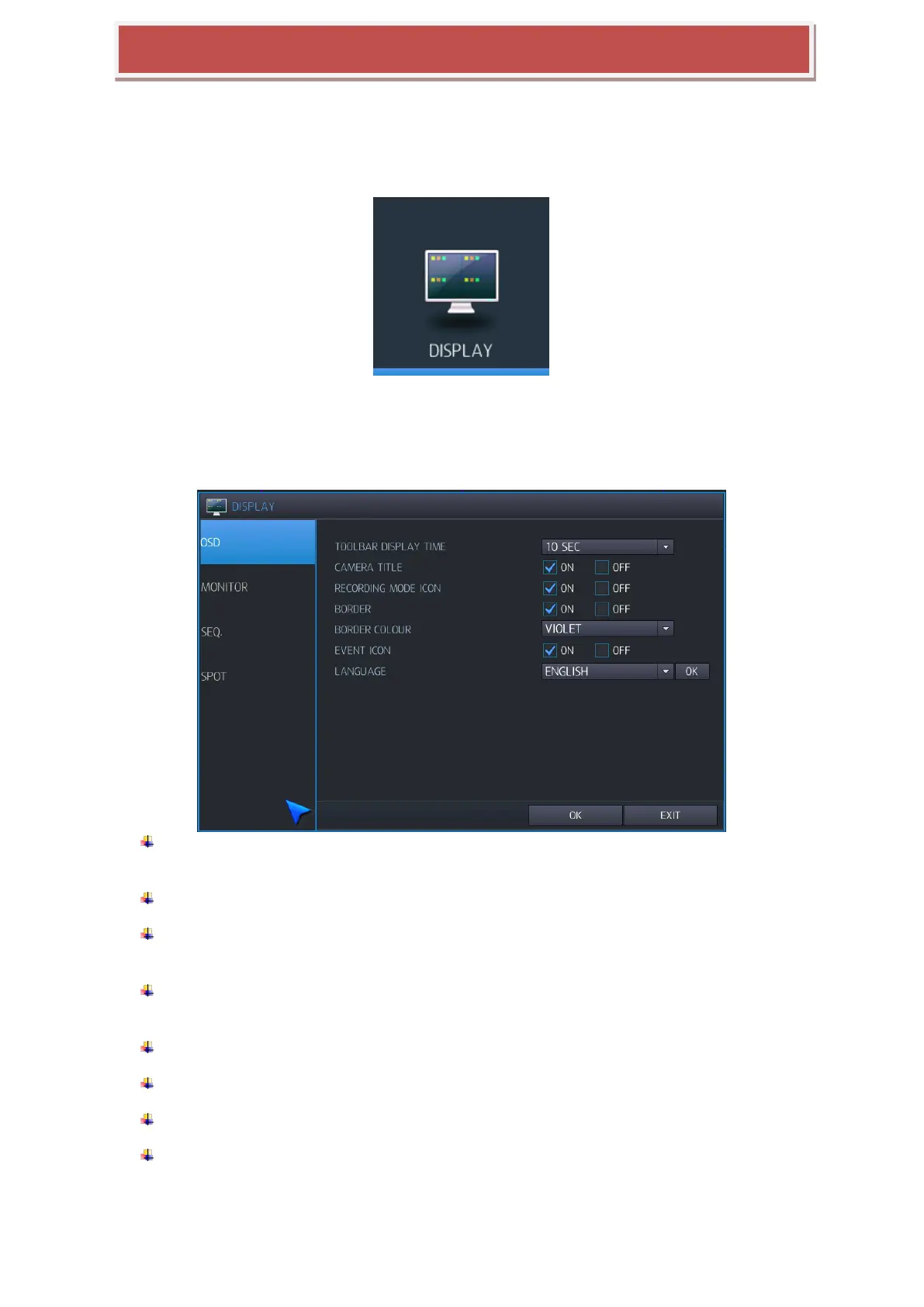
Configure camera title / boarder/ language here.
TOOLBAR DISPLAY TIME: Turns the Tool bar at the bottom of the live display ALWAYS ON
or auto off after display time.
CAMERA TITLE: Determines whether the camera title is displayed.
RECORDING MODE ICON: Determines whether the recording status is shown at the top
right of each channel display window.
BORDER: Determines whether there is a border around each channel in multi screen display
mode.
BORDER COLOUR: If the border is ON, you can choose the color.
EVENT ICON: Determines whether the event (Alarm, V-loss) icon is displayed.
Camera information: currently connected camera‟s resolution/bit rate display can be selected.
LANGUAGE: Select the language of display.
ENGLISH / KOREAN / GERMAN / POLISH / JAPANESE / FINNISH / CHINESE / RUSSIAN



 To Next Page