Advanced Digital Video Platform Hybrid-DVR User’s Guide
7.2 Android Viewer / iOS Viewer
PocketViewer is the name of smart phone viewer for Android
iPocketViewer is the name of smart phone viewer for IOS.
And you can also access to HYBRID-DVR system through 3G/4G phone or Wi-Fi connection.
Main feature
Live View
Full-Screen
Multi Screen Display (4 channel split)
PTZ Control (Pan-Tilt, Zoom, Preset configure and Move)
Live Zoom & Web Menu connection of HYBRID-DVR will be supported through
upgraded version.
7.2.1 How to use
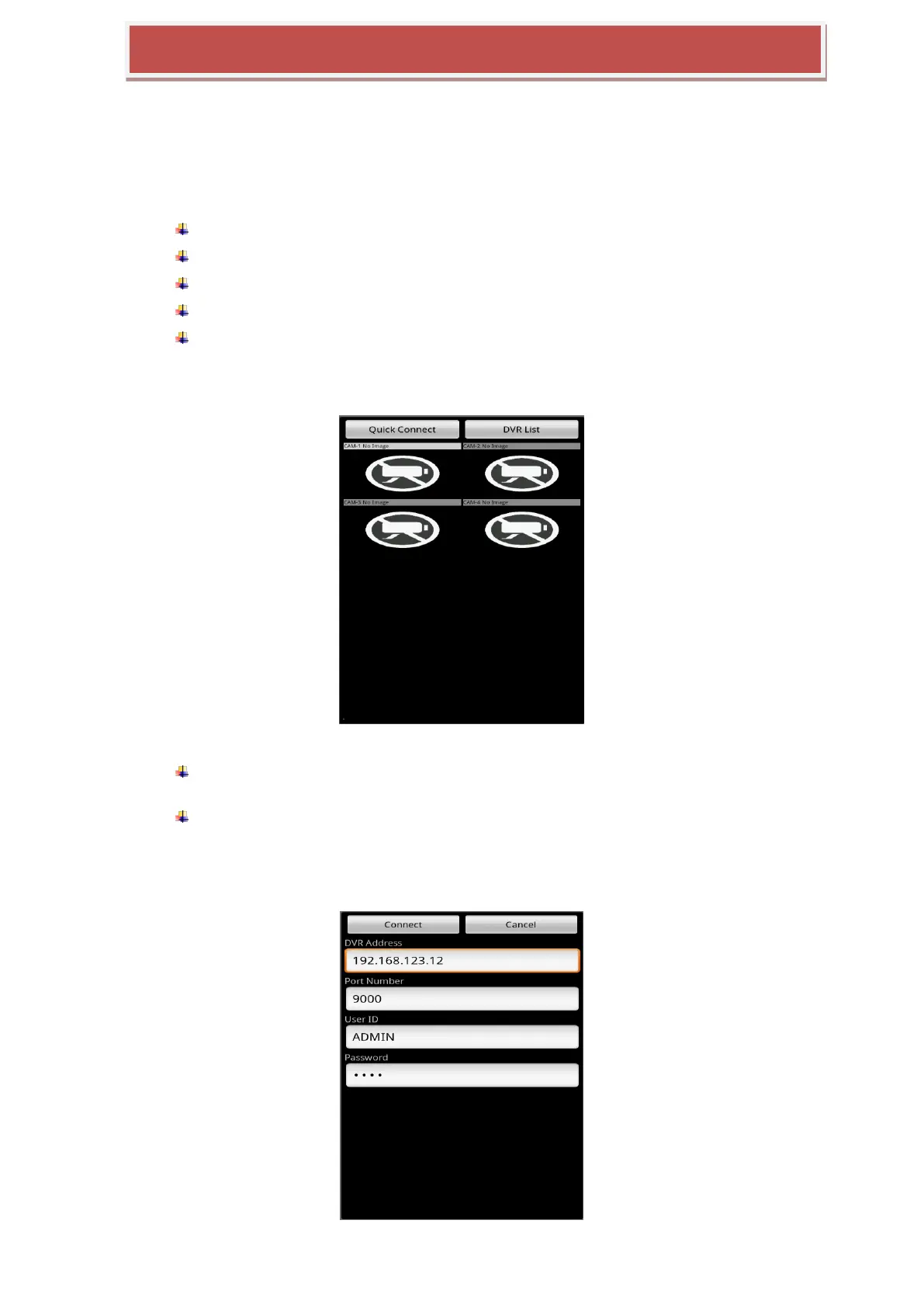
If you start PocketViewer/iPocketViewer, you will see the above screen.
Quick Connect : If don‟t want to save the HYBRID-DVR info to mobile phone, just for
one time connection usage.
HYBRID-DVR List : If you want to save the HYBRID-DVR info to mobile phone and
control the list of HYBRID-DVR.
7.2.1.1 Quick Connect



 To Next Page