Advanced Digital Video Platform Hybrid-DVR User’s Guide
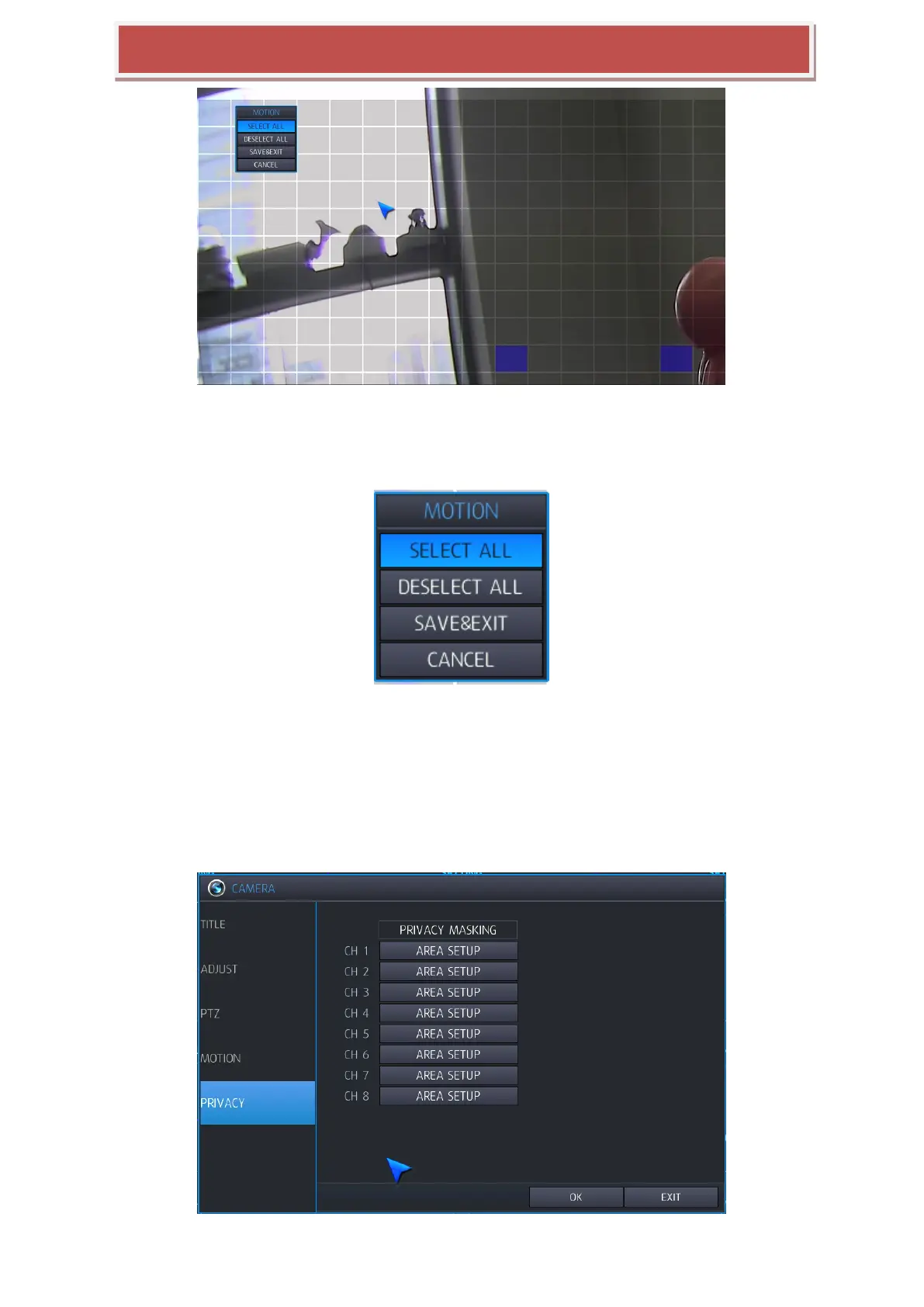
To quickly select or deselect the entire grid, use the Right mouse click to bring up the motion menu.
To select or deselect specific areas, use the left mouse click. Clicking on each cell toggles the setting to be
enabled or disabled.
By dragging with the left button down, the rectangle area can be selected. Selecting „SELECT ALL‟ or
„DESELECT ALL‟ after dragging will define the activity of the selected area. Refer to the below picture.
Repeat the above sequence as necessary to mask-off or include other areas of the image
Once the detection area has been defined, choose SAVE & EXIT to save the area and return to the motion setup
menu
6.1.5 PRIVACY



 To Next Page