Advanced Digital Video Platform Hybrid-DVR User’s Guide
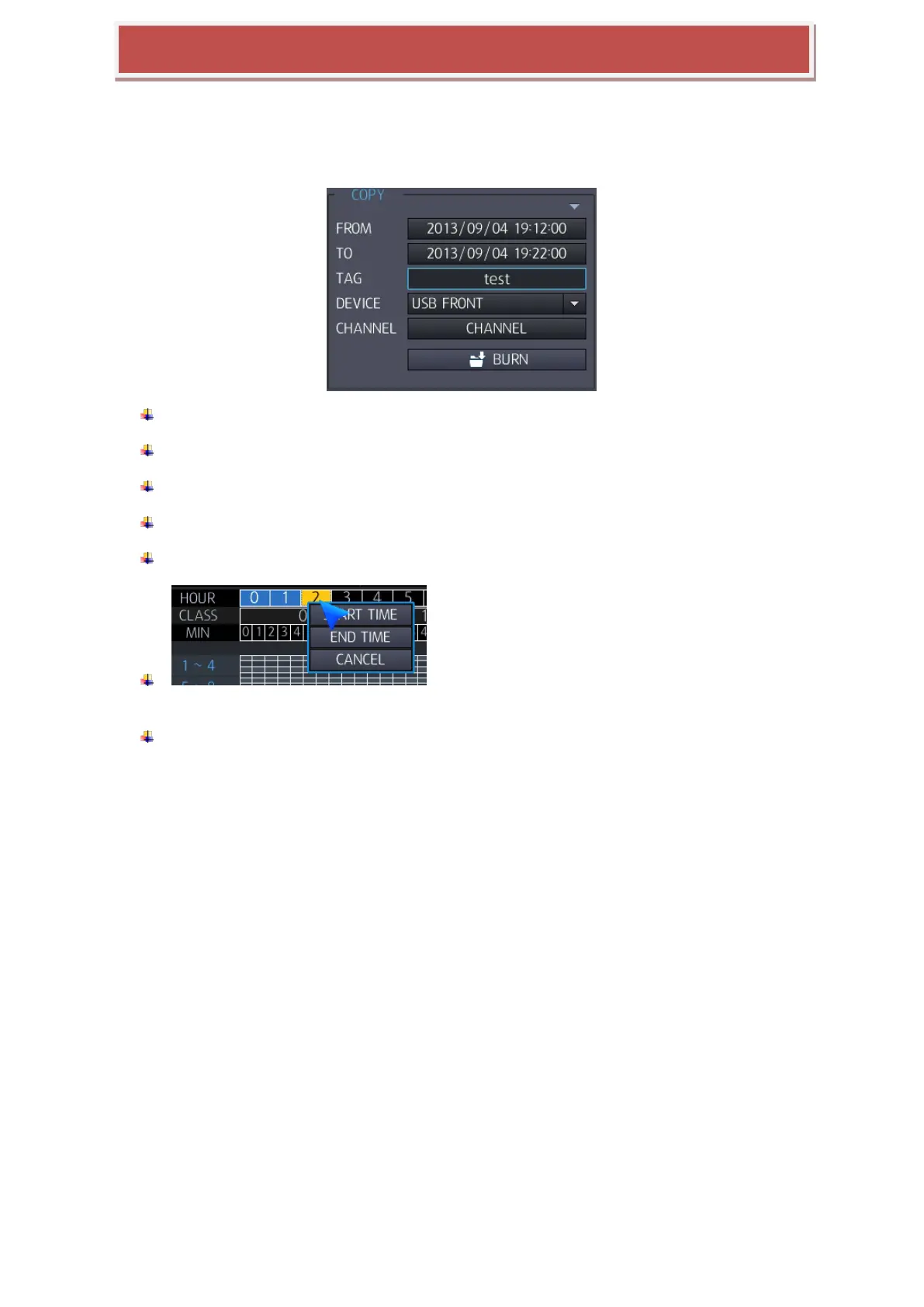
4.4 COPY
FROM: You can select the stat time to copy.
TO: You can select the end time to copy.
TAG NAME: You can folder name copy data.
DEVICE: You can select the port of USB to copy.
CHANNEL: You can select the channel to copy.
: You can select Start/ End Time at Calendar search
on Time line to copy.
Copy start: copy start with selected time and condition. Since start copy, display copy
progress status, you can select „copy stop‟ for stopping copy.



 To Next Page