Advanced Digital Video Platform Hybrid-DVR User’s Guide
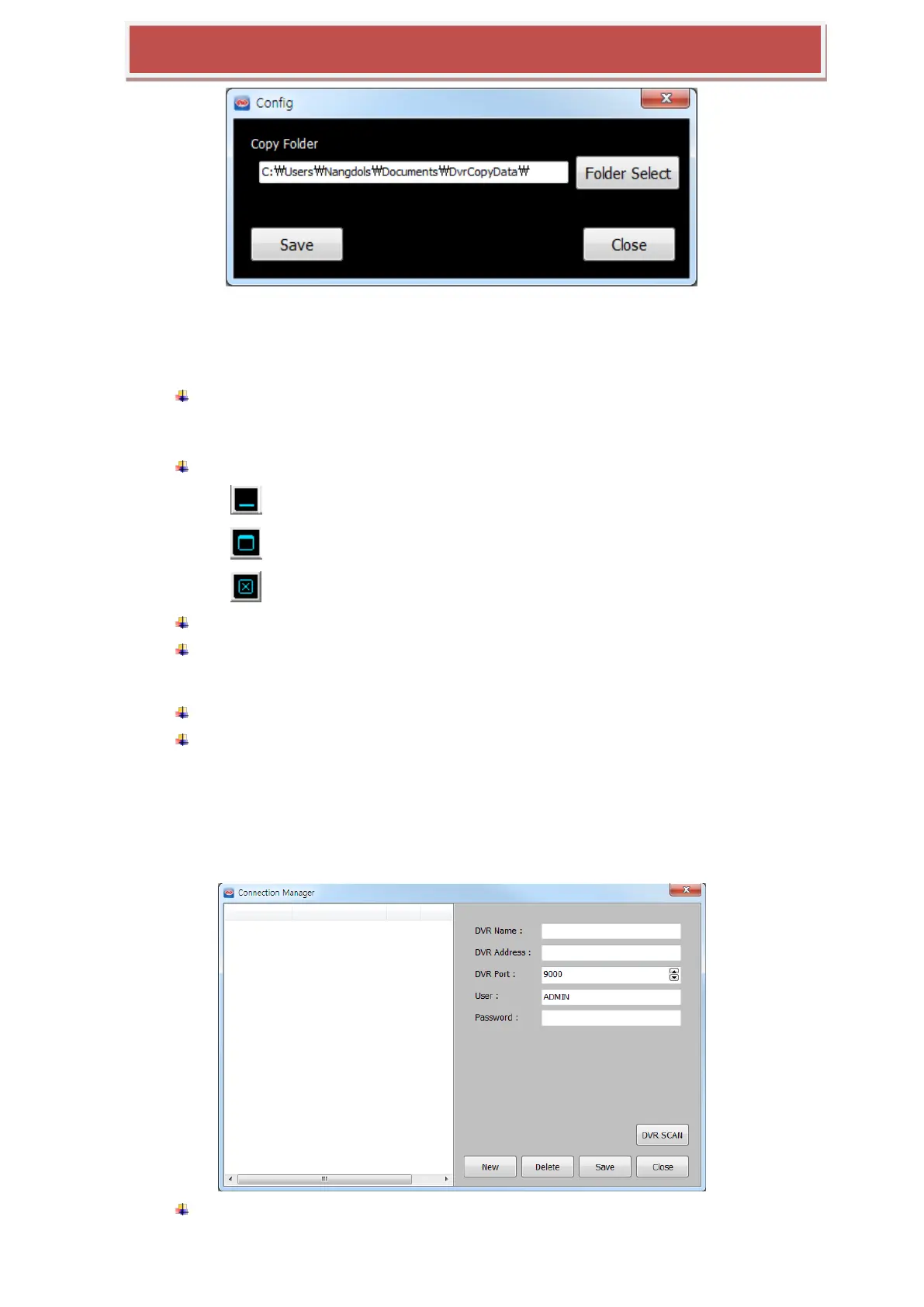
FOLDER SELECT: Choose or make the folder for the data which is copied out from the
HYBRID-DVR remotely.
SAVE: Apply and save the current modification.
CLOSE: exit the „Config‟ pop-up.
4 : SPLIT MODE SELECTION: choose the number of cameras which will be shown in
the live preview window.
1 / 4 / 9 / 16 / 25 / 36 / 49 / 64
5 : Minimize/Maximize/Close HYBRID-DVR Manager
: Minimize the window
: Maximize the window
: Exit the „HYBRID-DVR Manager
6 : Live View Window : show the live preview video of the connected HYBRID-DVR.
7 : HYBRID-DVR List Window : list the registered HYBRID-DVRs and indicate the
connection status. When the HYBRID-DVR is linked, the cameras connected on that
HYBRID-DVR are listed under the HYBRID-DVR.
8 : HYBRID-DVR Information : Show some information of HYBRID-DVR selected.
9 :Version: the version number of HYBRID-DVR Manager
7.4.4 CONNECTION MANAGER
This provides the way to register the HYBRID-DVRs into the HYBRID-DVR list, remove the
HYBRID-DVR from the HYBRID-DVR list and editing the HYBRID-DVR connection information.
HYBRID-DVR Name : The name which you give to the HYBRID-DVR which has the



 To Next Page