Advanced Digital Video Platform Hybrid-DVR User’s Guide
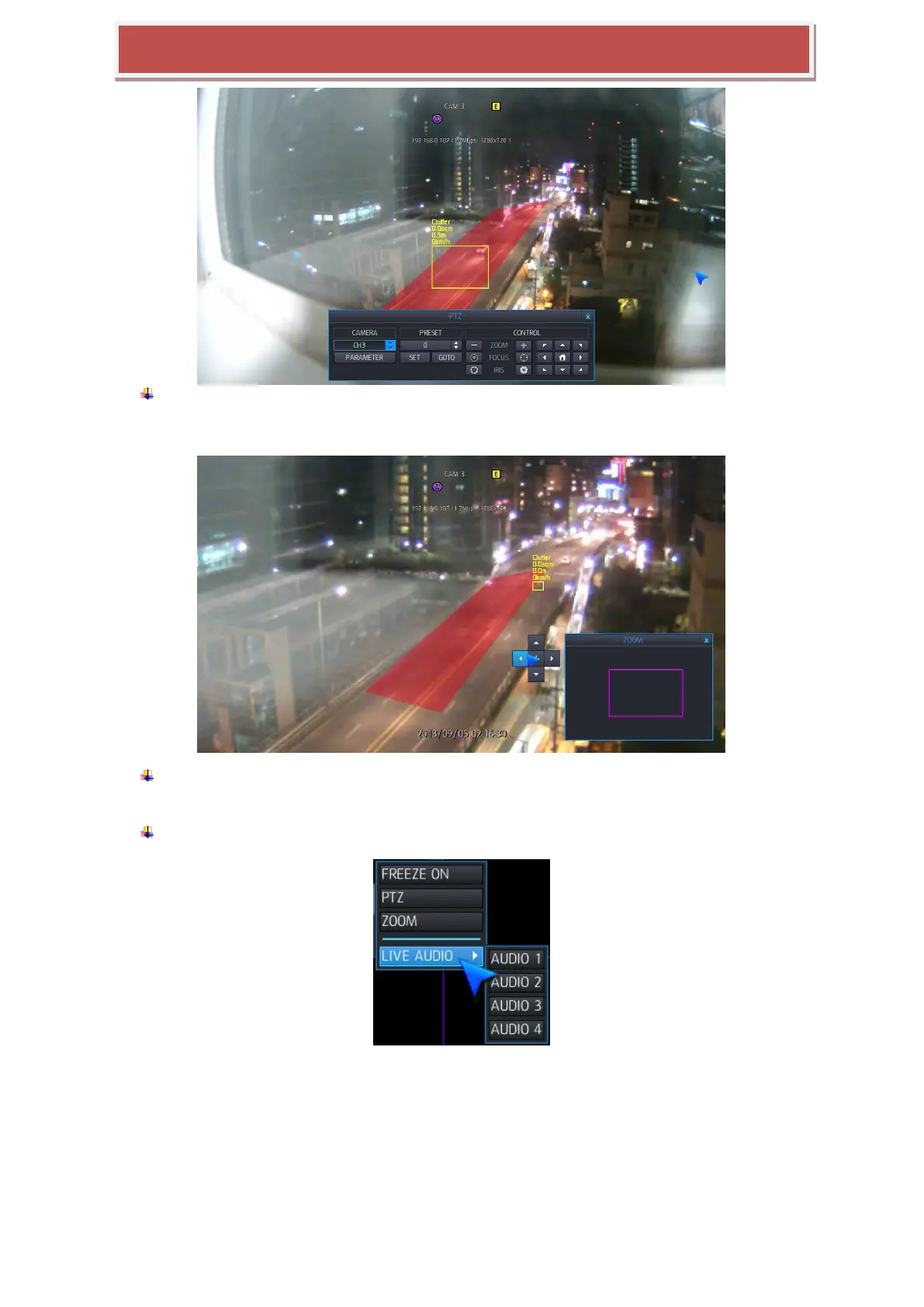
PTZ: Selecting PTZ will bring up PTZ control screen. PTZ can only be controlled by an
authorized user. PTZ mode will be activated in the channel you selected by mouse.
ZOOM : This execute digital zoom control screen. Zoom mode will be activated in the
channel you selected by mouse.
Live Audio: Select the live audio channel.



 To Next Page