Advanced Digital Video Platform Hybrid-DVR User’s Guide
Click the „Add to Firefox‟ will enable supporting Active-X plugin.
Way to execute the „Web Viewer‟ from the Firefox
Enter the IP of HYBRID-DVR into the URL bar of Firefox.
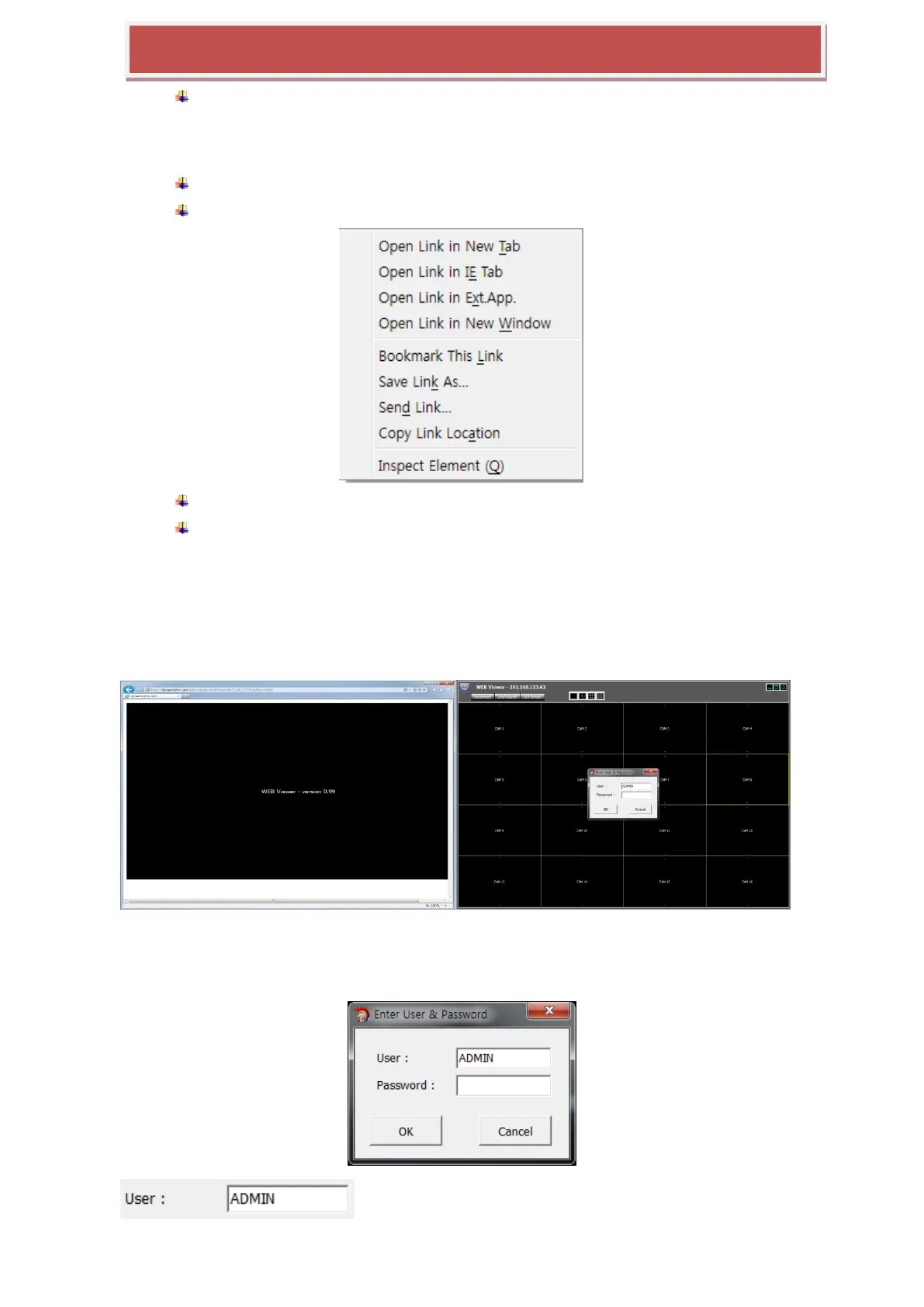
Right-click the link „AcitveX WEB Viewer‟ will show the pop-up menu such as below.
Select the „Open Link in IE TAB‟. ActiveX
First execution will install the ActiveX plug-in. And the application will be executed if
installed already.
7.1.3.2 Initial Screen of Web Viewer
Executing the „Web Viewer‟ opens the application separated from the web browser and show the
login window such as below picture.
.
7.1.3.3 Log In
: Enter the USER name of HYBRID-DVR registered in the HYBRID-DVR



 To Next Page