Advanced Digital Video Platform Hybrid-DVR User’s Guide
Check the F/W version.
The „v1.0.0‟ in the file name means the F/W version.
Please avoid updating if the version number of F/W file is lower than the current F/W version.
1.1.1.2 Preparing new F/W in the USB thumb driver
Unzip the file which received from dealer or downloaded yourself(in case you receive original file not zipped, then
you don‟t need unzip)
Using zip/unzip software, unzip firmware file.
After unzip, you can see above system file.
According to Upgrade field, number of downloaded file would be different.
All the required F/W files should be copied under the „dvr‟ folder. Refer to the following steps to do.
Plug in the USB thumb drive.
Make the „dvr‟ folder at the top of the USB thumb drive.
The characters, ‘d’,’v’,’r’, in the folder name have to be a lower case not a capital.
Copy the released F/W zip file into the „dvr‟ folder in the USB thumb drive.
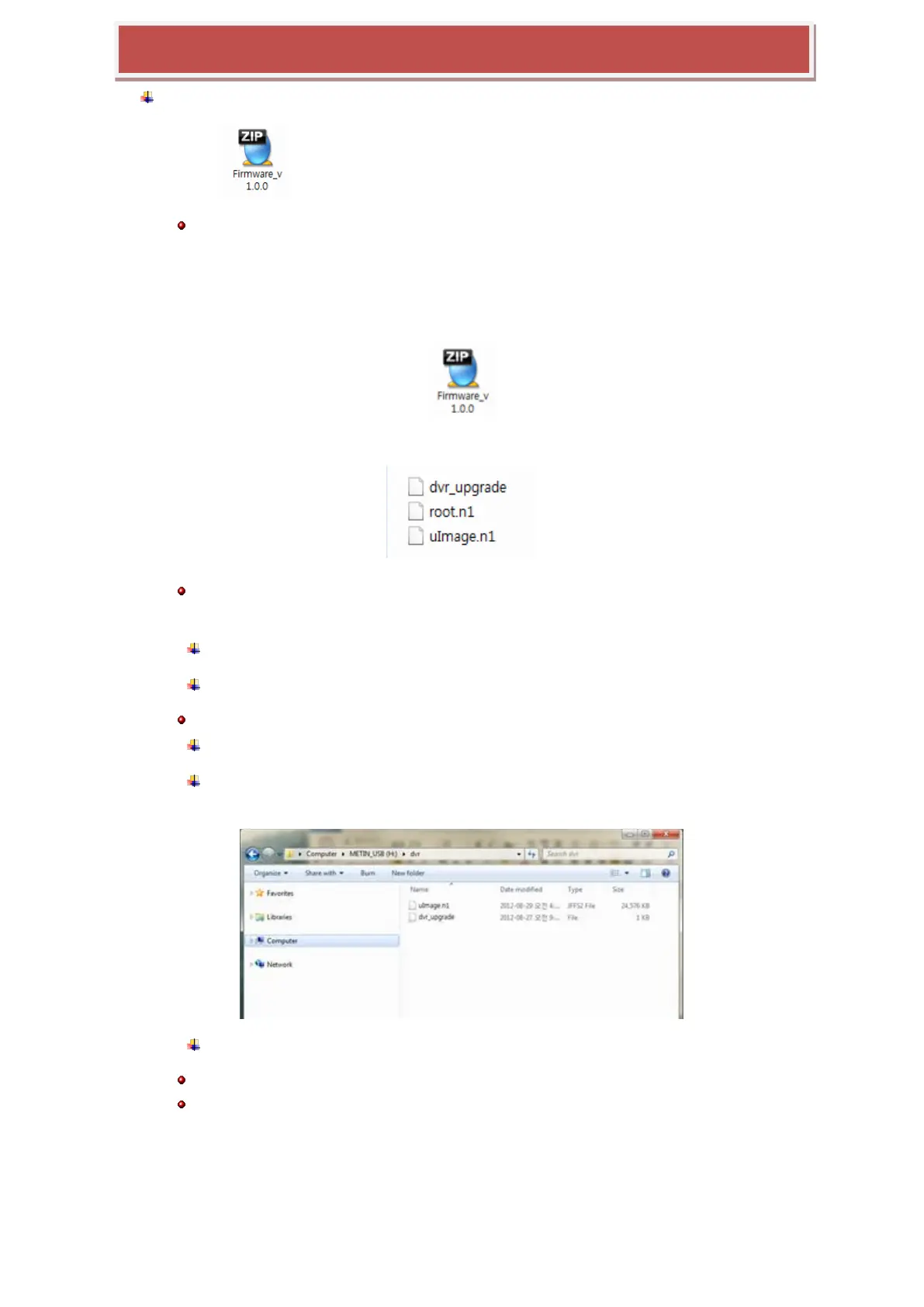
Extract the zip file under the „dvr‟ folder. Finally all files should be located under the
„USB thumb drive\dvr‟. Refer to the below picture.
Do „Safe Remove Hardware and Eject Media‟ from your Windows.
Note) Upgrading F/W file in Boot system is different compared to upgrading F/W files in main menu.
Note) F/W upgrade must be followed by manufacturer’s direction.
1.1.1.3 Upgrading System from the System Menu
Following steps will guide you into the way to upgrade the system with the new F/W.



 To Next Page