Advanced Digital Video Platform Hybrid-DVR User’s Guide
Digital Zoom In
7.4.5.1 Monitoring live video stream
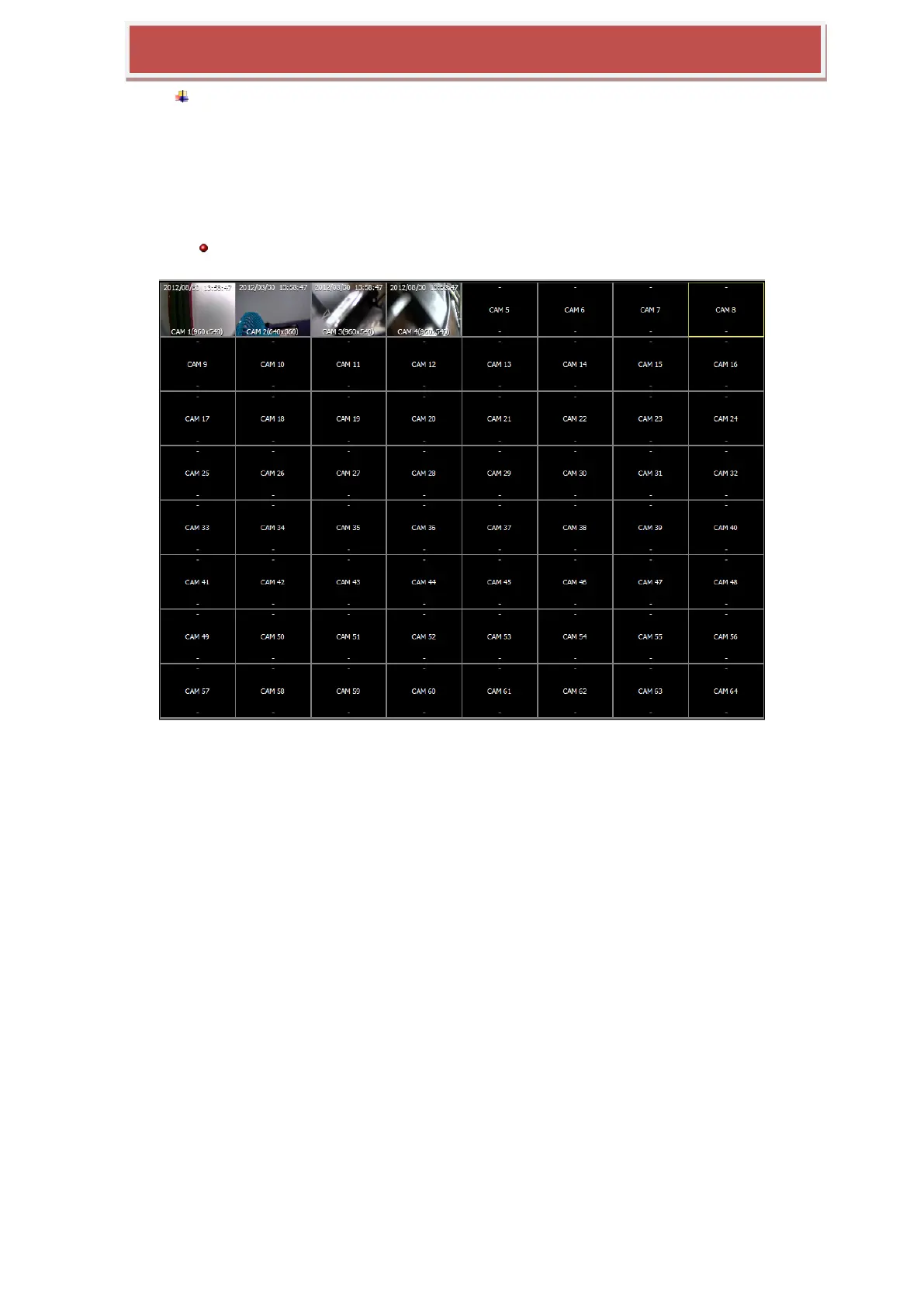
The real-time transferred live videos from the multiple HYBRID-DVRs are displayed in the „LIVE
VIDEO WINDOW‟. You can configure the number of camera to be shown by the „SPLIT MODE
SELECTION‟ button.
Double click change the split mode to the single channel full scale view and one more double click from the single
channel view recalls the previous split mode.
7.4.5.2 Swap Camera Position
You can swap the display location of the selected two cameras by drag and drop.



 To Next Page