57 © VeEX Inc. All Rights Reserved. Ethernet
Managed Server Tests
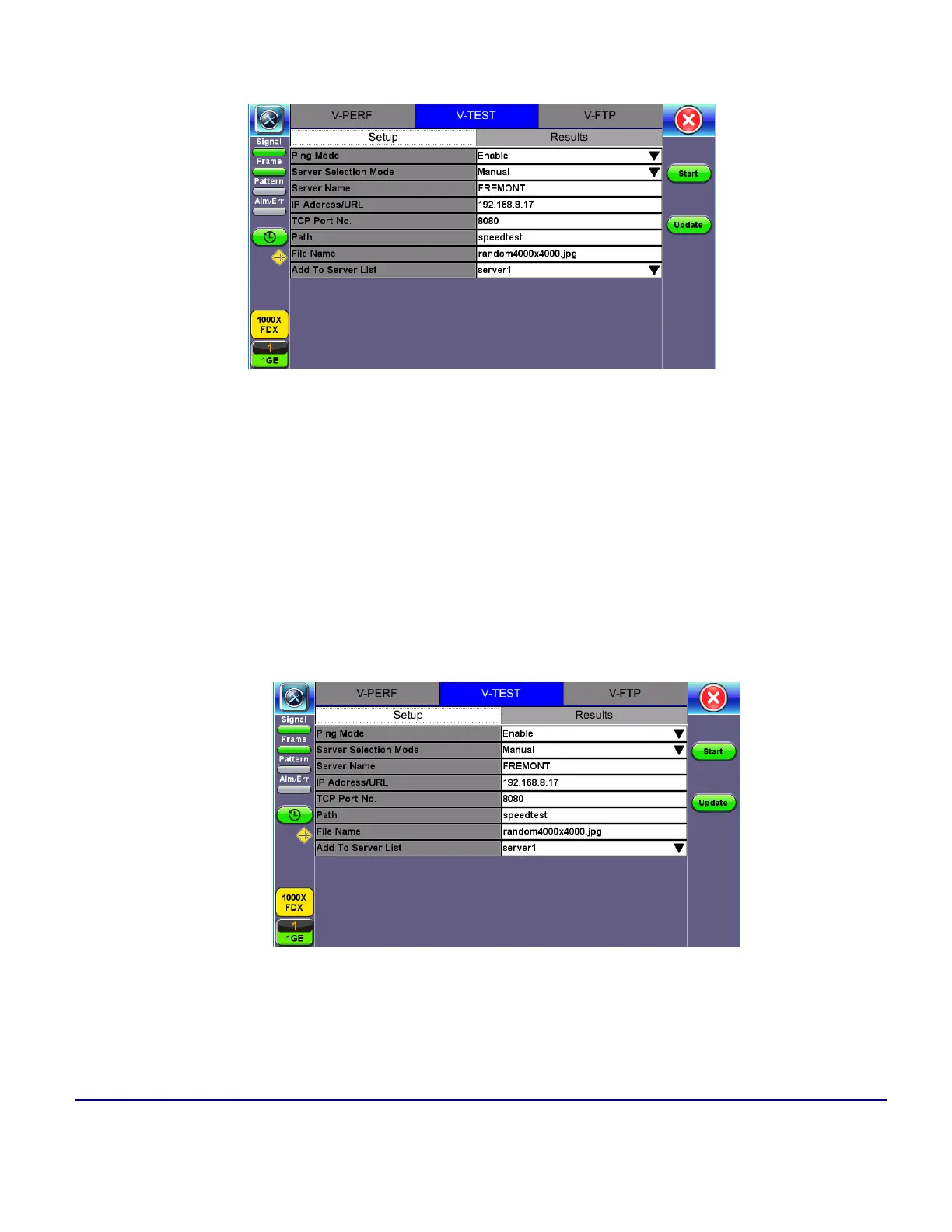
Server Named FREMONT Can Be Added to server1
Creating New Server Profiles and Server Lists
1. From the Setup tab, select Manual from Server Selection Mode.
2. Tap Update and select a file to transfer. The File Name and Path will populate into the field. After
setting up the new server profile, tap the Add To Server List drop-down menu. Save as new cre-
ates a new server list and adds the current server profile to that list. The option to add the profile to
an existing server list is also available.
Server Named FREMONT Can Be Added to server1


 To Next Page
 Loading...





