Platform Functions © VeEX Inc. All Rights Reserved. 76
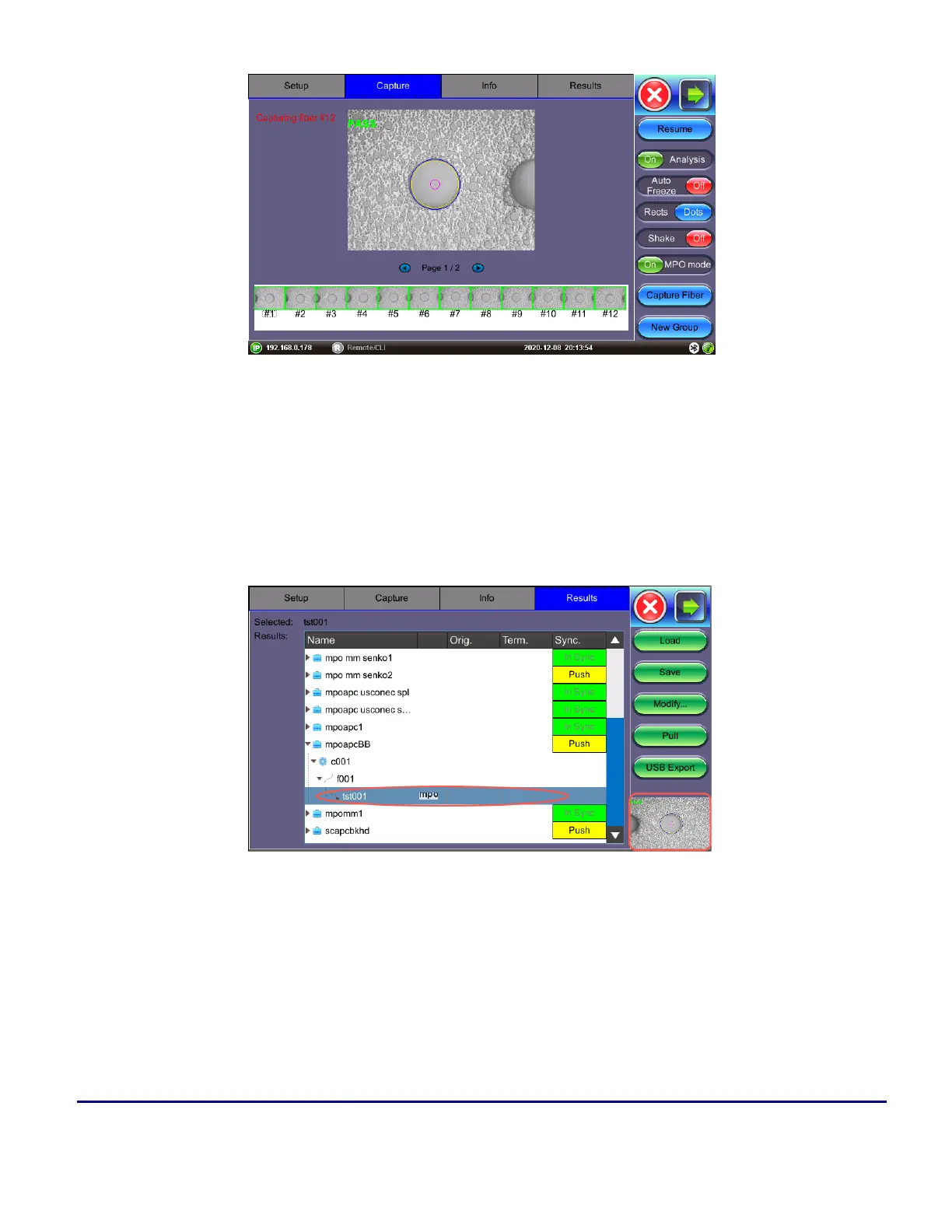
MPO Group - Completed (PASS)
To save MPO results, navigate to the Results tab once all fibers have been captured and press the Save but-
ton.
To view results on the unit, on the Results tab navigate to the mpo heading on the saved trace and press
Load. Tap each individual screenshot to view the individual MPO fibers.
MPO results
(Scope image appears on bottom right corner of the screen.)



 To Next Page