SmartCabinet2-E Series Computer Room Solution Product User Manual
Chapter 3 Operation Settings 49
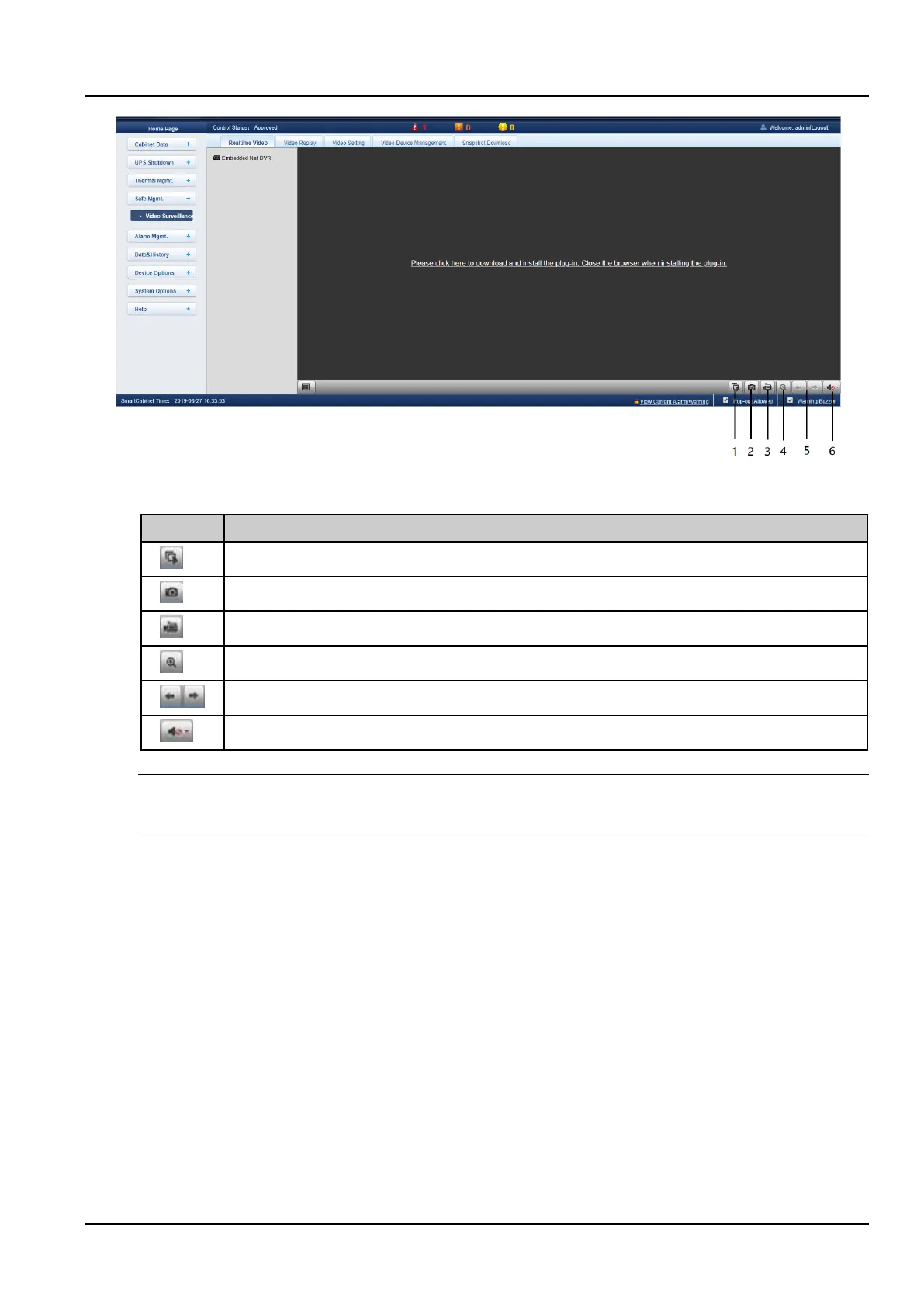
Figure 3-53 Realtime Video page
Table 3-1 Realtime Video page icon description
Start/stop real-time browsing of all devices
Zoom in on the video image of the selected area
When browsing the current page in 1*1 mode, switch to view video monitoring of different devices.
Notices
1. After the capture and video operations, the file is saved in the Save Path of the Parameter settings\Local
configuration\corresponding operation.
c) Video Replay
Click the Video Replay tab under the Video Surveillance menu, and the page shown in the Figure 3-54 will be
displayed. The following Table 3-2 gives the corresponding icon description.



 To Next Page