VIVOTEK - Built with Reliability
154 - User's Manual
To create a storage volume:
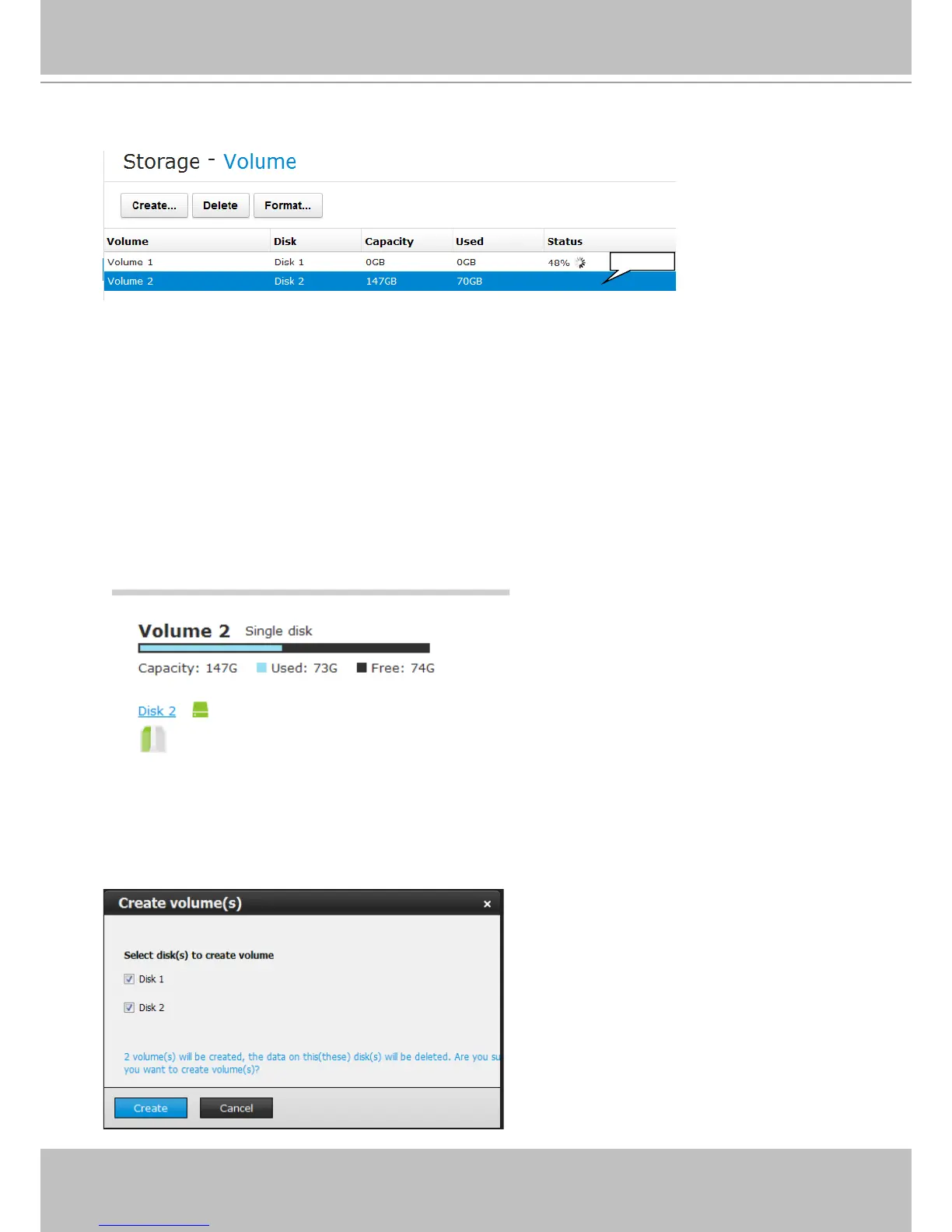
1. Click on the Create... button. Also check that if all your disk drives are listed. If properly
installed, they should all be listed in the Storage - Volume window.
Selected
(#) numbered: Volume index.
Disk: Member(s) of this volume.
Capacity: Total usable capacity size in Gigabytes.
Used: The used capacity in Gigabytes.
Status: The status display when processing volume conguration, deleting, and
formatting a volume.
Error: Conguration or hard drive errors. The volume is invalid, and may need to
be manually removed.
The legends used in the Volume list are described below:
You can click to select a volume and its current status will be displayed as shown below. The
information will include its physical position, capacity, used capacity, and free capacity.



 To Next Page