VIVOTEK - Built with Reliability
User's Manual - 155
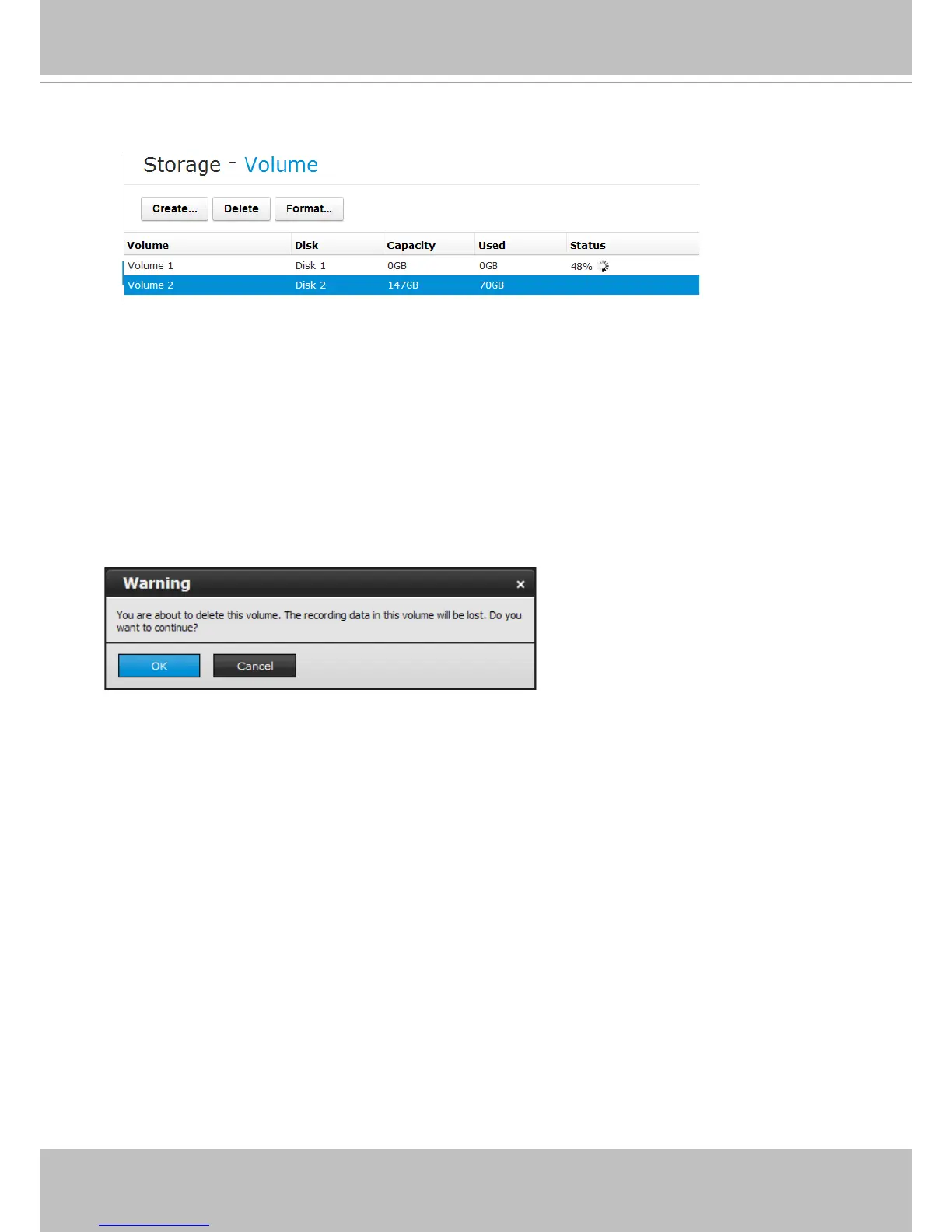
2. The creation progress will be shown at the Status column.
When completed, and if you already have cameras in your conguration, the recording task will
immediately begin.
To delete a storage volume:
1. Click to select a storage volume from the list.
2. Click on the Delete button.
3. A warning message will prompt saying all recorded data will be lost. Click OK if you want to
remove the volume.



 To Next Page